How to access file actions
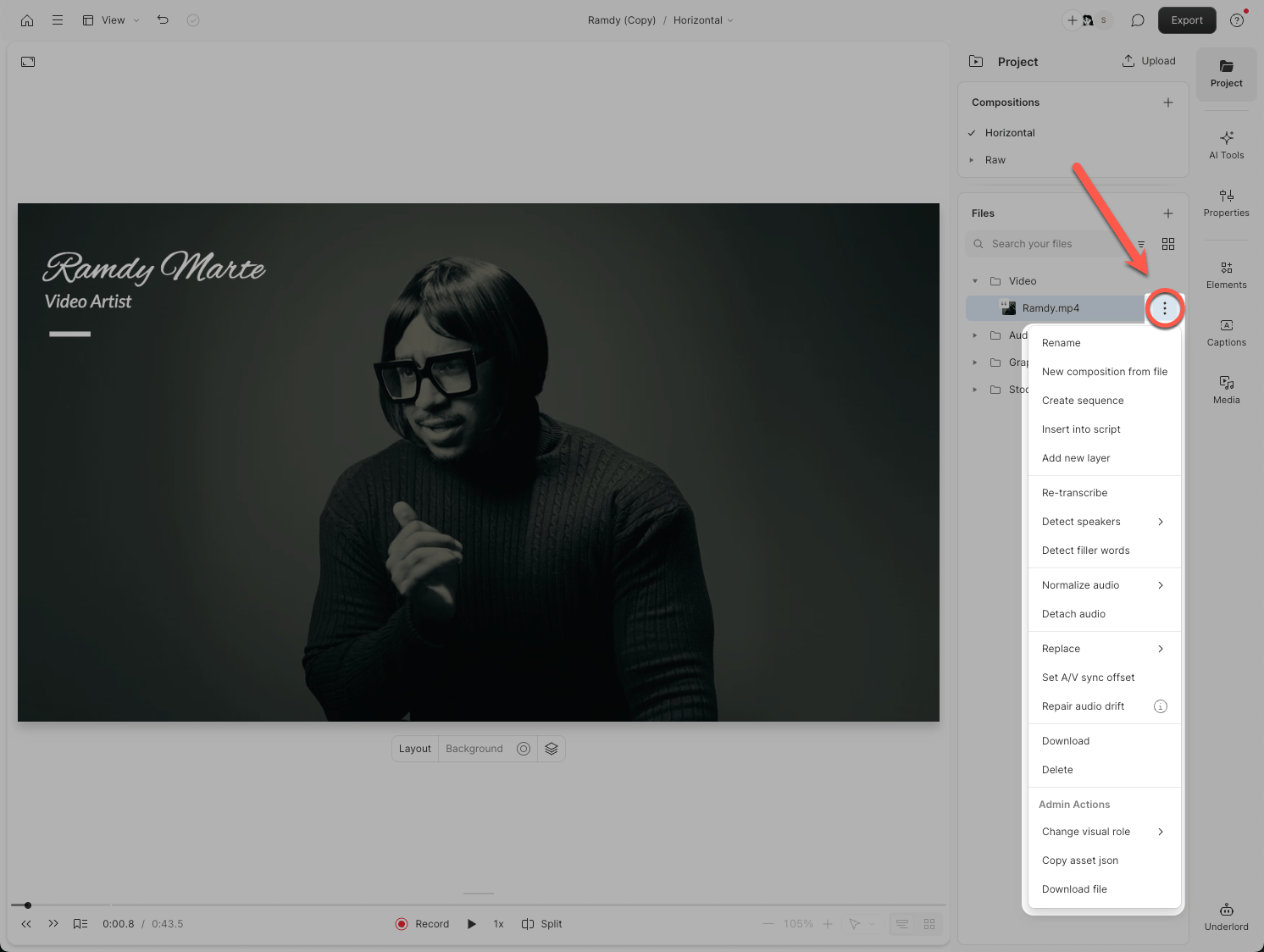
- Open the Project panel from the right-hand sidebar.
- Navigate to the Files section.
- Click the ellipsis button (
...) next to any file name.
Available actions for project files
Fix file issues
Descript automatically analyzes your files for issues like audio drift or unsupported codecs. If Descript detects a problem, a caution badge appears on the file in the Project panel. To repair a flagged file:- Click the ellipsis button (
...) next to the file. - Select Fix file issue. This option only appears when an issue is detected.
- Review the detected issues and click Repair file.
- 10 repairs per user per 10 minutes
- 30 repairs per project per hour
View file metadata
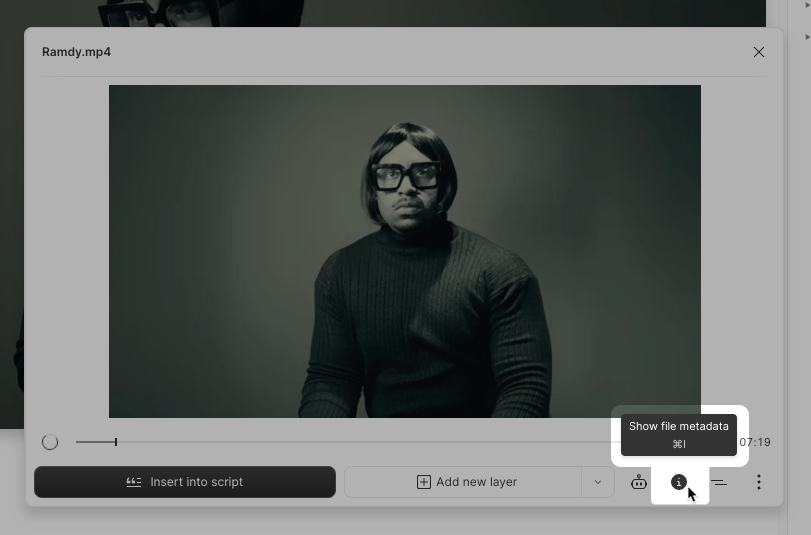
- Select a project file from the Files section.
-
Click the Show file metadata button in the bottom-right corner of the pop-out panel.
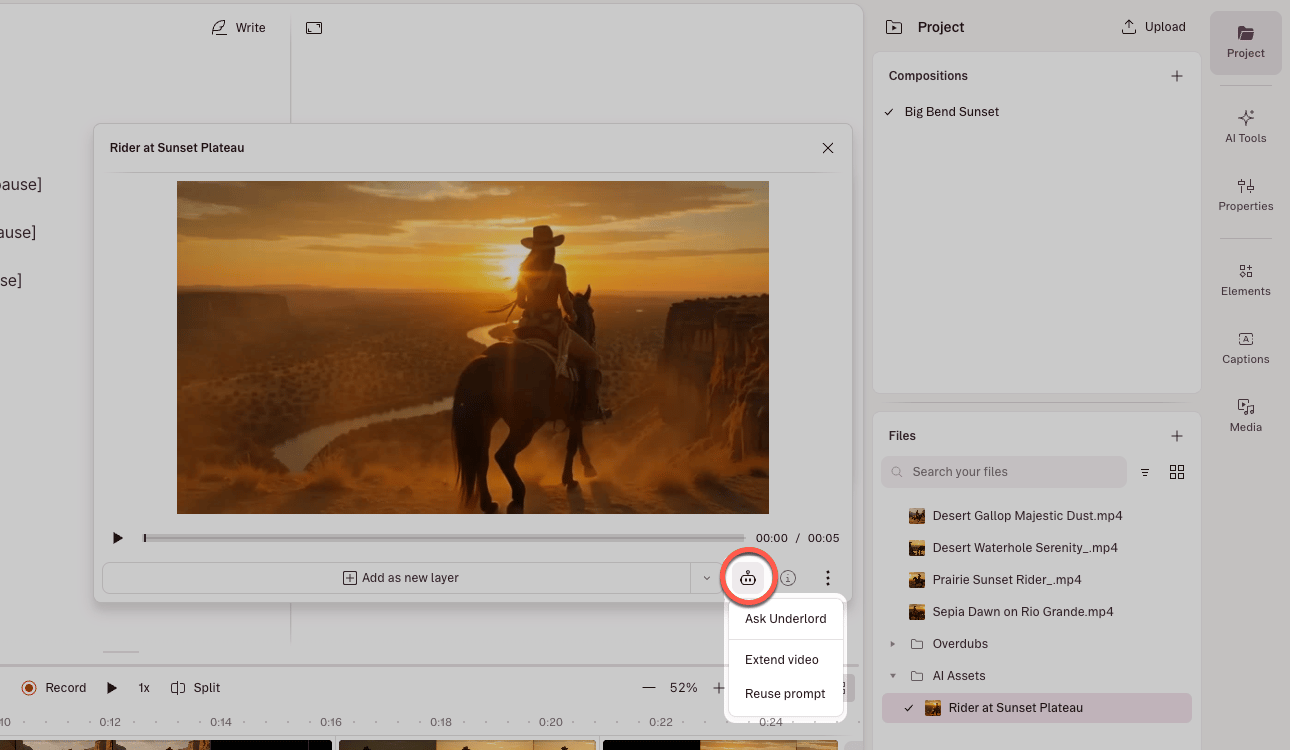
Actions for AI-generated images and videos
For AI-generated images and videos, additional menu options are available. Click the Underlord icon and choose:- Edit image — Opens the Generate an image pane with the image attached to the prompt.
- Turn into video — Opens the Generate a video pane with the image attached to the prompt.
- Reuse prompt — Copies the original prompt and parameters, pre-loading them so you can iterate or create similar assets.