

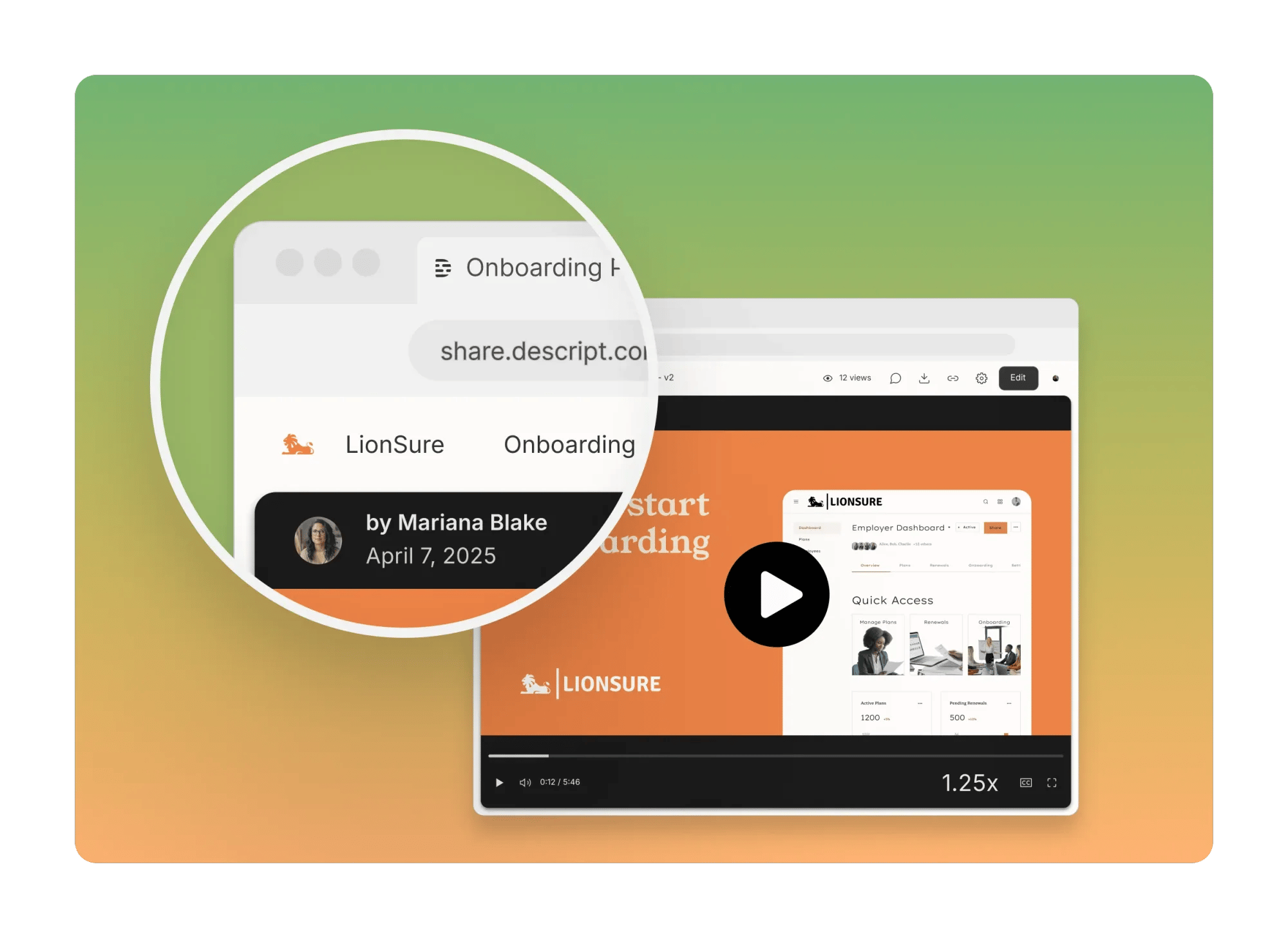
Set up custom branding
Custom branding applies to all share pages exported from your drive. Use the below steps to adjust this setting or click this link to go directly to the custom branding options in Descript for Web- From Drive view, click the Brand Studio tab.
- In the Assets tab, find the Branded video pages tile.
- Toggle the option ON, then click Edit Drive logo and name.
- Upload your Drive logo and name in the Settings window that opens.