

Thumbnails on share pages and Descript web links
When exporting a composition to a Descript web link, the thumbnail is the first thing viewers see on your share page. You can choose a frame from your project or upload a custom image. To change the share link thumbnail: From the editor:- Click Export
- In the export window, click the thumbnail image to choose a new one
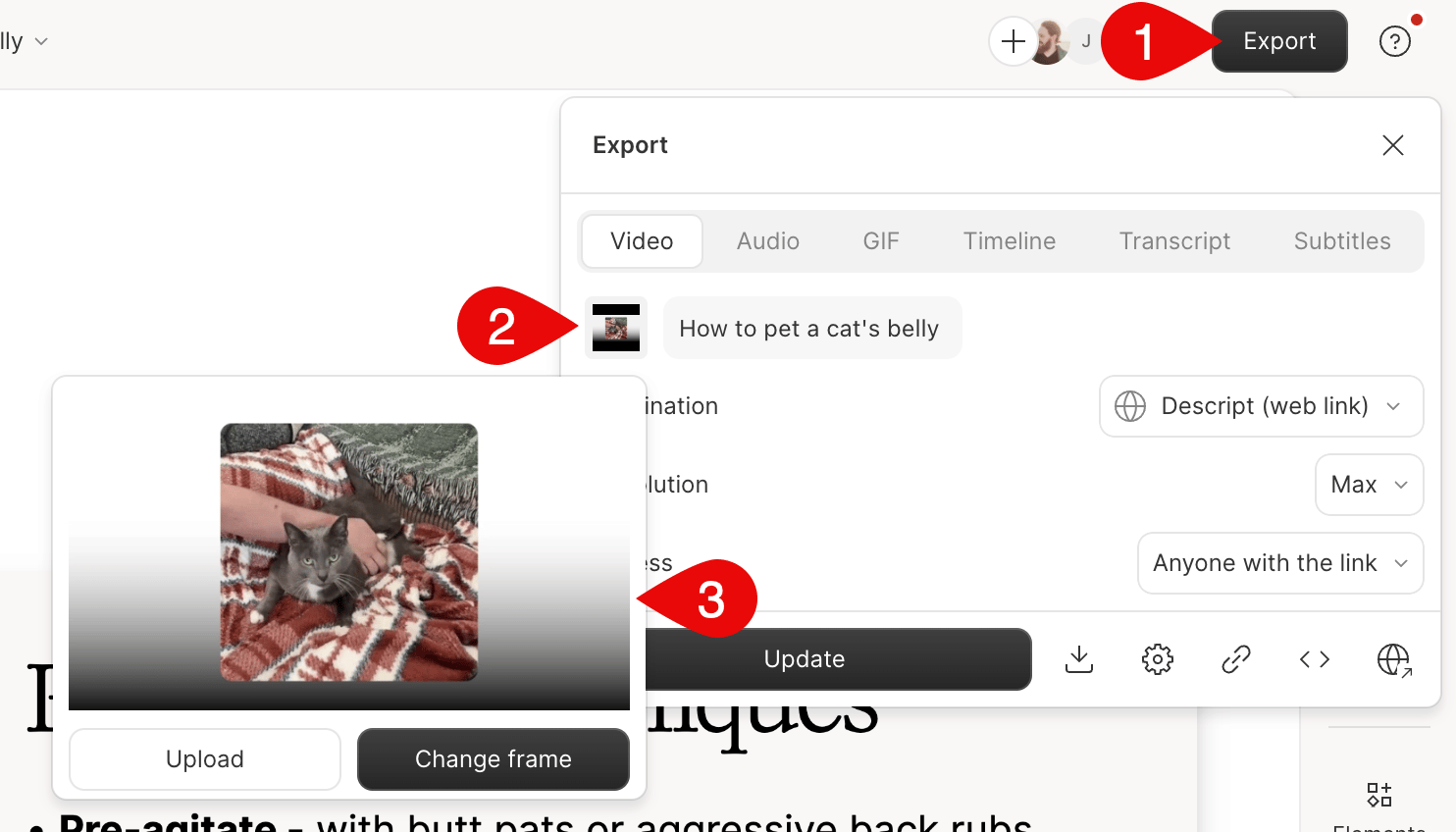
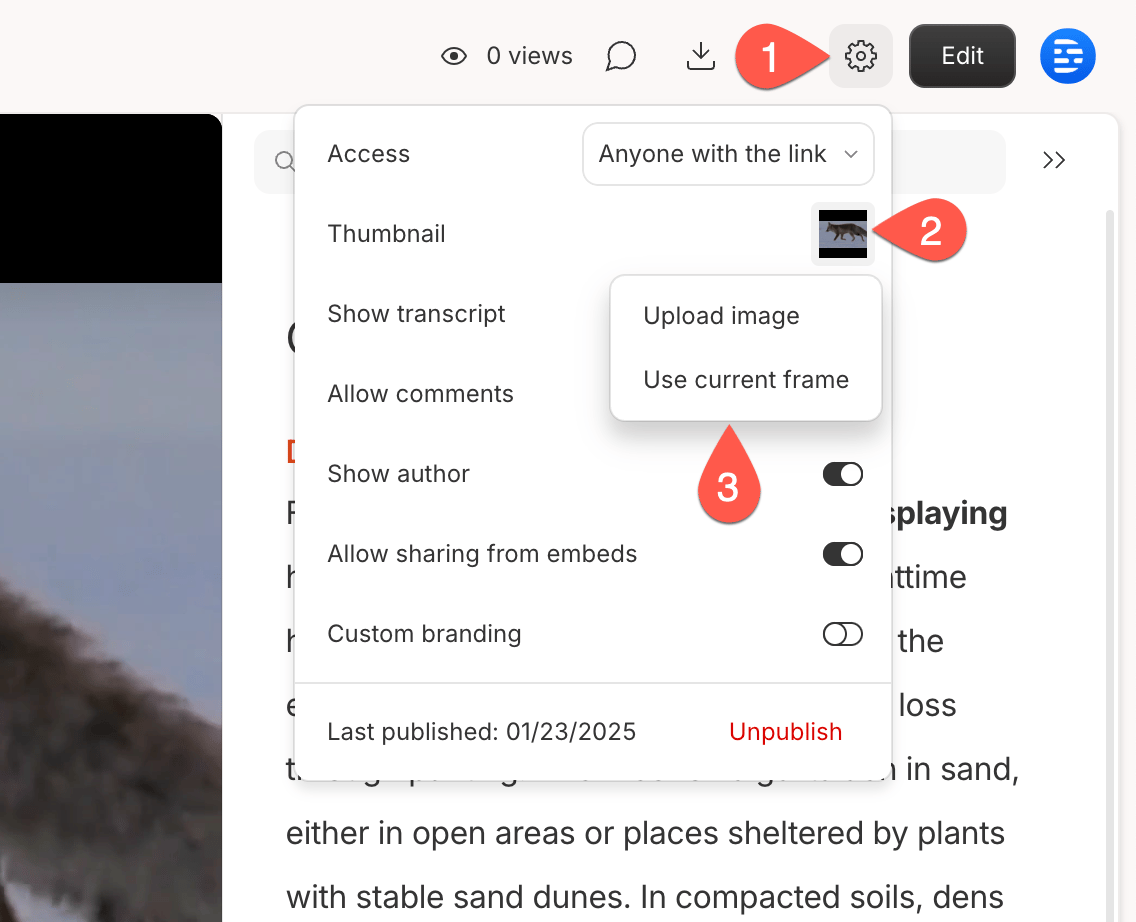
- Click the Settings icon
- Click the thumbnail image
- Choose a different frame or upload an image
Thumbnail behavior and limitations
- Share page thumbnails only affect Descript web links and embeds
- Thumbnails do not appear in exported/downloaded files
- Thumbnails are not transferred to YouTube—use YouTube Studio to change them