- Log in using the email address the invitation was sent to.
- Open the invitation email and click Accept invitation.
- If they’re already signed in, Descript will prompt them to accept the invitation.
- If they want to use a different email, they can click Logout and sign in or create a new account with the correct address.
- If they’re not signed in, clicking the invite will bring them to the sign in or sign up page.
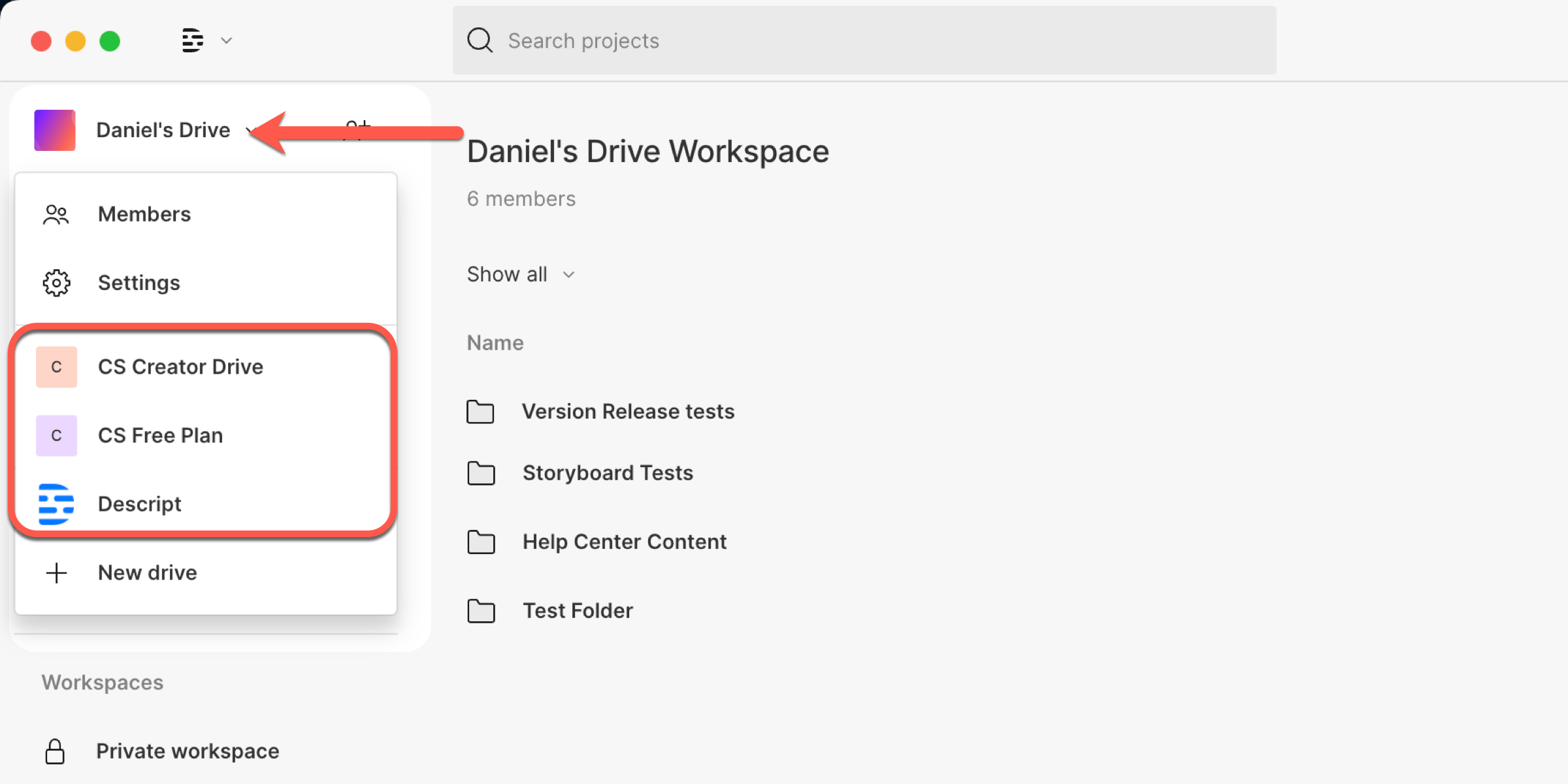
Switch between Drives
Existing Descript users can access the new Drive by selecting it from the Drive menu in the top-left corner of the Drive view