

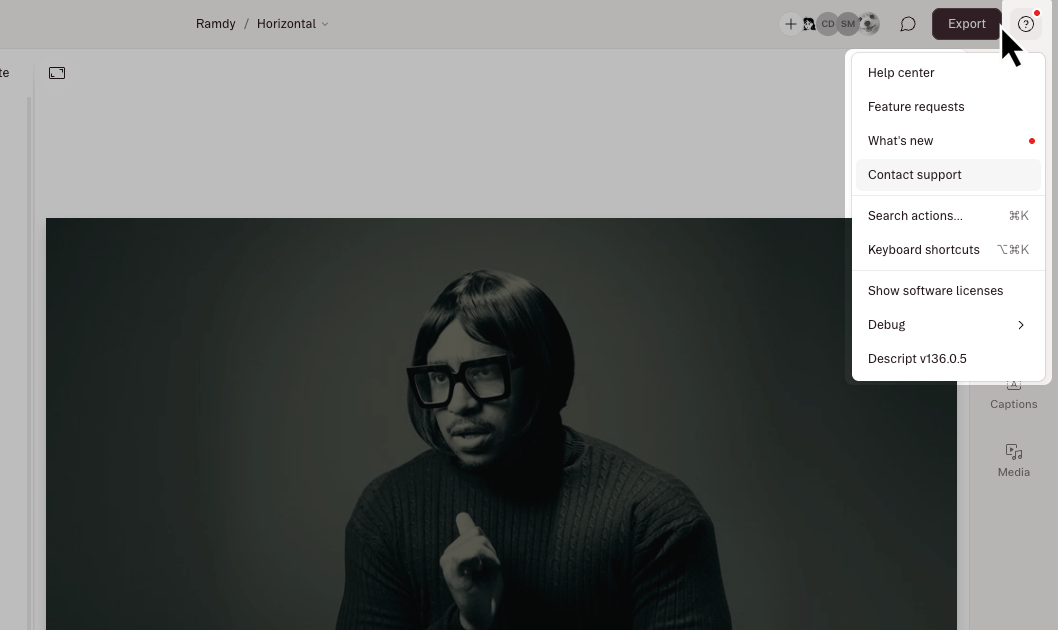
Chat with support
Our support team humans are available Monday—Friday from 5 a.m. to 5 p.m. Pacific Time.Available to paid plans.
Submit a ticket
Email-based support is available to everyone, even if you don’t have a Descript account.
LIVE Q&A Sessions
Tuesdays @ 11 am PT
Wednesdays @ 1 pm PTBring your questions, see live demos, and learn alongside other users.
Wednesdays @ 1 pm PTBring your questions, see live demos, and learn alongside other users.
Connect with our sales team
Let us a know a bit about your organization and your team needs, and our people will get with your people.
What to include when contacting support
To help us troubleshoot quickly, please include:- A link to your Descript project (if applicable). Here’s how to find your project link.
- A short screen recording showing the issue.
- Use Descript’s Screen Recorder
- Or your device’s built-in tool: Mac → | Windows →
- Any error messages or unexpected behavior you’re seeing
Looking for the Descript communities?This page covers how to get help from our team. To connect with other Descript creators on Discord, Facebook, and at live events, visit our community page.