Scene editor toolbar
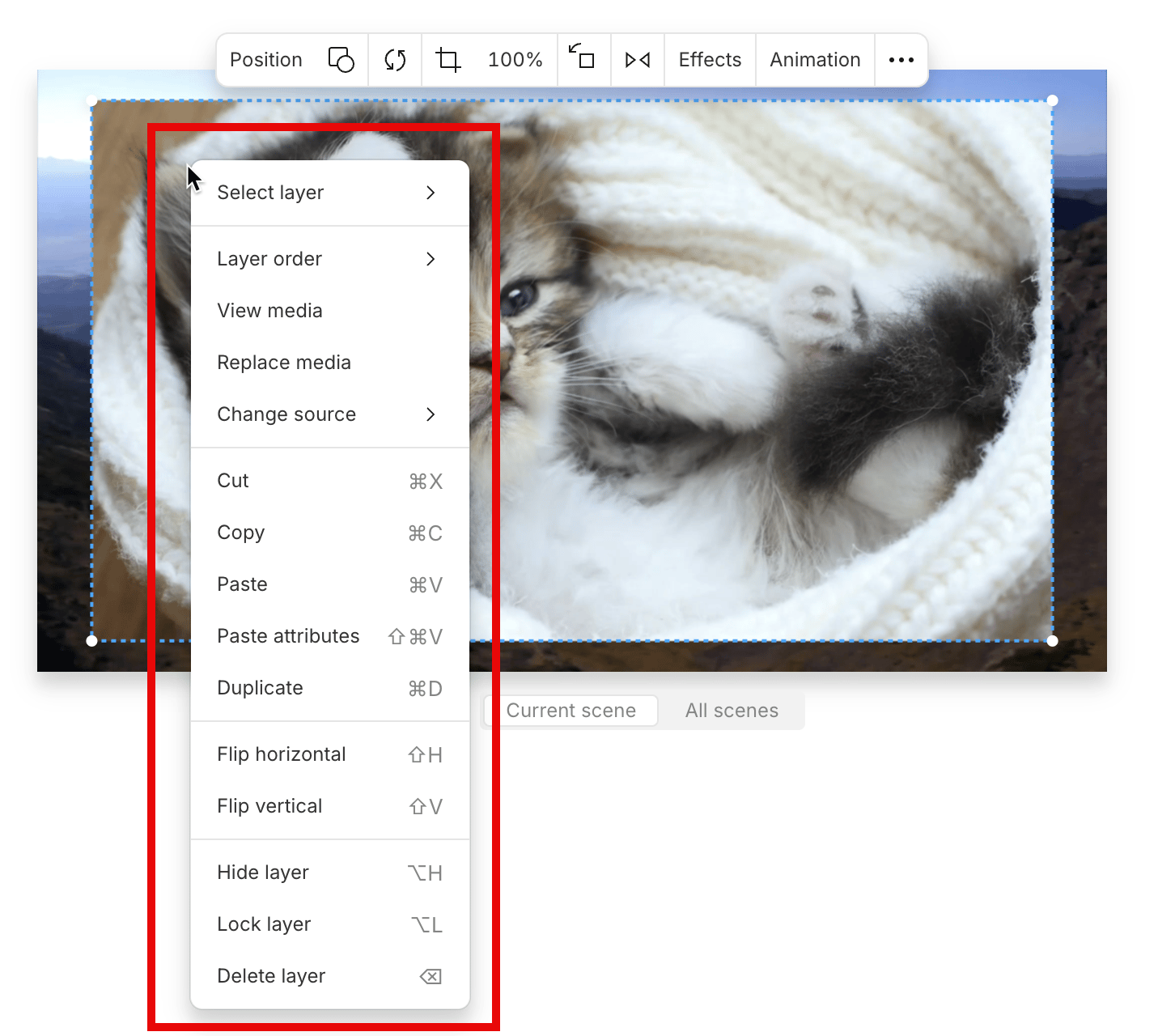
When you select a visual layer, a floating toolbar appears above it. You can use this toolbar to replace media, reposition visuals, crop, scale, rotate, flip, or apply effects and animations.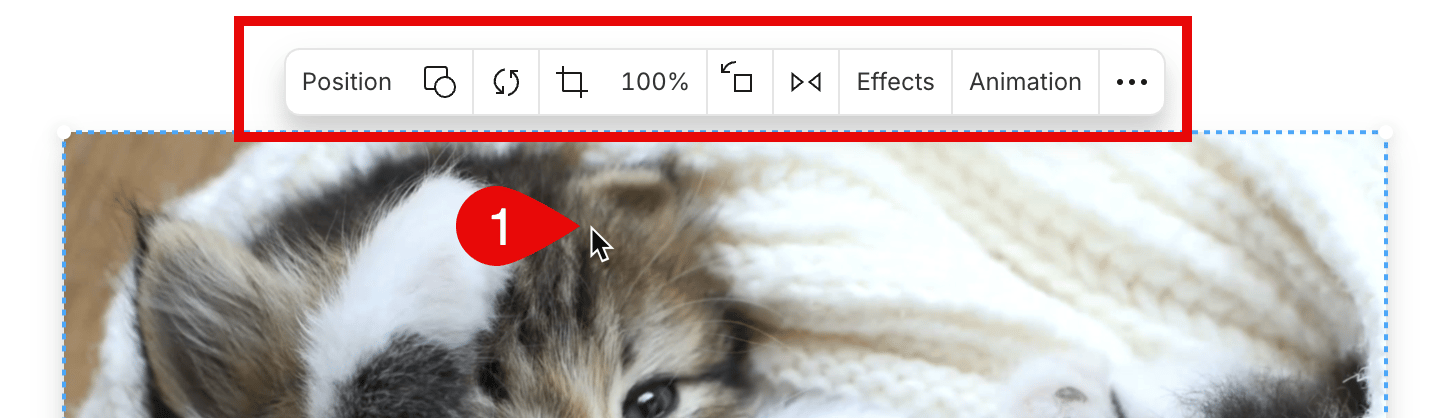
Scene toolbar
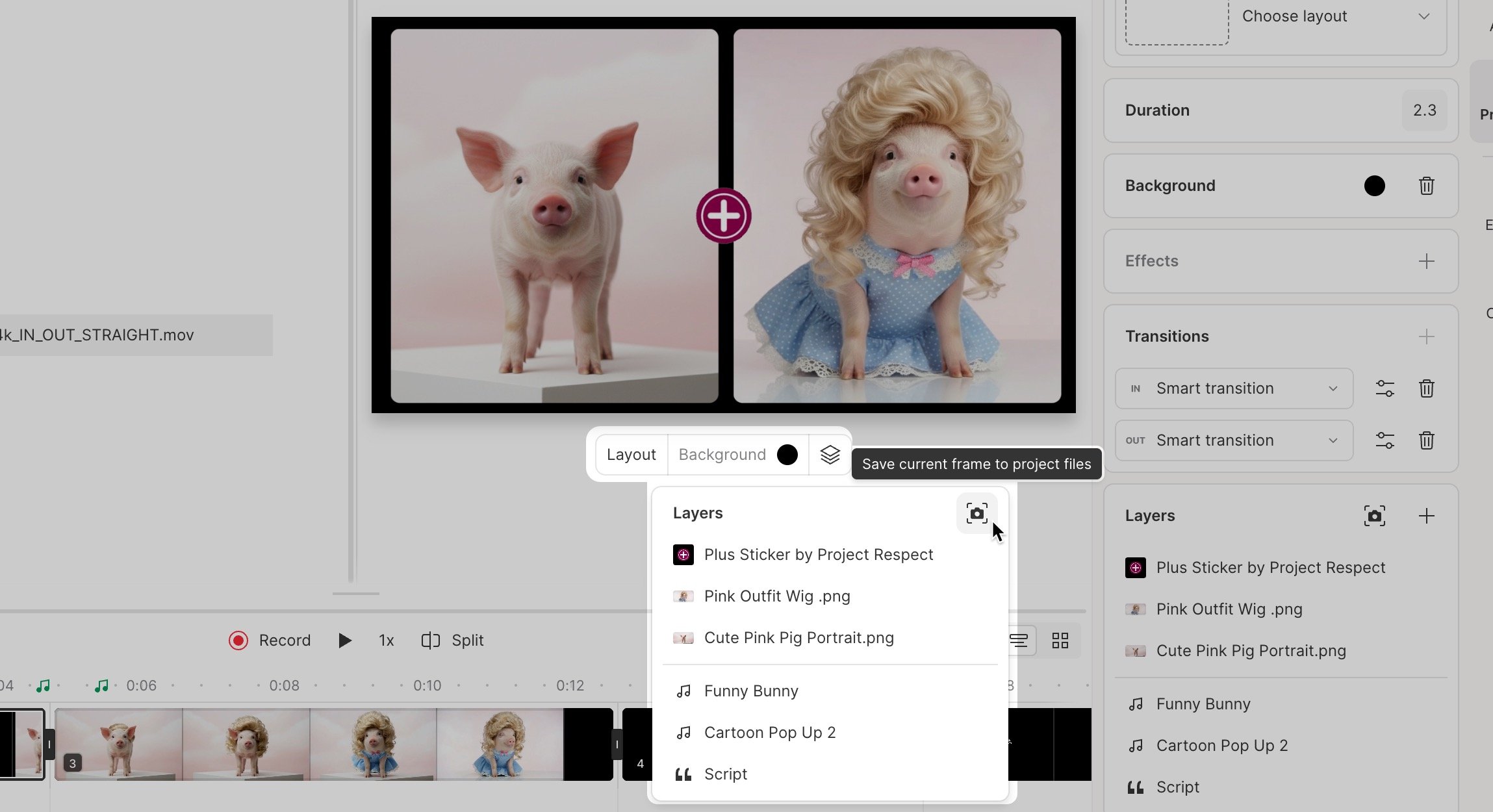
The scene toolbar appears when nothing is selected. It provides quick access to scene-wide tools and settings. The Layout button includes a pop-out menu for added convenience.