Toolbars
Layer toolbar
The layer toolbar is available when a layer is actively selected in the scene. Use it to adjust size, position, rotation, cropping, and corner rounding, or to replace the media.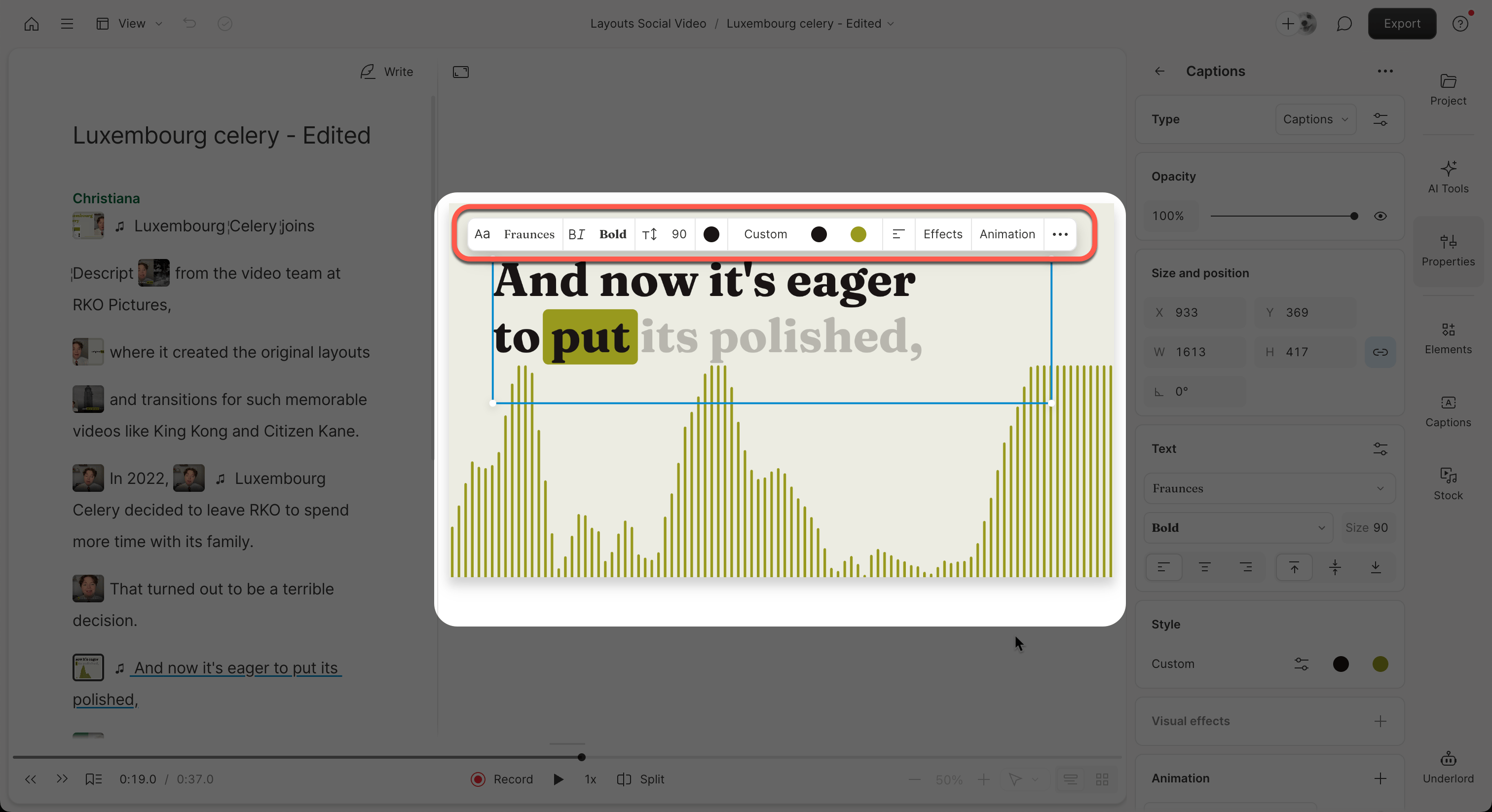
Scene toolbar
The scene toolbar appears when no layer is selected. Use it to control scene-level settings and access additional tools.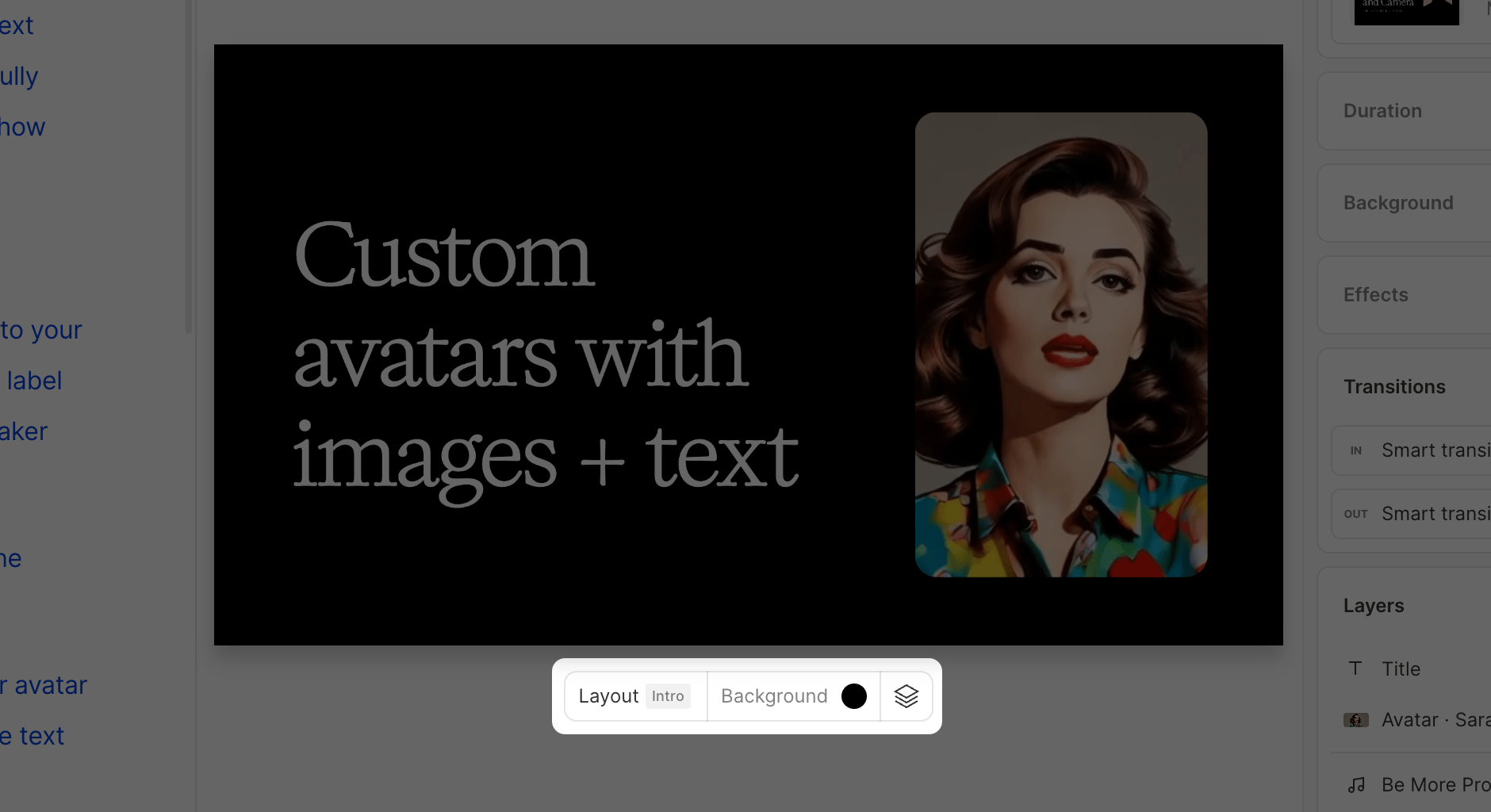
Selecting visuals
Single select
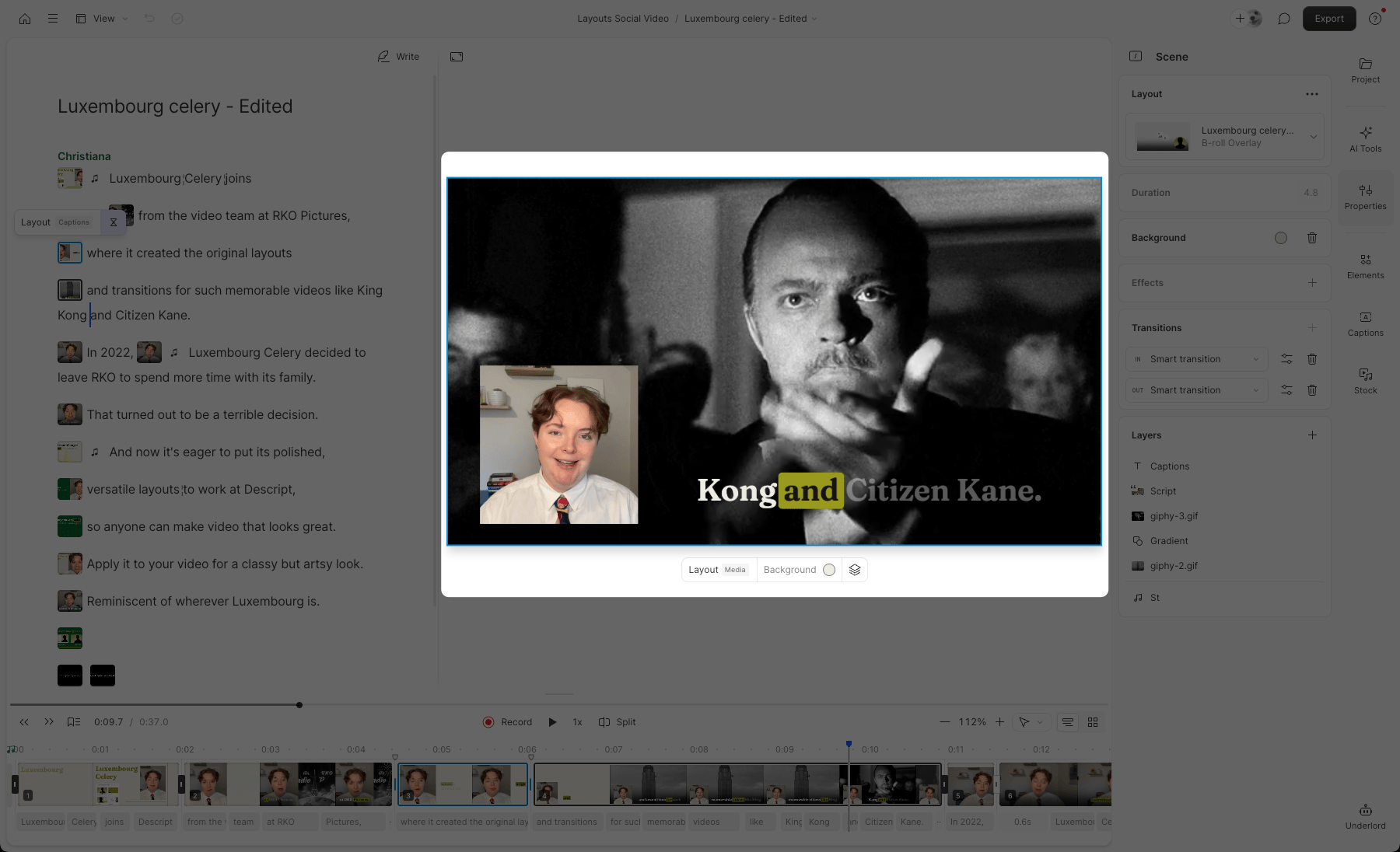
Click any element to select it. Script track visuals highlight with a purple border; all other visuals use a blue border.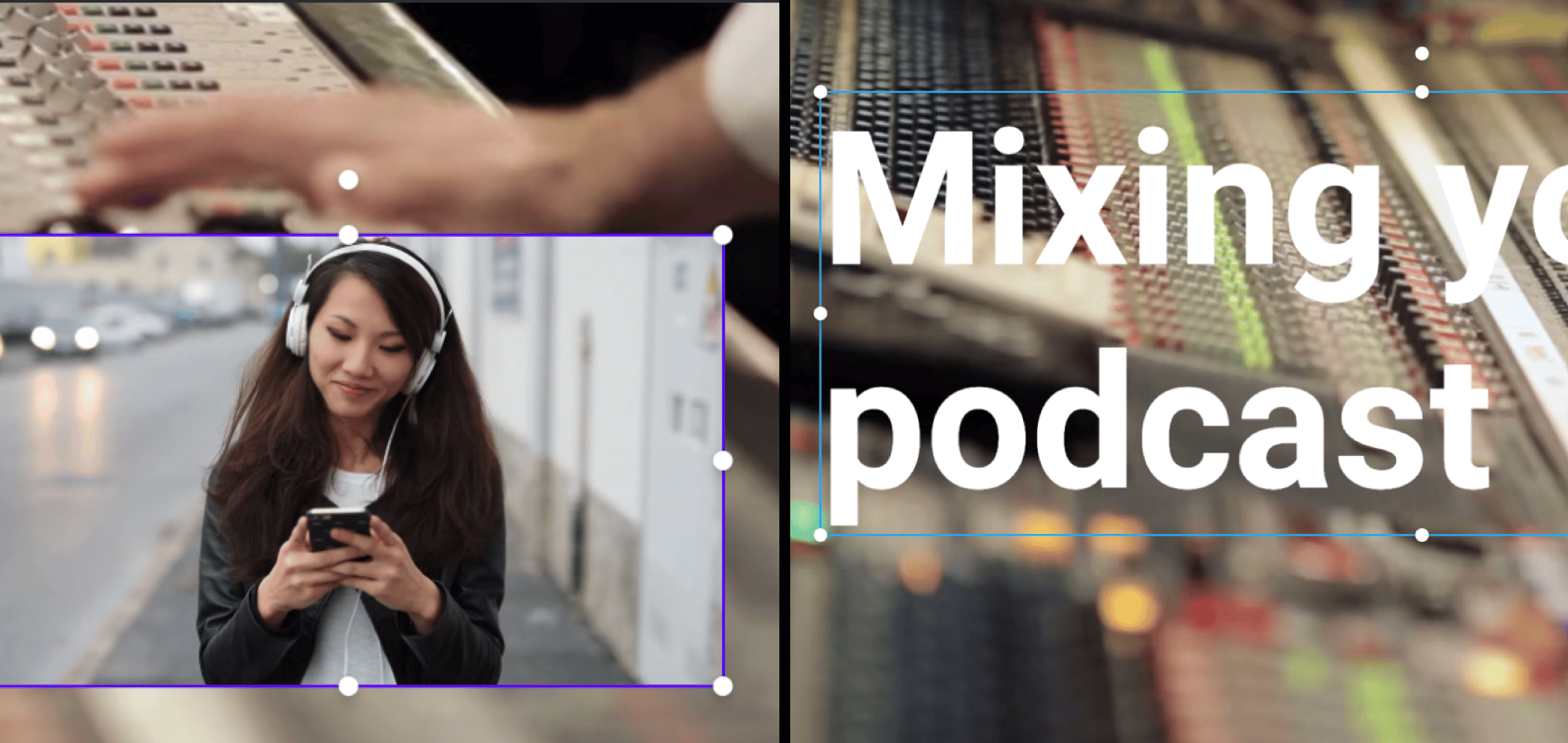
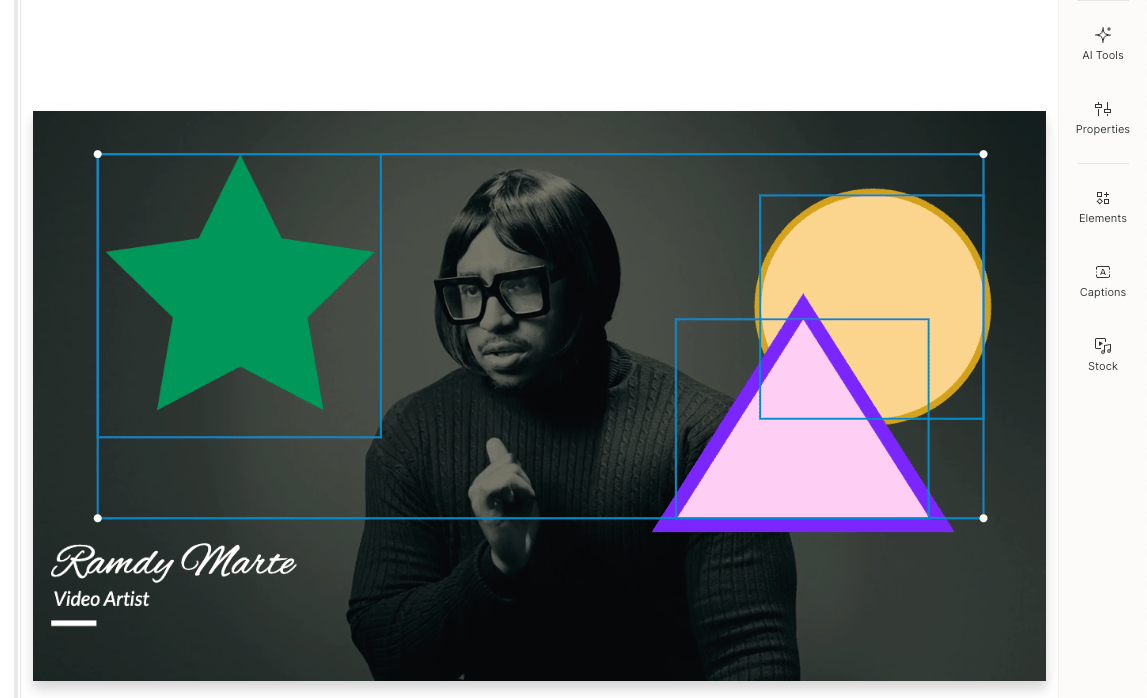
Multi-select
Hold Shift and click multiple elements, or drag a box around them to select several at once. With multiple items selected, you can move, resize, delete, or apply alignment and other shared changes together. Learn more about Multi-select.