

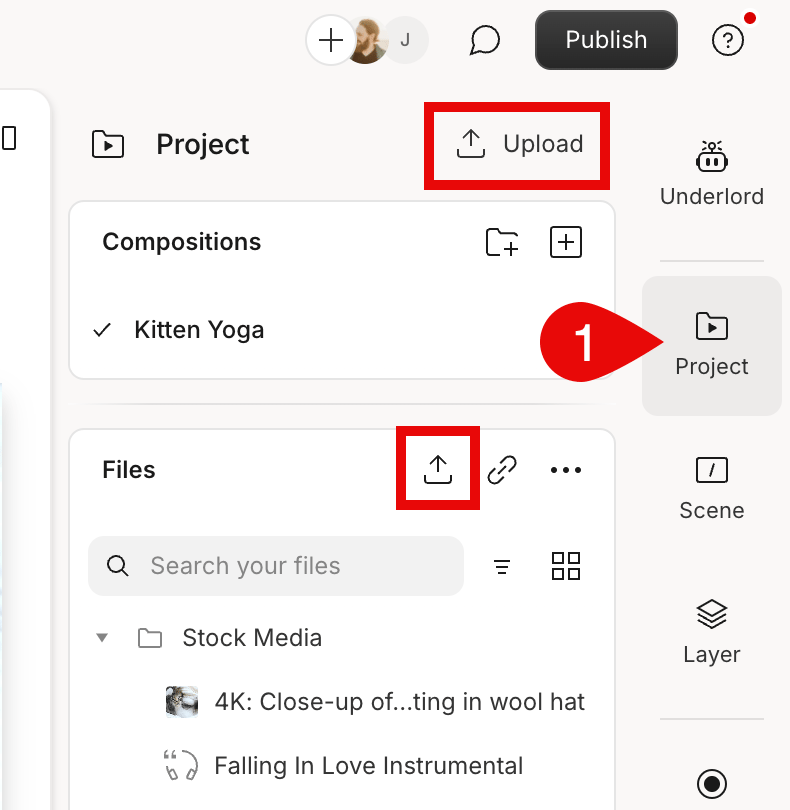
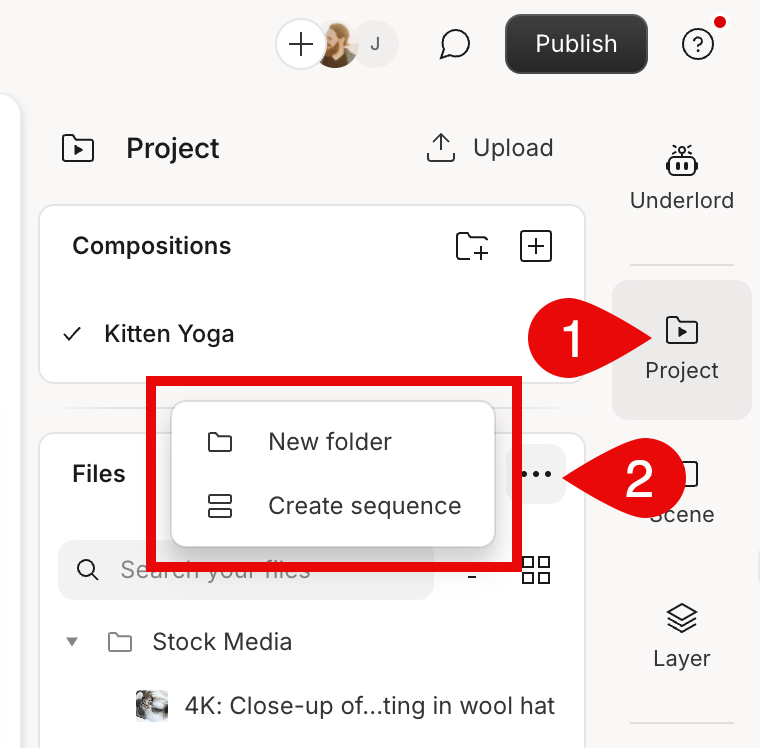
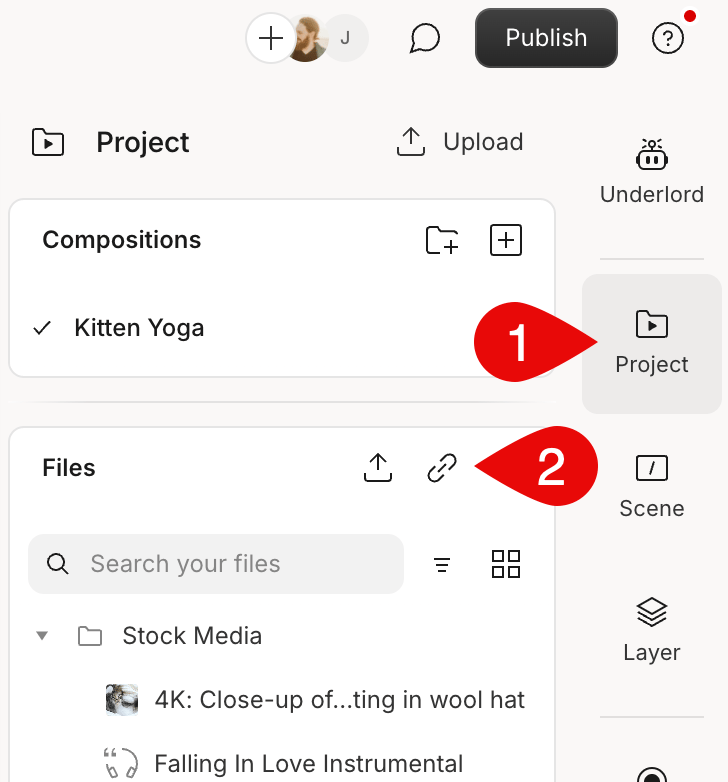
... ellipsis button in the Files section.
How Descript creates optimized assets from your project files
When you add a file to a project or record directly in Descript, the app saves two file versions:- A copy of the imported file; or, if you’re recording in Descript, a new file. This version will be used when you export your composition.
- An optimized version that is smaller, making them easier to share, improving playback and editing performance, and taking up less space on your hard drive.
*if your source audio bitrate is lower than that, the imported file will keep its original bitrate
For users with higher-performing computers, creating optimized video files for playback may be unnecessary and potentially cause performance overhead. You can disable Optimize video files for playback from the App settings or Project settings.
How Descript handles files with different sample rates
If your project contains audio files with different sample rates (e.g. 44.1k, 48k), Descript treats them as follows:- For timeline exports, Descript converts all the files to the highest sample rate in the project.
- All files will be at a 44.1k sample rate during playback in the app.