

Common layer properties
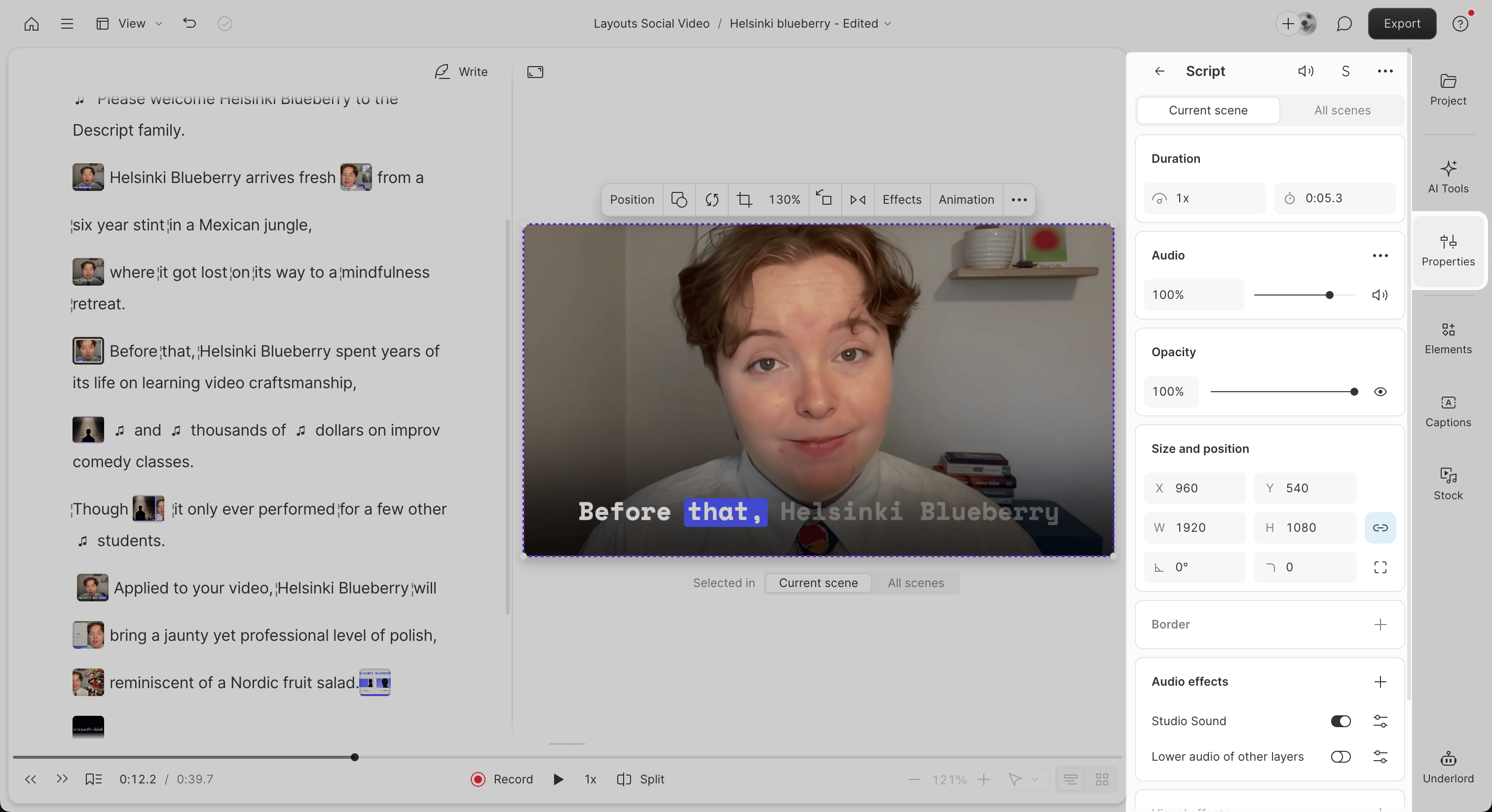
- Duration – Adjust how long the selected layer appears in the scene.
- Audio (for audio or video layers) – Adjust volume, panning, or use mute/solo controls.
- Opacity – Make the layer more or less transparent.
- Size & Position – Move, resize, and crop layers directly from the scene editor. Use the link icon to maintain aspect ratio when resizing.
- Border – Add an outline around the layer.
- Animation – Add entrance, exit, or motion animations.
- Effects – Apply visual or audio effects like blur or EQ. View all available effects.
Apply changes to one scene or all scenes
If a layer appears in multiple scenes, use the Current scene / All scenes toggle in the Properties panel. This lets you choose whether your edits apply only to the current scene or across every scene using that layer.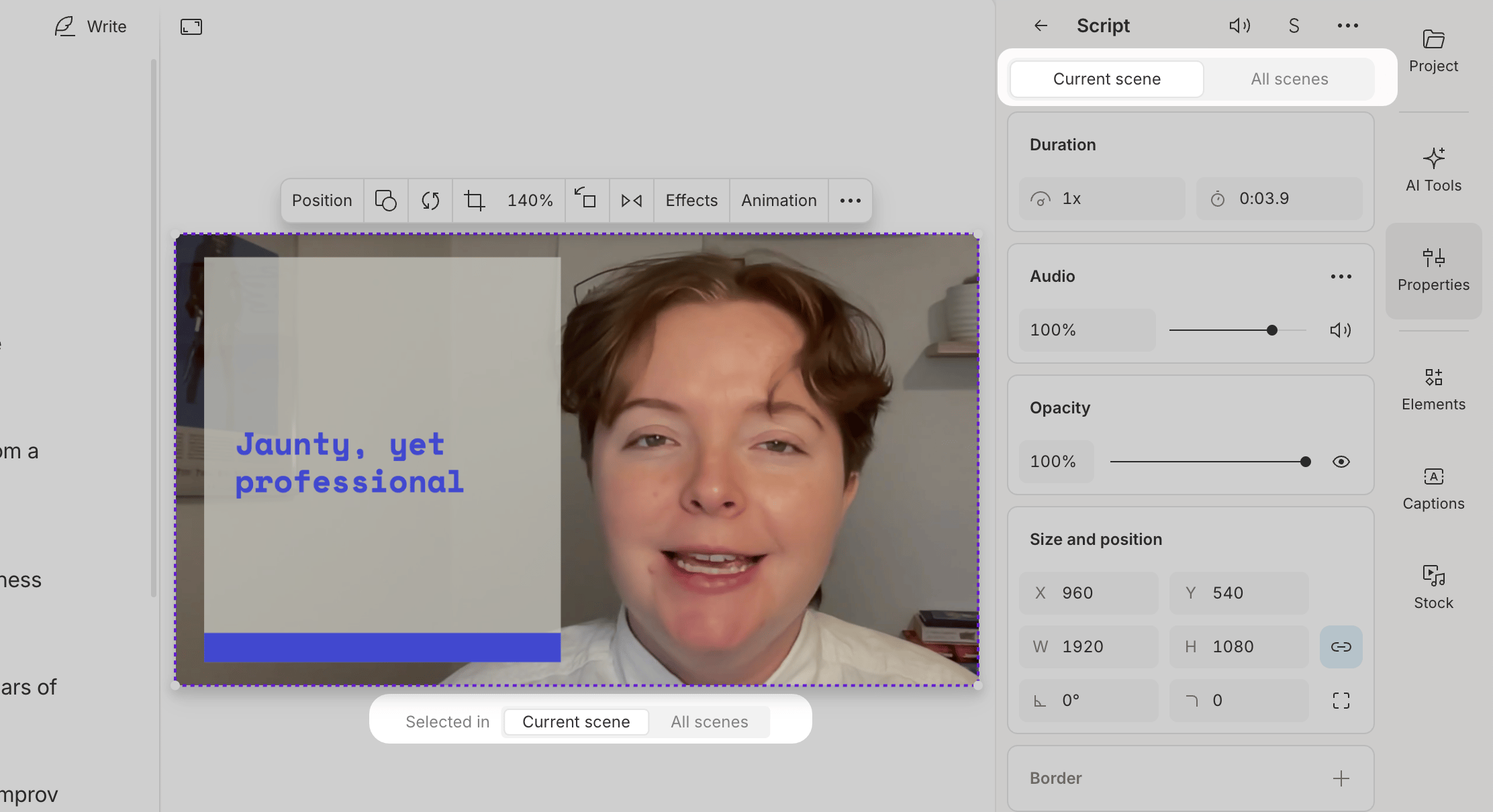
- Select the layer you want to adjust.
- Set the toggle to Current scene or All scenes.
- Make your edit in the Properties panel.