

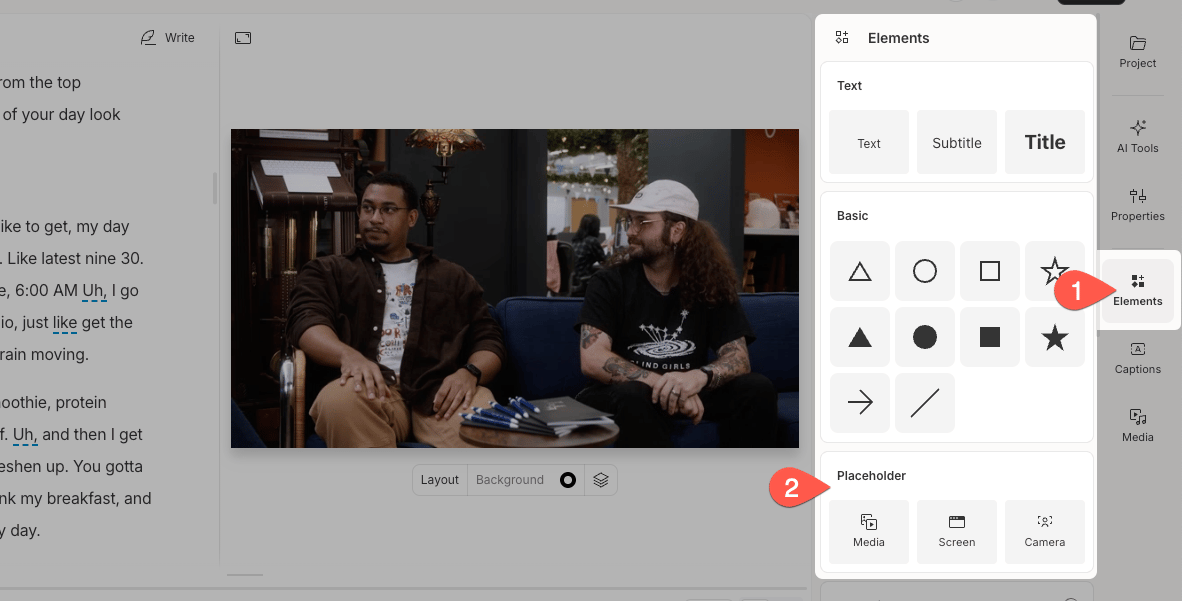
Add a placeholder layer
- Open the Elements Panel in the sidebar.
- Locate the Placeholder section, then choose a placeholder icon that best matches the media you’ll add later.
- Media – For B-roll, supporting visuals, or images
- Camera – For webcam-style clips
- Screen – For screen recordings or app walkthroughs
Customize a placeholder layer
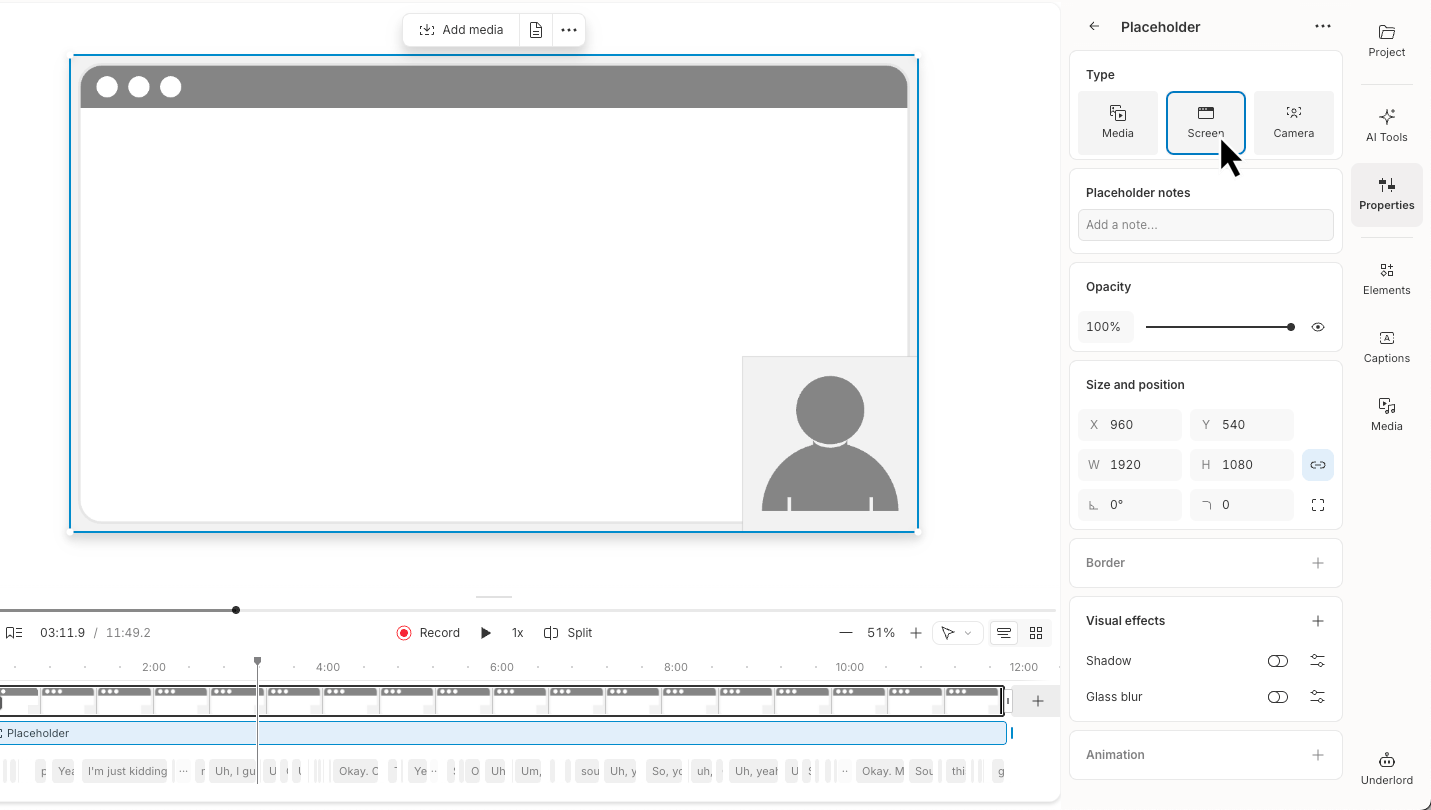
Replace placeholder layers with media
When you’re ready to replace a placeholder with actual media, follow these steps:- Click on the placeholder to activate it.
- Use the Add Media button from the hover menu above the placeholder.
- Select one of the following options:
- Add File: Upload media from your computer.
- Record: Capture video or audio directly.
- Add Stock Media: Choose from Descript’s stock media library.
- Generate Media: Use Descript’s AI tools to create a visual asset.
- Or, drag and drop media directly onto the placeholder.