

- Add video or audio to an existing script.
- Delete or ignore sections of script.
- Make cuts in your script track with the Blade tool.
- Insert a gap clip or a freeze frame in your script track.
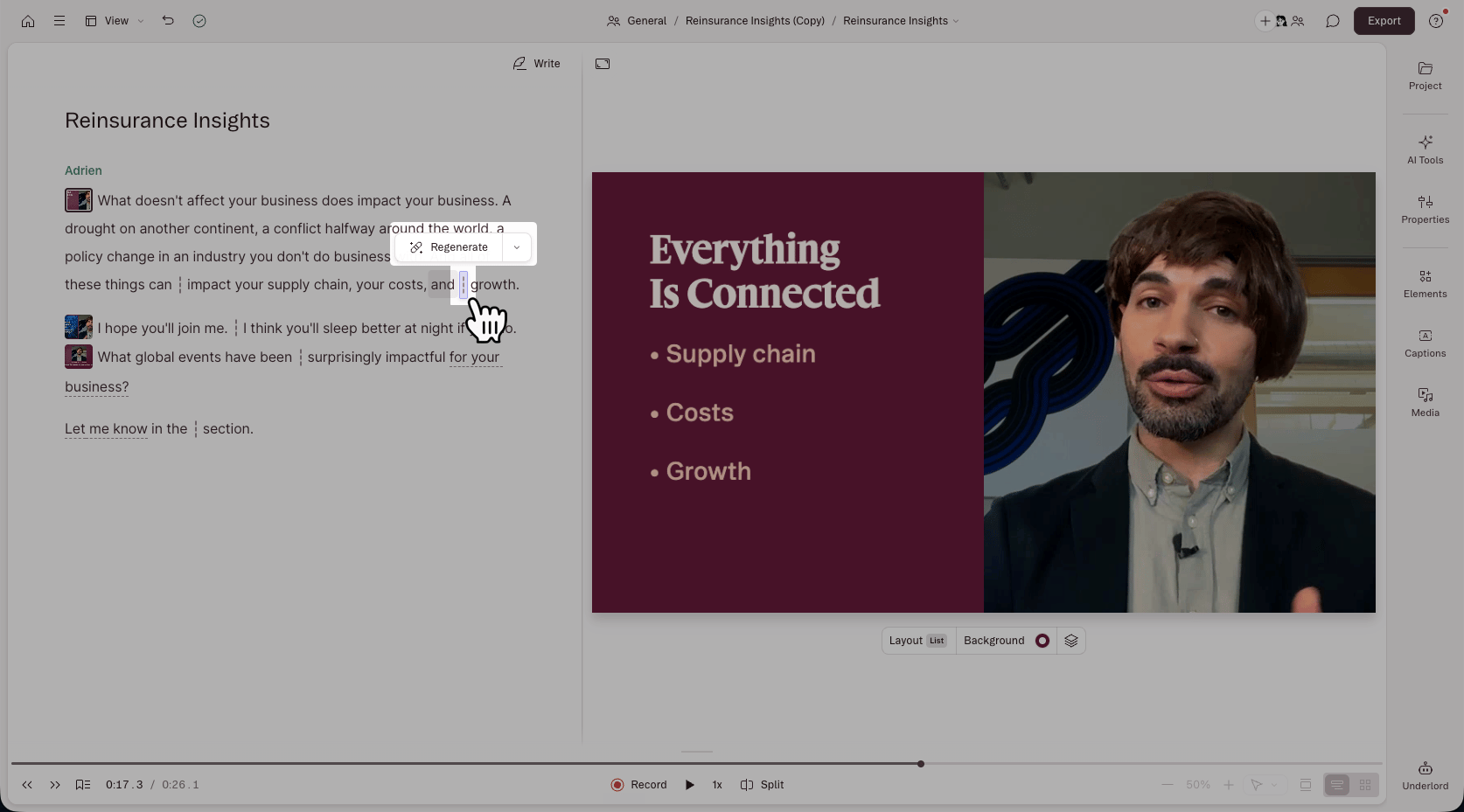
View edit boundaries in your script
To toggle edit boundaries on or off, go to View > Script > Show edit boundaries.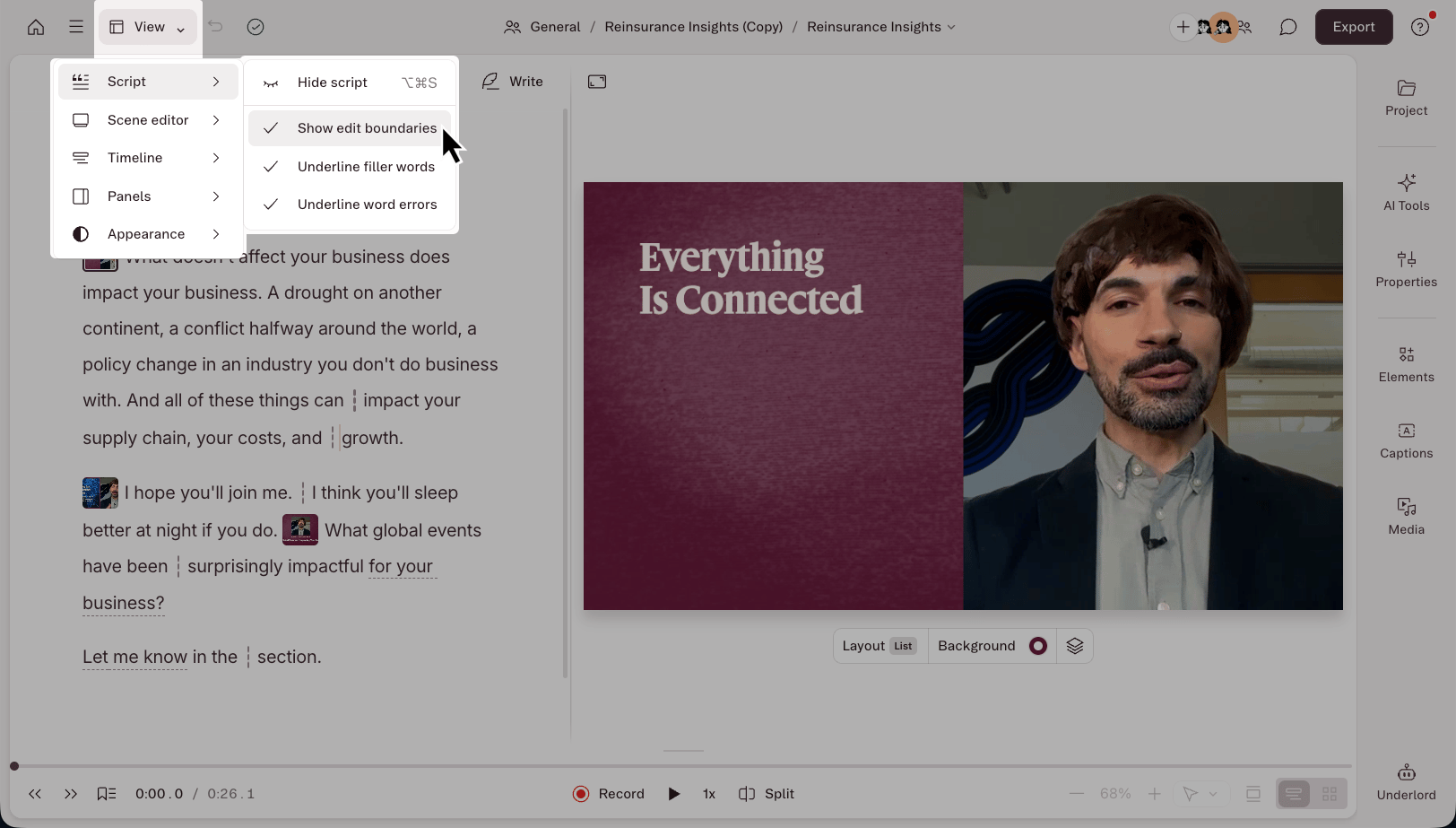
Smooth edits and restore media
When edit boundaries are showing, you can quickly access two additional features:- Smooth edits — click an edit boundary, then click Smooth to finesse jumpy, mismatched, or awkward edits. Smooth runs Regenerate to heal the cut. Regenerate defaults to healing both audio and video in video projects. If video regeneration isn’t available for a cut, Descript falls back to Audio only automatically. Learn more about Regenerate.
- Restore removed media — if you need to restore anything you edited out, put your cursor on an edit boundary, right-click, and select Restore removed media from the dropdown. Learn more about restoring removed media.