Access and navigate search
- Press
Command + F(macOS) orControl + F(Windows) to open the search panel. You can also use the AI Tools panel in the sidebar to access search. - Enter a search term.
- Click a search result in the sidebar to jump to it in the script.
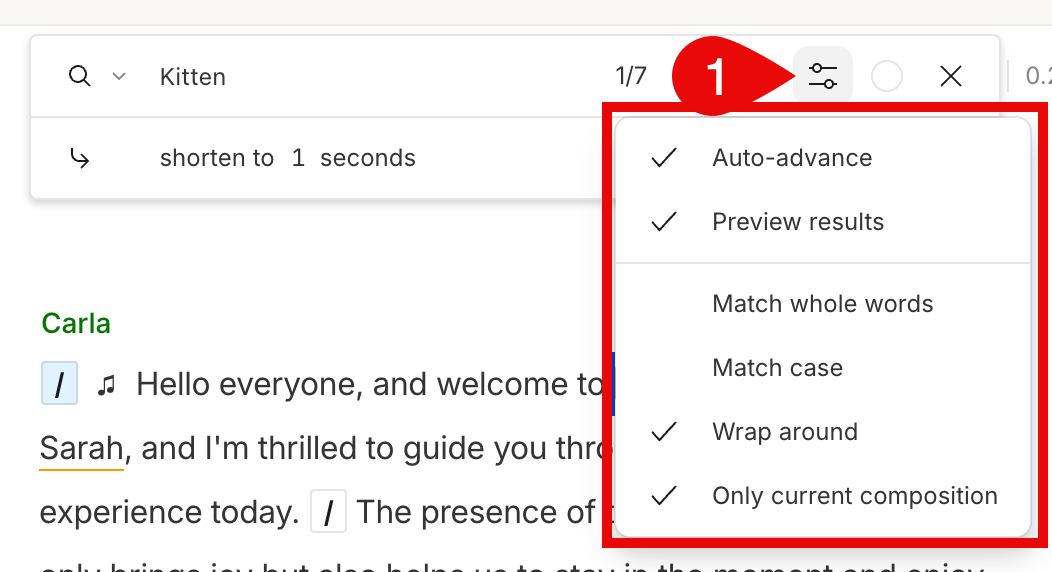
Search in script options
Use the search in script options to control how results are filtered and navigated. Click the settings icon
Find and… menu
Use the Find and… dropdown to search for and act on specific types of script content.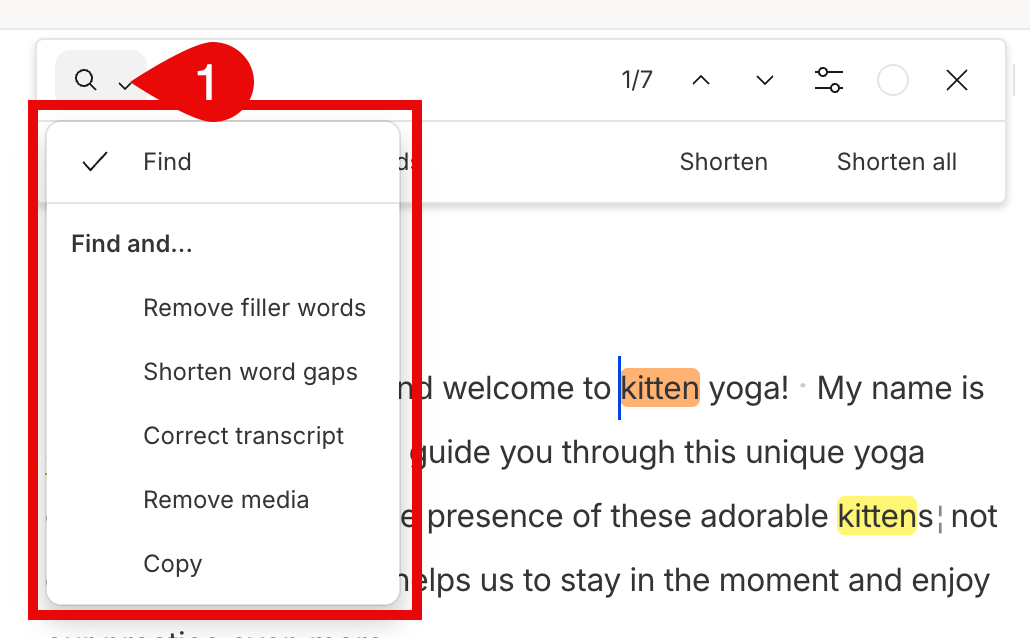
Available actions
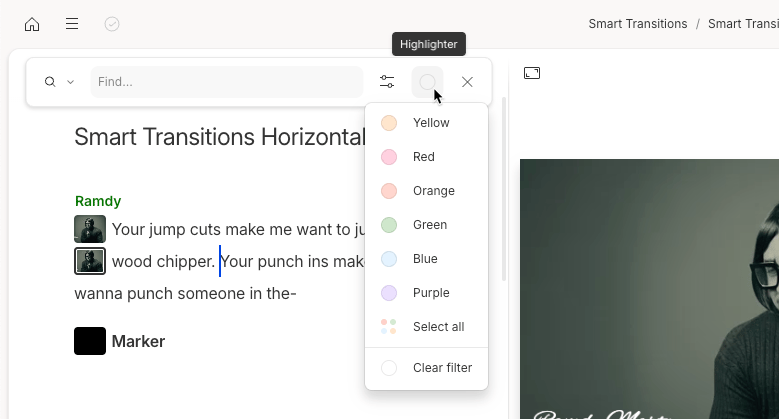
Actions let you apply edits to your search results. Use them individually or apply them to all results using the toolbar above the search panel.Highlighter
Filter your script by highlight color to review key moments—standout quotes, edit notes, or clips to reuse. Learn how to copy highlights into a new composition.