

Before getting startedNot familiar with script editing yet? Check out editing your script like a doc first.
How to delete script content
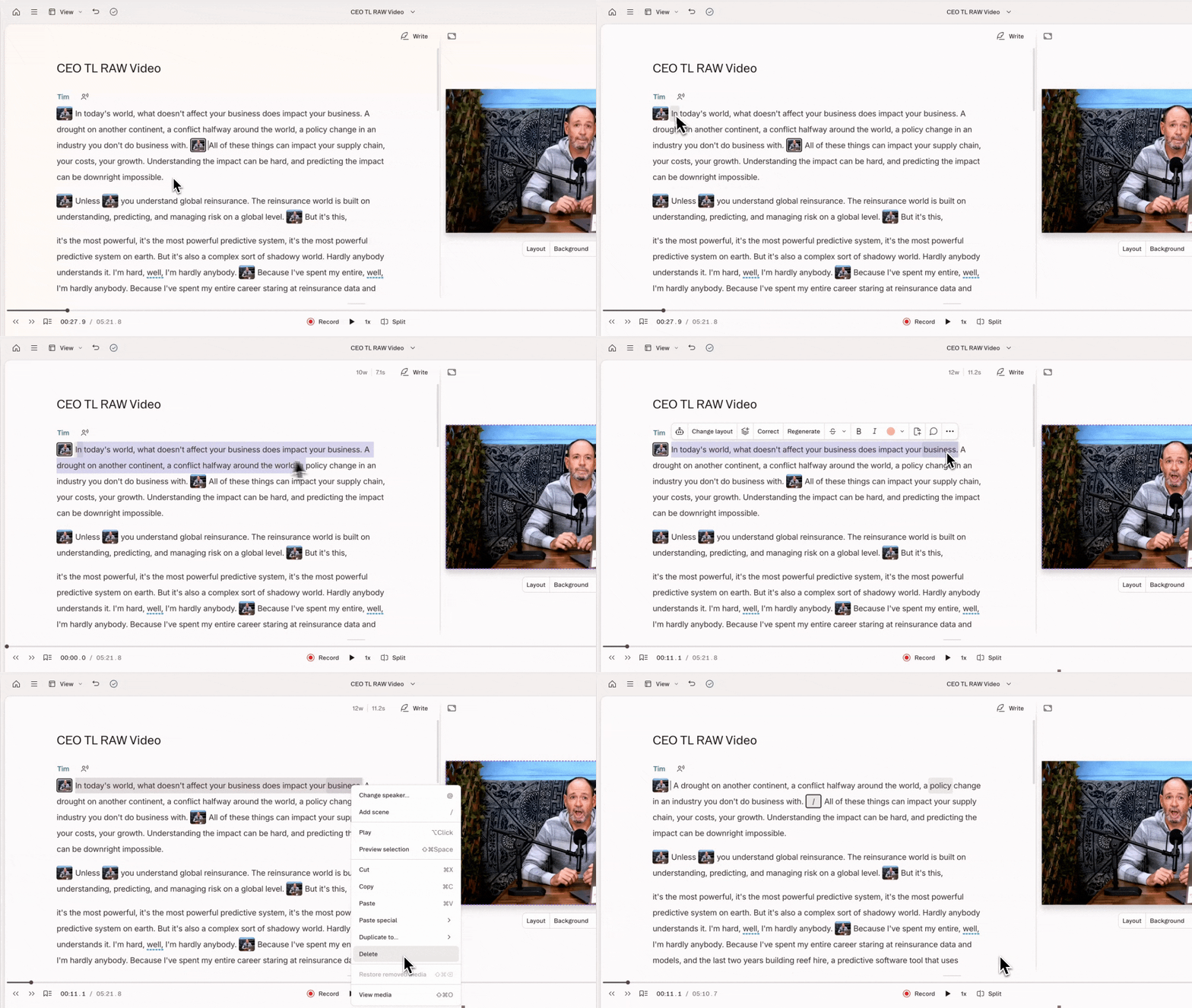
Deleting removes text and its associated media from view.- Highlight the section of script you want to remove.
- Press
Delete(macOS) orBackspace(Windows).
How to ignore script content
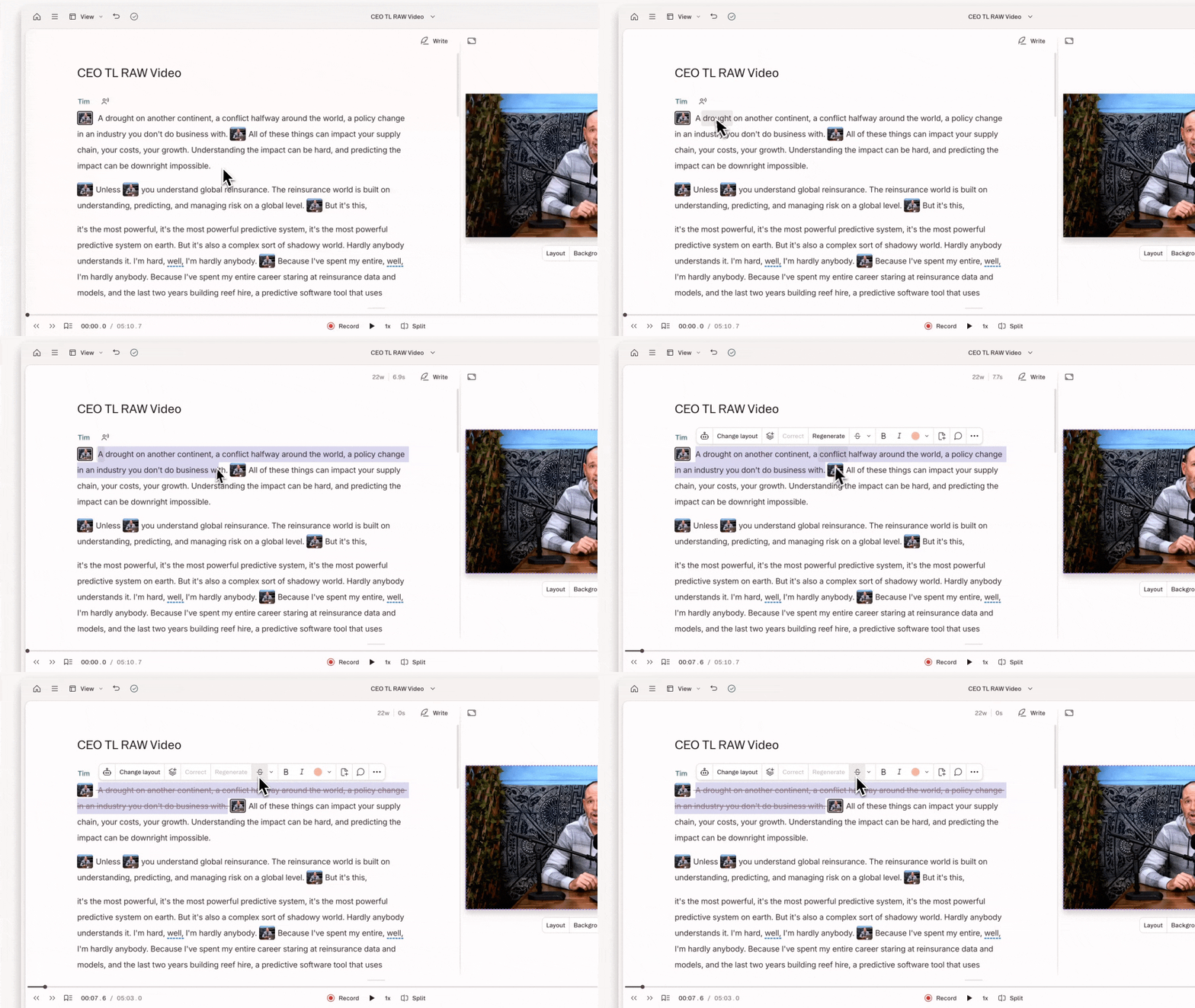
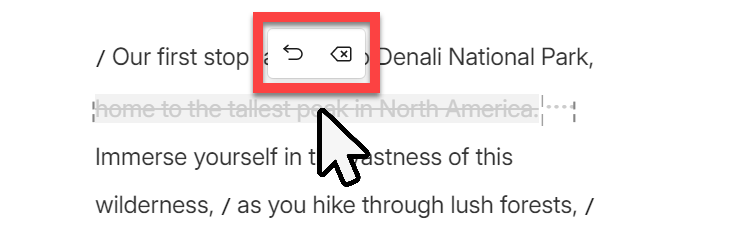
Ignoring marks your script text with a strikethrough. Ignored text stays visible in your script, but won’t play back. Use this when you want to track your edits visually, or think you might want to restore content later.- Highlight the section of script you want to ignore.
- Press
Command + Delete(macOS) orControl + Backspace(Windows). The text will appear with a strikethrough.
Export behavior
How you remove content affects what shows up when you export or share your project.- Deleted content won’t appear in an exported text file or on the transcript of a Descript share page.
- Ignored text can be included in an exported transcription, but won’t appear in subtitles or media exported to the Descript (web link) destination.