

How Rooms recordings appear in your project
Descript adds each participant’s recording to the project as it finishes processing. Desktop and laptop participants also get a cloud backup. Phone and tablet participants have one cloud recording, which is their primary recording. See recording quality for the differences.Recording didn’t finish uploading? The participant can rejoin the Room or use a recovery link. You can start editing with the backup in the meantime. Recover and replace stalled recordings.
File organization in Project Files
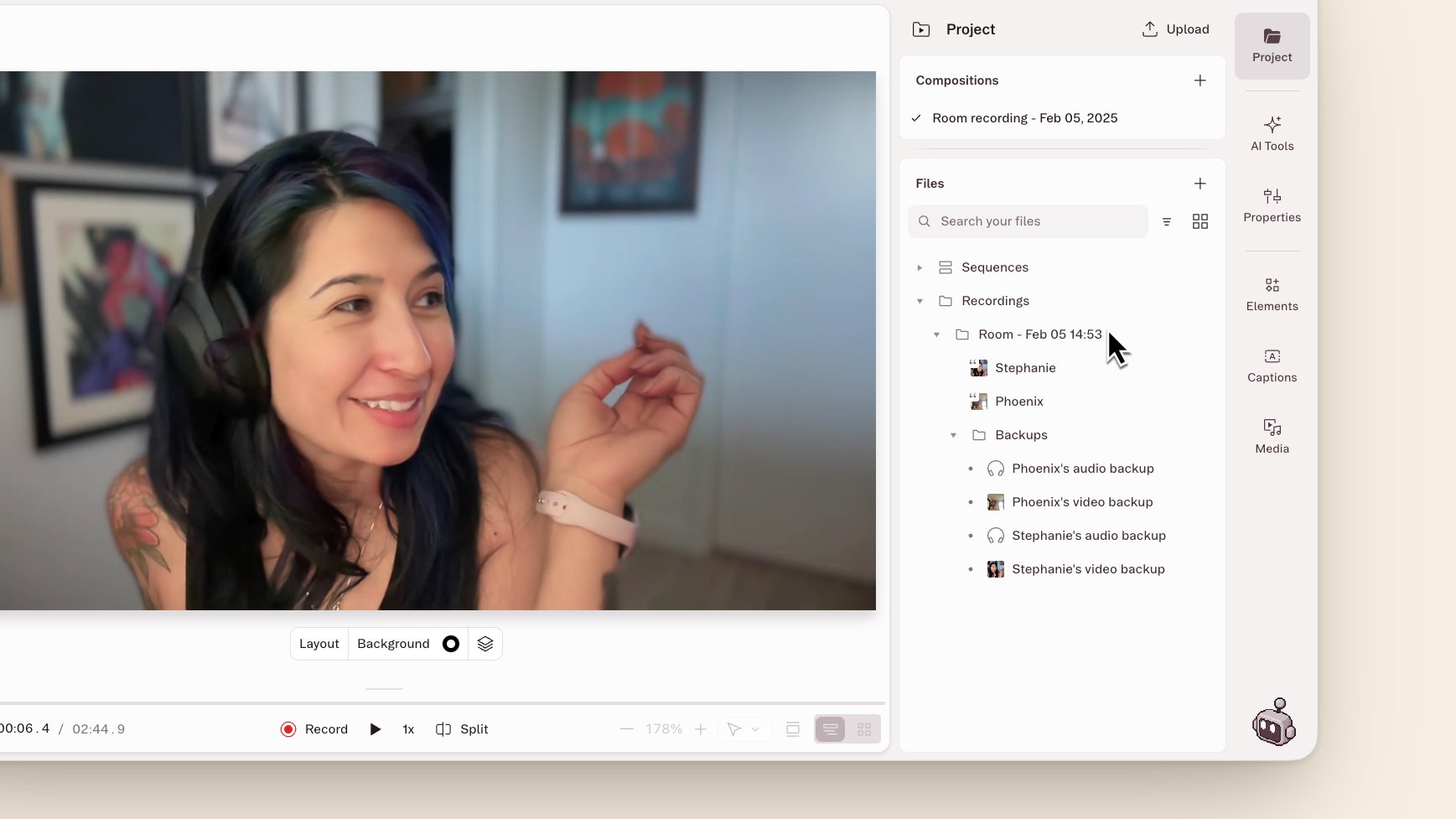
In the Project Files panel:- The session folder holds everyone’s primary recordings.
- Backups holds cloud backups from desktop and laptop participants.
How recordings are added to the composition
For regular and scheduled Room recordings, Descript automatically:- Creates a sequence and adds it to a composition
- Transcribes the audio (if transcription is on)
- Labels speakers with the names they used in the Room
- Organizes scenes and applies multicam layouts based on participants and screenshares