

Producer-only featurePush-to-talk is only available to Producers in the Control Room. Learn more about roles in Descript Rooms
How push-to-talk works
Producers can choose who hears them when they use push-to-talk:- Everyone — Speak to all participants in the Recording Room
- Specific participant — Speak privately to one individual in the Recording Room
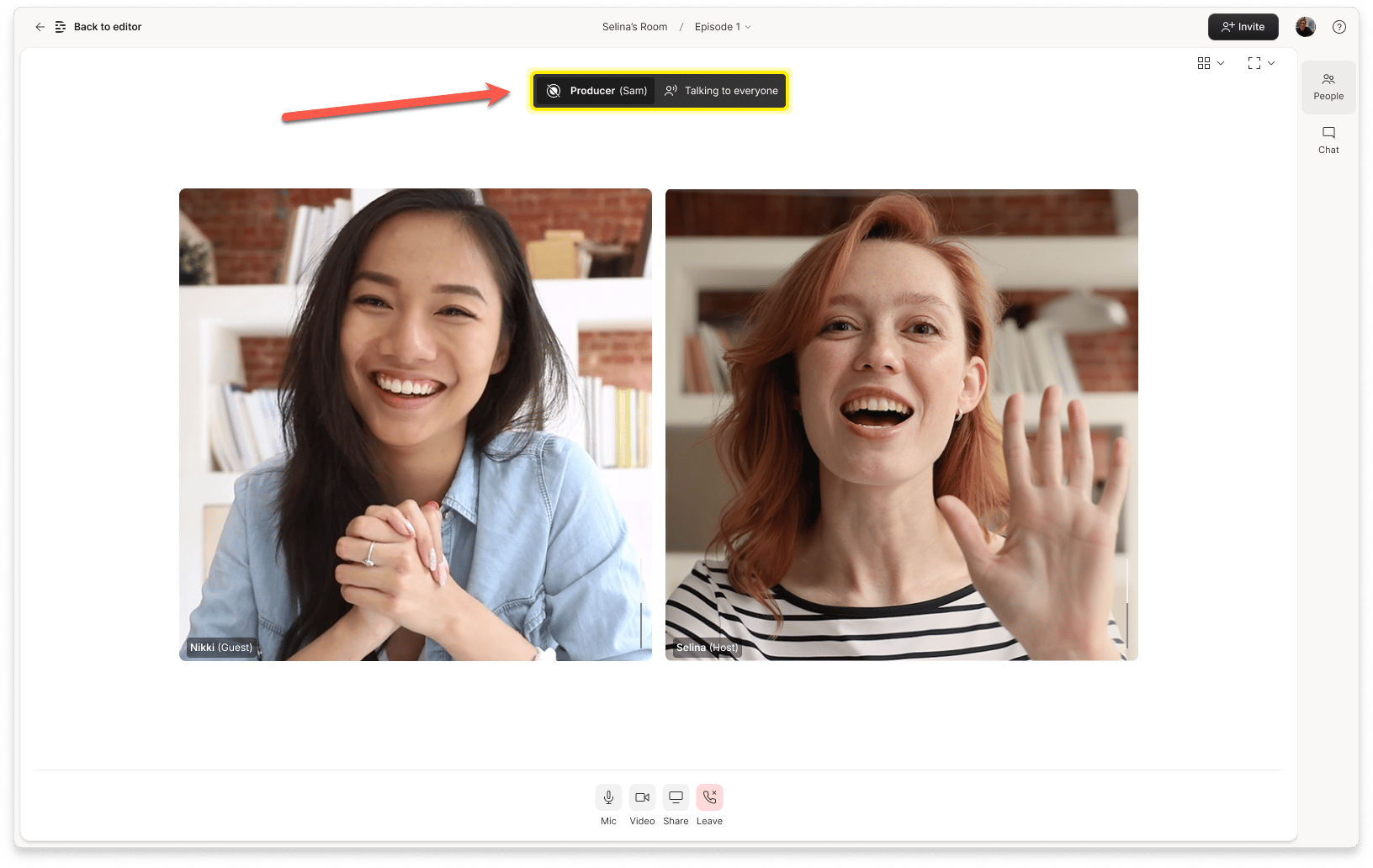
Push-to-talk in action — speaking to everyone in the Room.
How to silence push-to-talk
When a Producer uses push-to-talk to speak to an individual, the participant can temporarily silence the incoming audio by clicking the red hand button on the right side of the talking notification.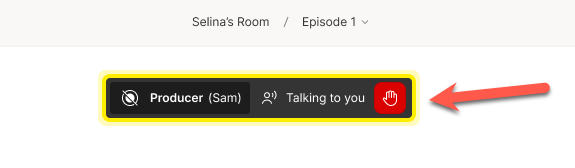
Participants can silence push-to-talk by clicking the red hand icon.
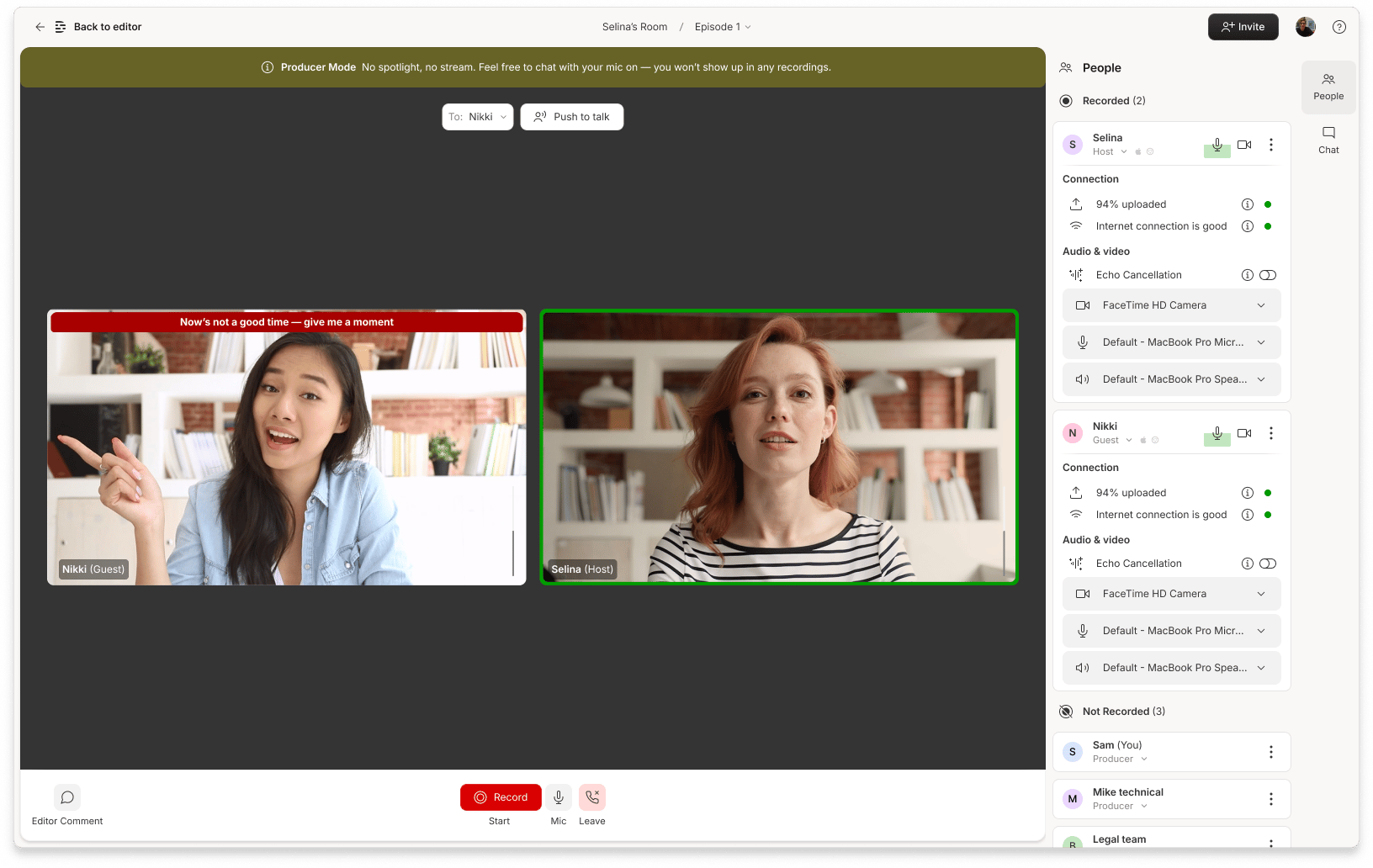
Producers see an indicator when a participant silences push-to-talk audio.
Push-to-talk vs. direct messagesPush-to-talk is a live audio feature — it’s not the same as sending a private chat message (DM). When a Producer uses push-to-talk, they’re speaking to someone in real time, not sending a written message.