New to Descript Rooms?Rooms are collaborative spaces for live, multi-participant recording sessions. Learn how Descript Rooms work.
Who can access the Control Room?
- Only users with the Producer or Viewer role can access the Control Room
- Hobbyist, Creator, and Education plans support up to 3 Viewers/Producers
- Business and Enterprise plans support up to 10 Viewers/Producers
- Producers do not need to be Drive members
Recording Room, Control Room, and Viewer Room
When a Room is live, there are distinct participant environments:- Recording Room (on-stage): Where Hosts, Co-hosts, and Guests appear on camera, contribute to the recording, and are visible to other participants.
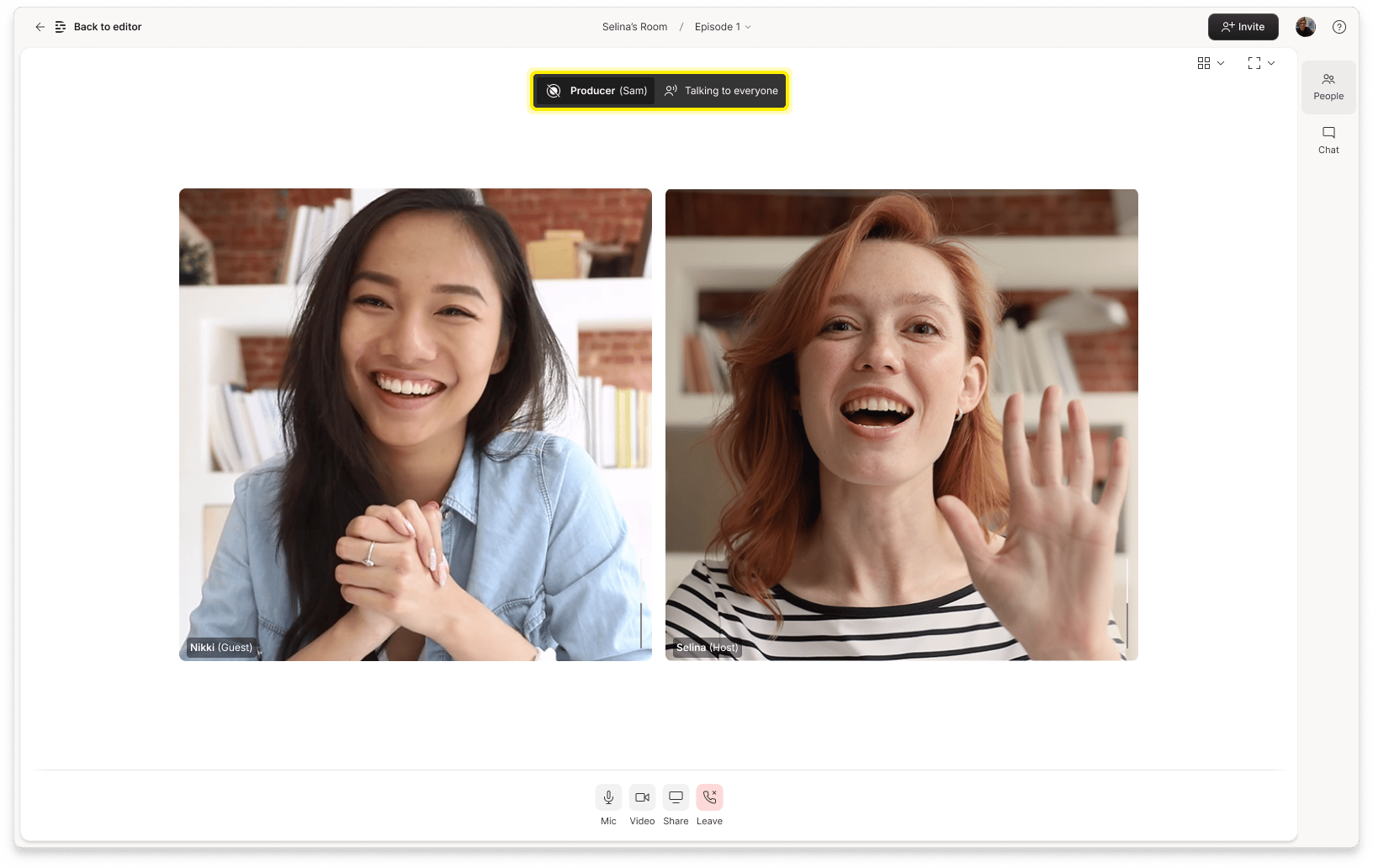
- Control Room (backstage): Where Producers monitor the session, coordinate with the team, and provide support—without being seen or recorded.
- Viewer Room (private/off-stage): where viewers can watch the recording session and chat with Rooms participants without being recorded or appearing on-stage
Producers and Viewers stay invisible—but presentProducers can see and hear everything happening in the Recording Room. No one on stage can see or hear a Producer—unless the Producer uses push-to-talk or chat to reach them. Viewers can communicate only via text chat.
What the Control Room looks like
The Control Room doesn’t have a dedicated or separate interface. Instead, Producers see the same participant layout and tools as Hosts and Co-hosts—but they remain completely off-stage and are never recorded or visible.