

The Control Room is a backstage environment in Descript Rooms available to users on Business and Enterprise Drives. Anyone in the Control Room stays completely off-stage: they are not visible, not recorded, and are never included in the final output.
Control Room participants can watch the session unfold, provide discreet support, and communicate directly with those in the Recording Room.
Rooms are collaborative spaces for live, multi-participant recording sessions. Learn how Descript Rooms work.
Who can access the Control Room?
- Only users with the Producer or Viewer role can access the Control Room
- Creator plans support up to 1 Viewer
- Business plans support up to 3 Viewers/Producers
- Enterprise plans support up to 10 Viewers/Producers
- Producers do not need to be Drive members
Note: Viewers count toward the Control Room participant limit, even though they don’t interact with Producers or manage technical settings. Learn more about roles in Descript Rooms
Recording Room, Control Room, and Viewer Room
When a Room is live, there are distinct participant environments:
- Recording Room (on-stage): Where Hosts, Co-hosts, and Guests appear on camera, contribute to the recording, and are visible to other participants.
- Control Room (backstage): Where Producers monitor the session, coordinate with the team, and provide support—without being seen or recorded.
- Viewer Room (private/off-stage): where viewers can watch the recording session and chat with Rooms participants without being recorded or appearing on-stage
Producers and Viewers stay invisible—but present
Producers can see and hear everything happening in the Recording Room. No one on stage can see or hear a Producer—unless the Producer uses push-to-talk or chat to reach them. Viewers can communicate only via text chat.
What the Control Room looks like
The Control Room doesn't have a dedicated or separate interface. Instead, Producers see the same participant layout and tools as Hosts and Co-hosts—but they remain completely off-stage and are never recorded or visible.
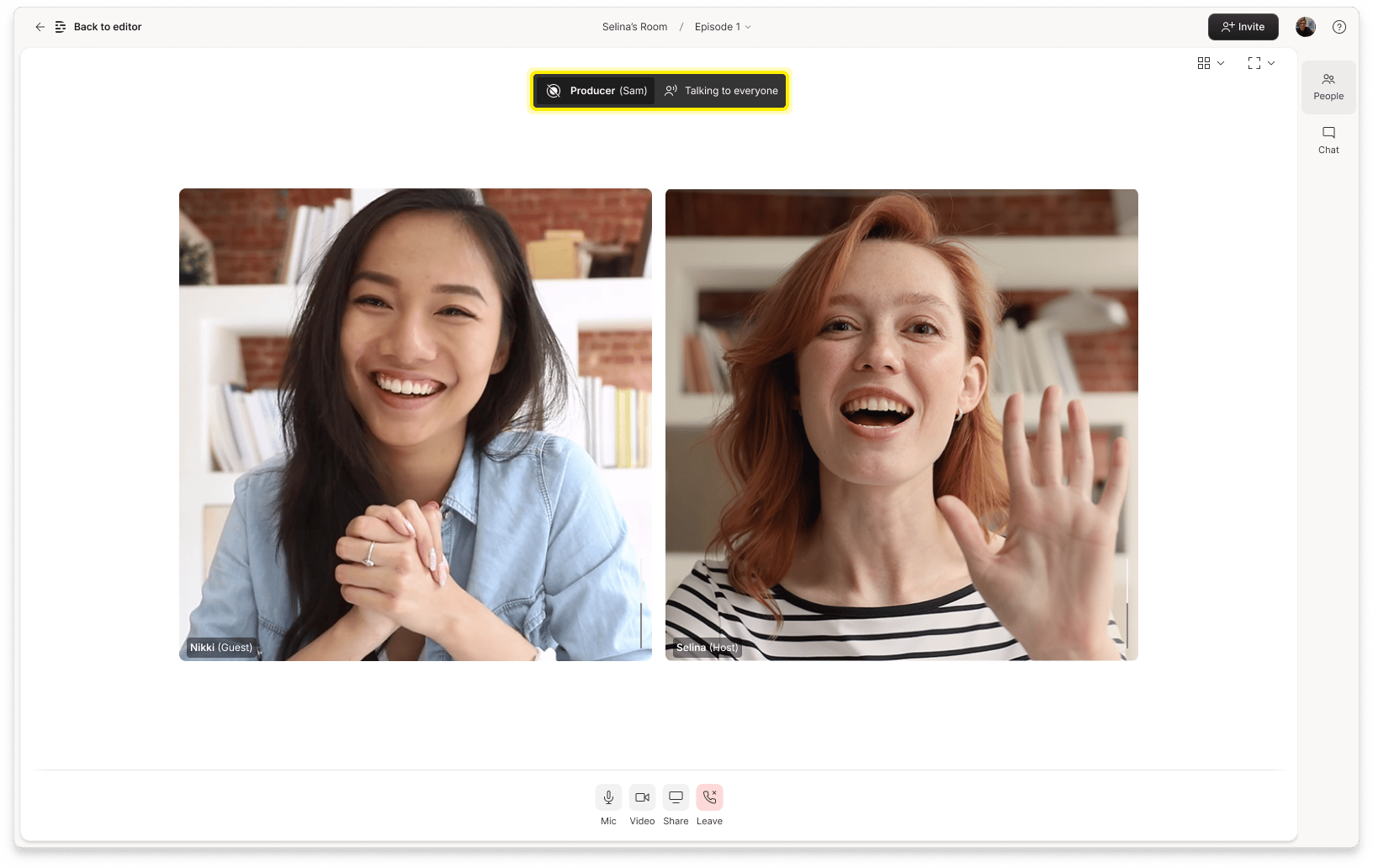
Producers (and Viewers) appear in the Not Recorded section of the People tab, so everyone knows who’s present. This transparency ensures that if a Producer or Viewer uses push-to-talk or appears in chat, other participants can clearly see that they're authorized to be there.
Producers have the same admin controls that Hosts and Co-hosts have. The main difference in their experience is that Producers need to use Push to talk to speak with participants in the Recording room or to speak to Viewers.
Plan availability
The Control Room is available on Business and Enterprise plans. Here's a breakdown of what's included:
| Ability | Free | Hobbyist | Creator | Business | Enterprise |
|---|---|---|---|---|---|
| Control Room (and Co-host, Viewer + Producer roles) | ❌ | ❌ | ❌ | ✅ | ✅ |
| Max Producers/Viewers in Control Room | — | — | — | 3 | 10 |
| Push-to-talk (to everyone or individuals) | ❌ | ❌ | ❌ | ✅ | ✅ |
| Chat with all participants and DMs | ❌ | ❌ | ❌ | ✅ | ✅ |
| Leave comments during recording | ✅ | ✅ | ✅ | ✅ | ✅ |