Getting Started
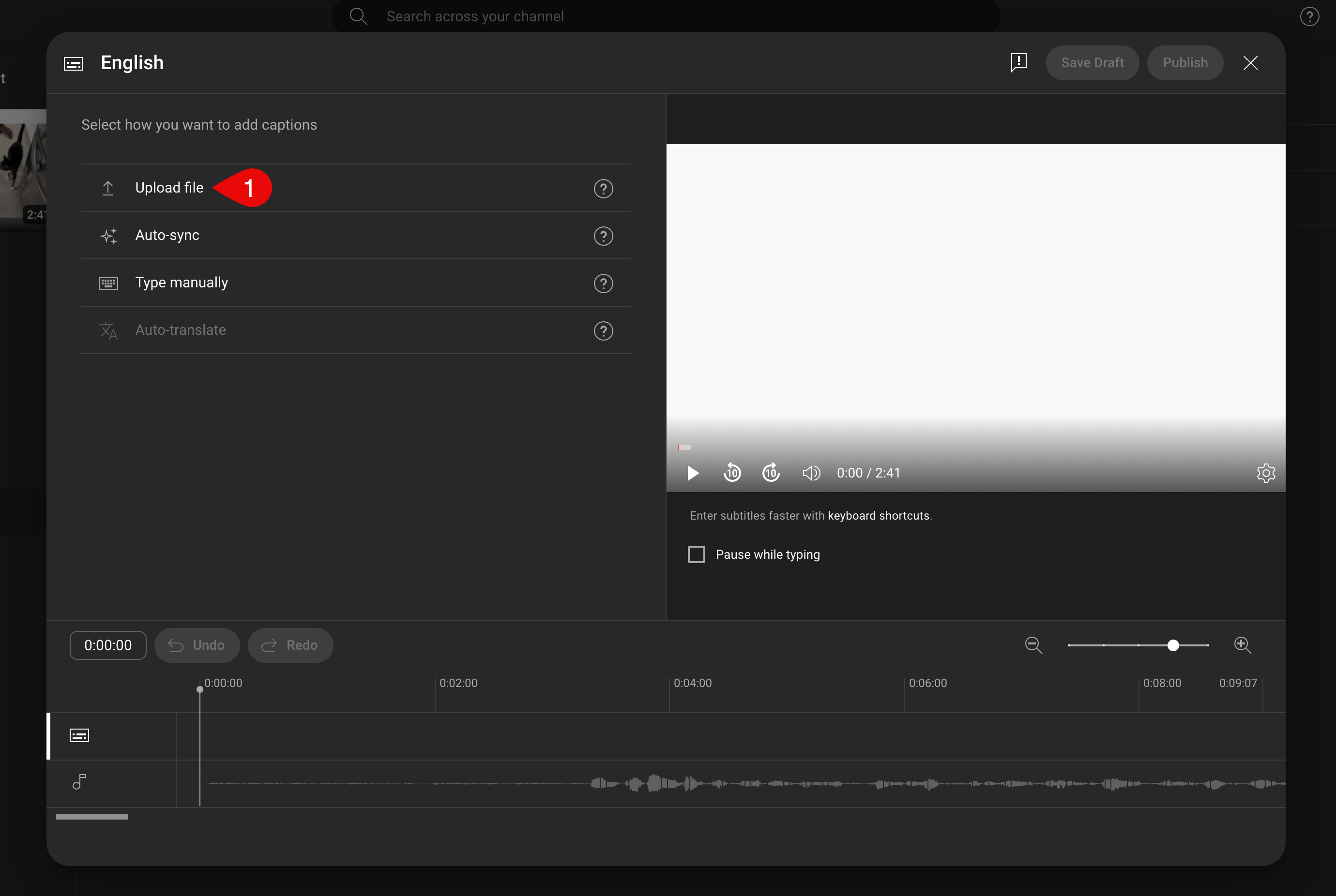
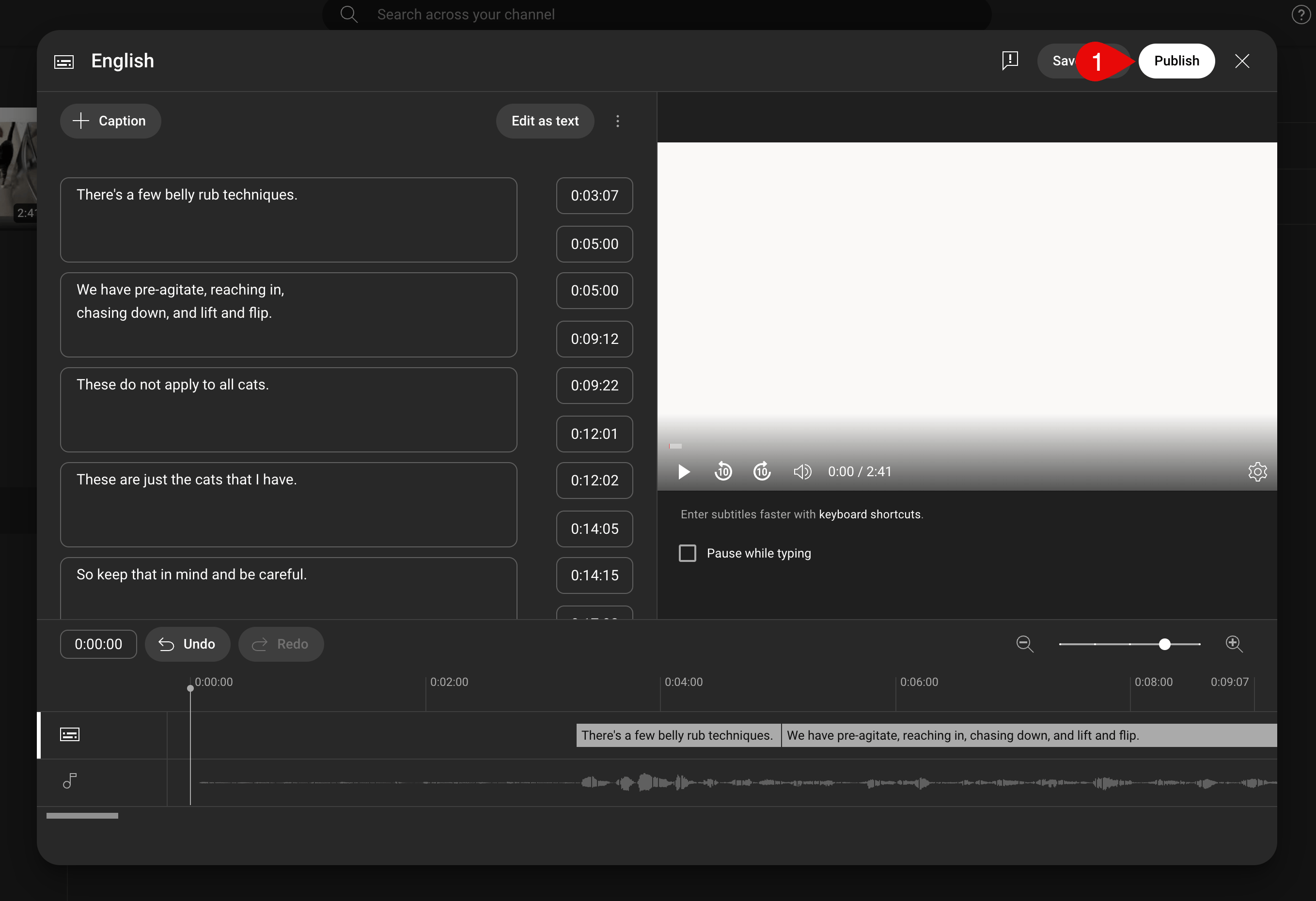
YouTube automatically generates captions for uploaded videos, but they may not be as accurate as your Descript-corrected transcript. Check out our help center article Why do my videos have misspelled captions after uploading to YouTube? to learn how to remove YouTube automatic captions from your video. Once you’ve finished editing your video and making all of the corrections to the transcript, check out our article on Exporting subtitles to see how you can generate a .VTT or .SRT subtitle file for use with YouTube. Alterniatively, you can use your own .SRT file if you already have one.Adding subtitles to YouTube
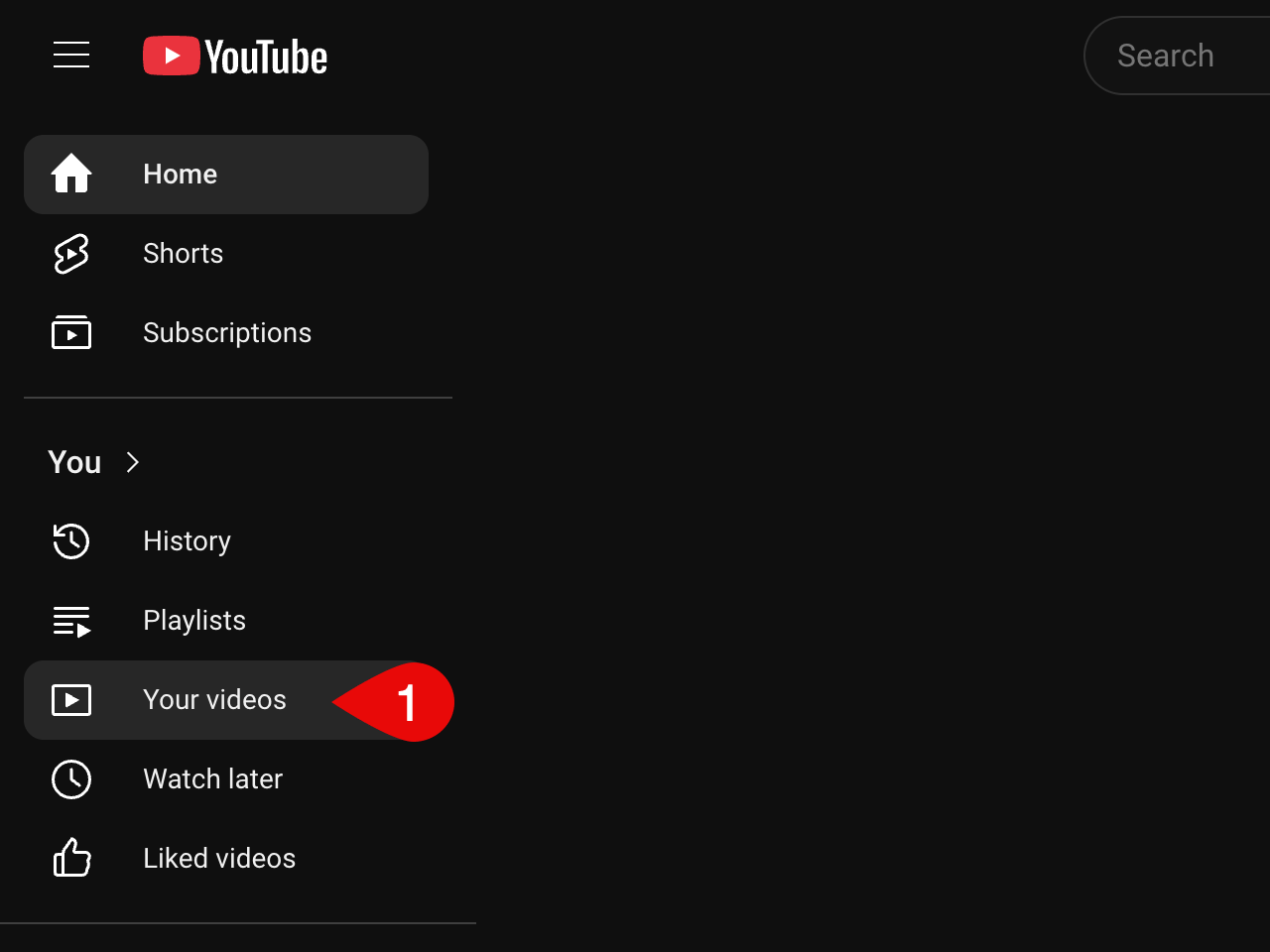
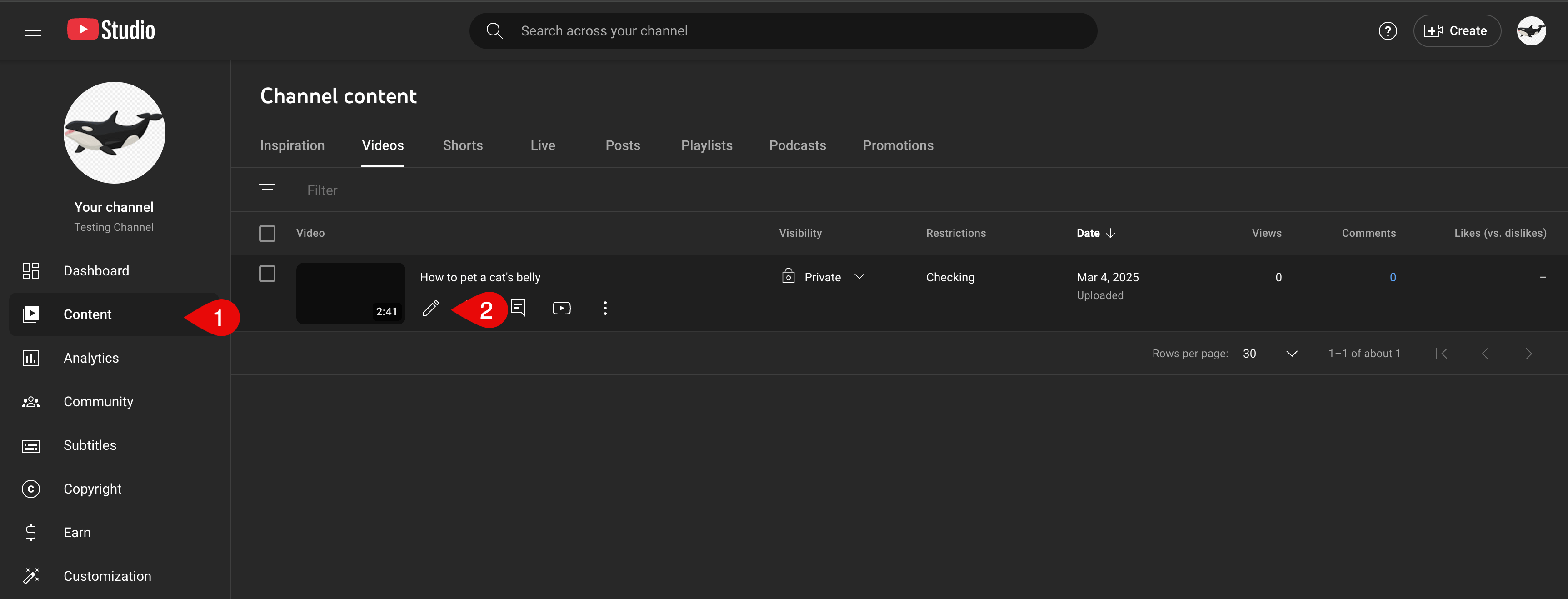
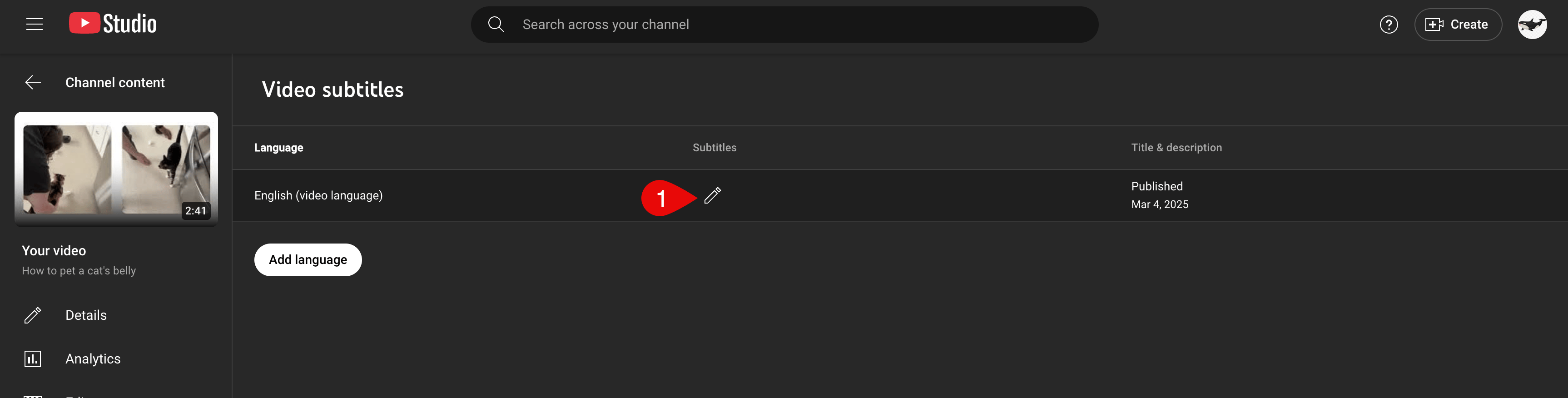
Now that you’ve generated your subtitle file, navigate to YouTube and click on Your videos in the left-hand sidebar.