

-
Click Export at the top-right corner of your editor. Then, select Wistia from the list of destination options.\
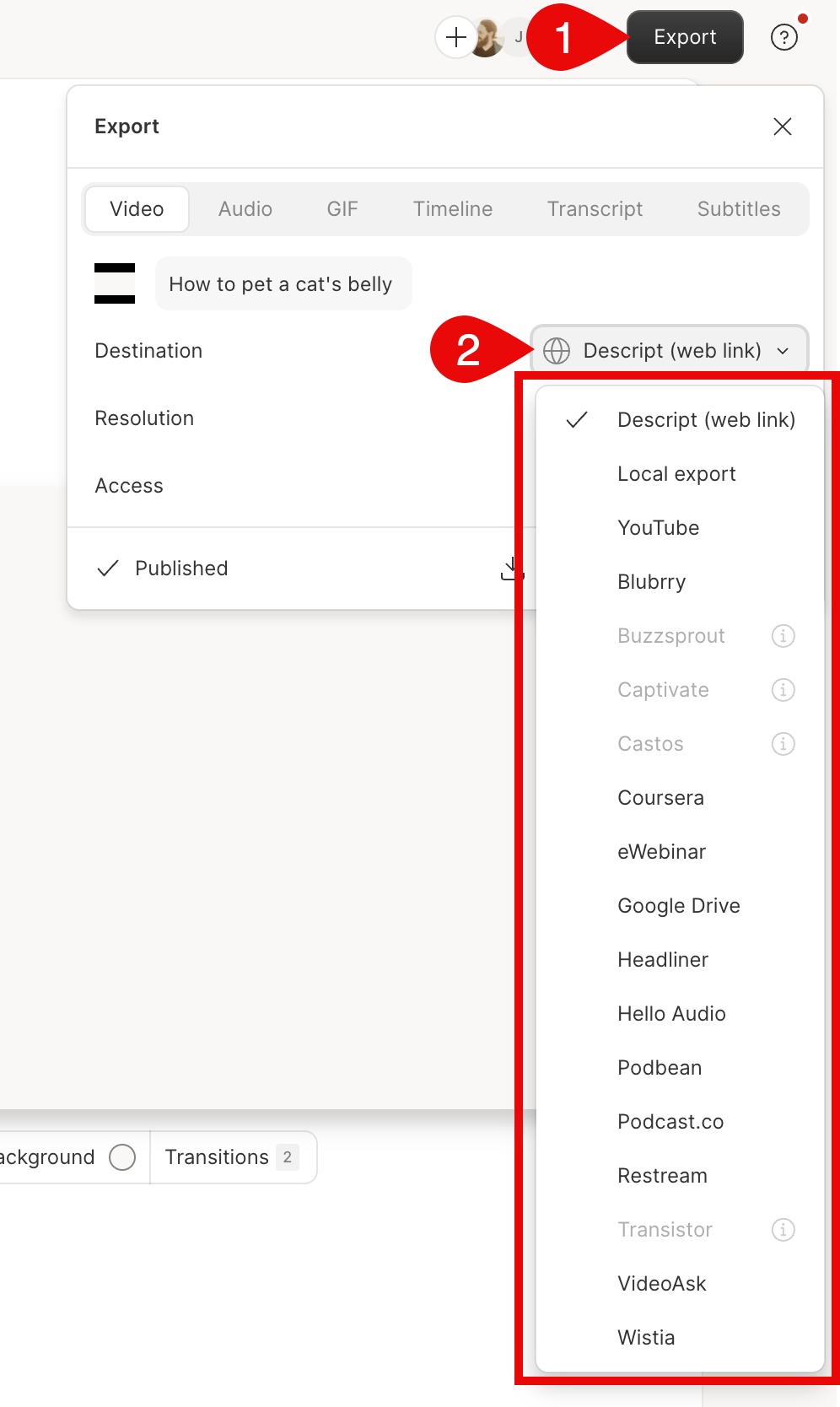
- You will then be redirected to a web browser to sign into your Wistia account (or create a new account if you have not yet signed up).
-
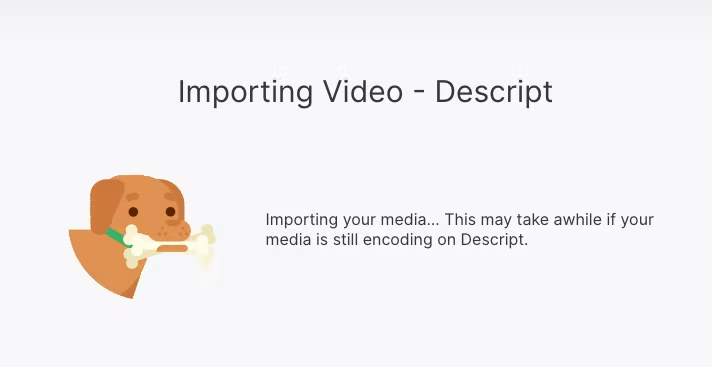
After logging in, your video will begin importing to Wistia.
-
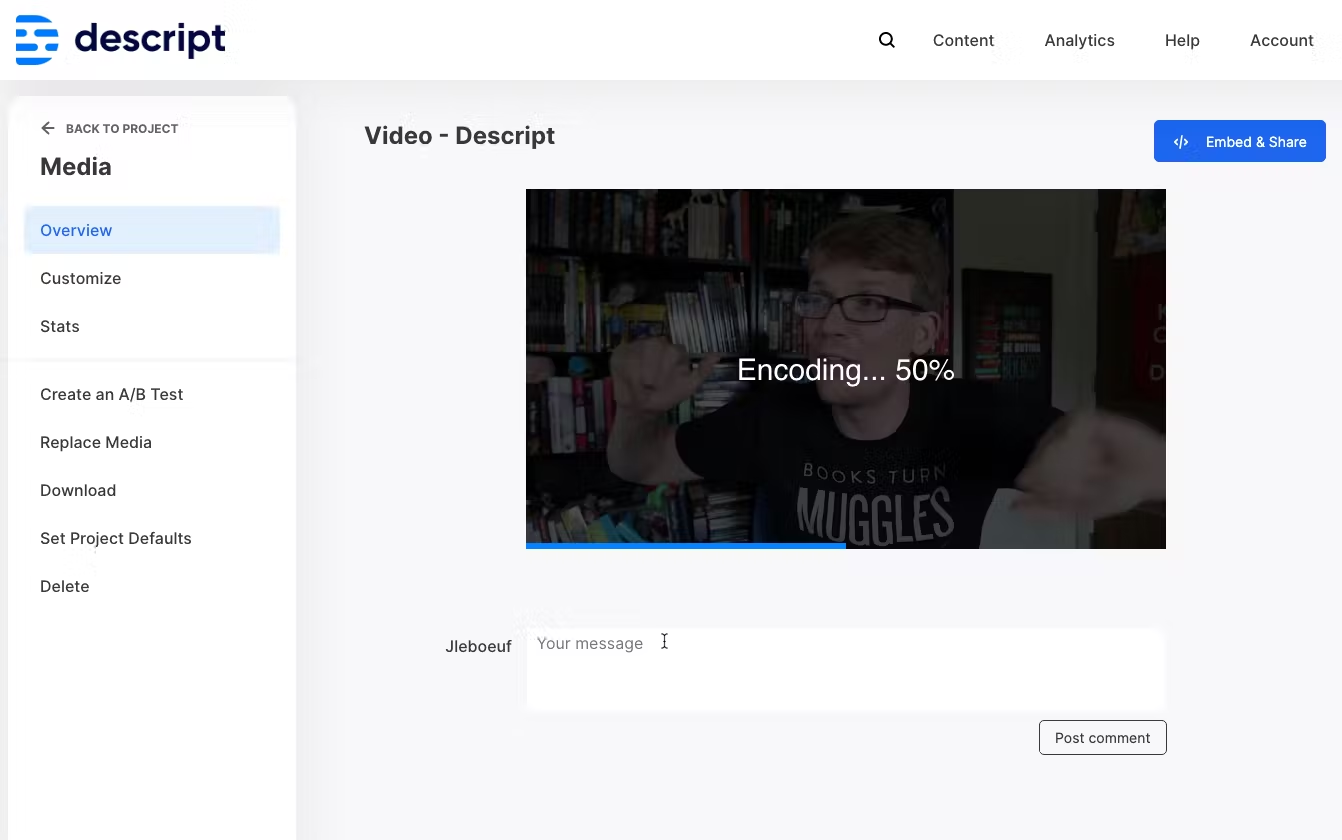
Your video will then begin the encoding process.
-
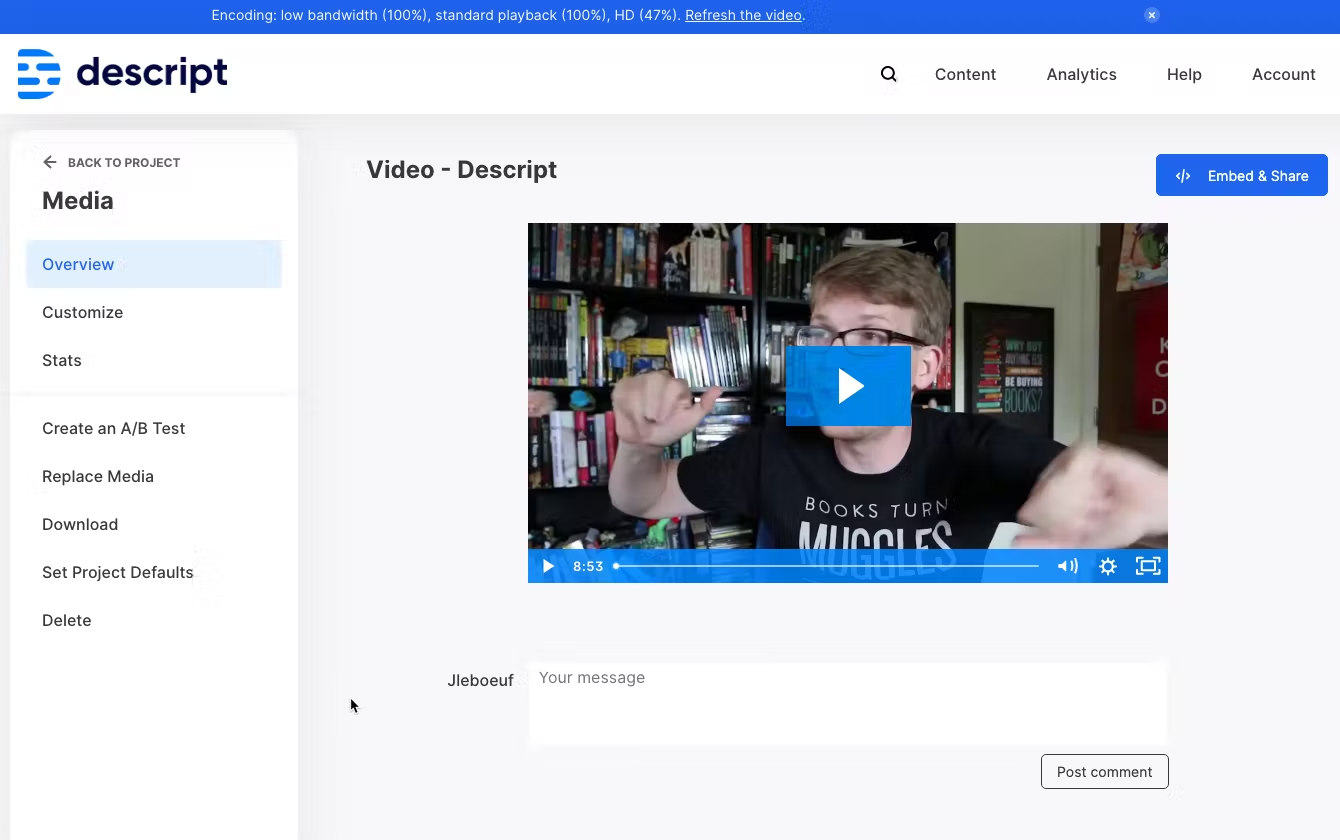
Once complete, your video will be ready and available for use on Wistia.
Export your content to Wistia
Publish a finished video from Descript to your Wistia account.
Send a finished video straight from Descript to Wistia without downloading and re-uploading it first.