Before getting started
- You need Editor access to your Drive to use Brand Studio assets in projects.
- Only assets that your Drive admin has uploaded to Brand Studio will be available.
- Your Drive owner may have set permissions that restrict which Brand Studio assets you can use.
Add brand media to your project
- Open the Media panel from the right-hand sidebar.
- At the top of the panel, select the My media tab, then choose Brand Studio as the location.
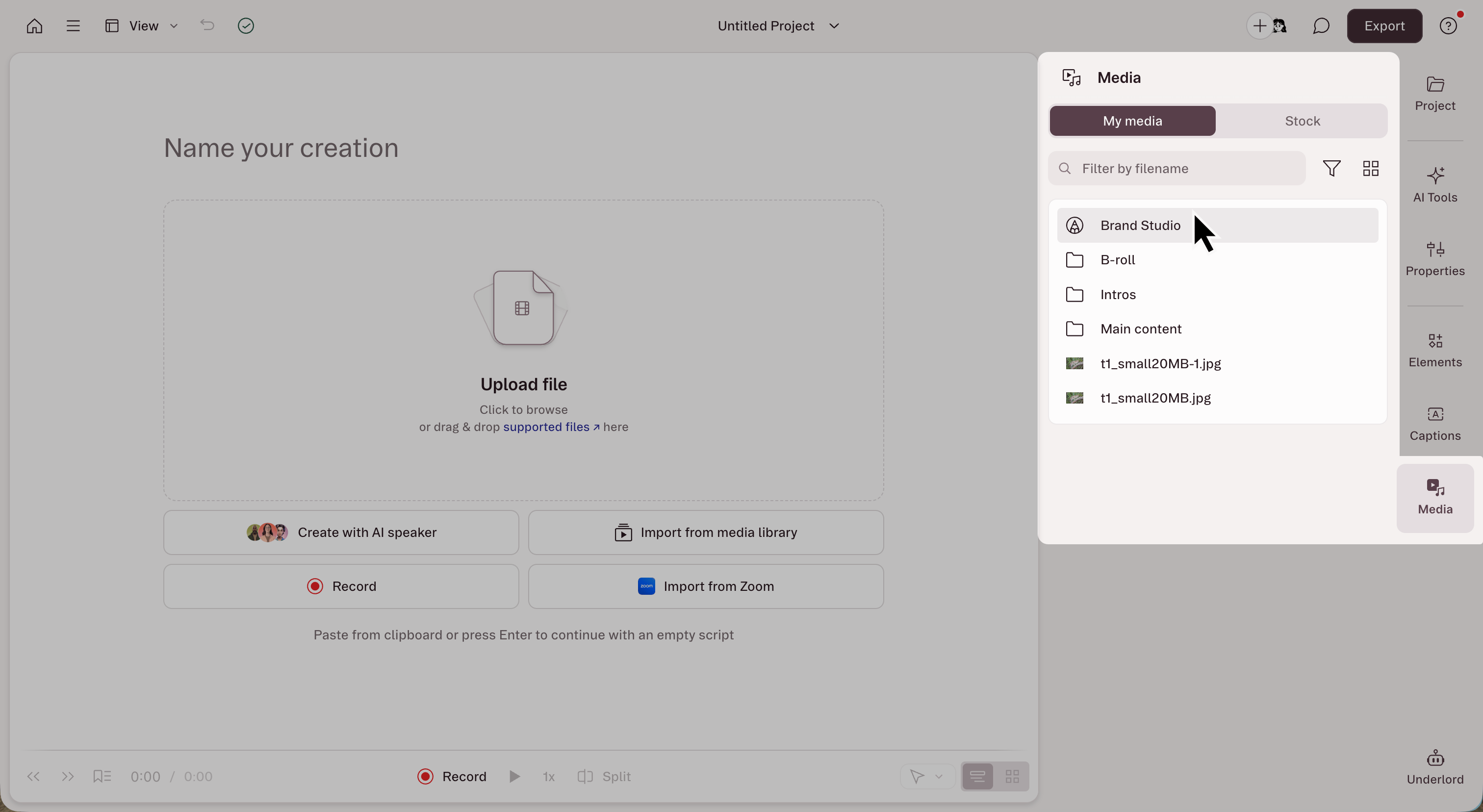
- Browse or search for the asset you want to use. Click an asset to preview it.
- Hover over the asset and click Add to project, or drag it into your script or canvas.
Brand Studio fonts
If your Drive admin has added custom fonts to Brand Studio, those fonts will automatically appear at the top of the font selector when working with text in layout packs or captions.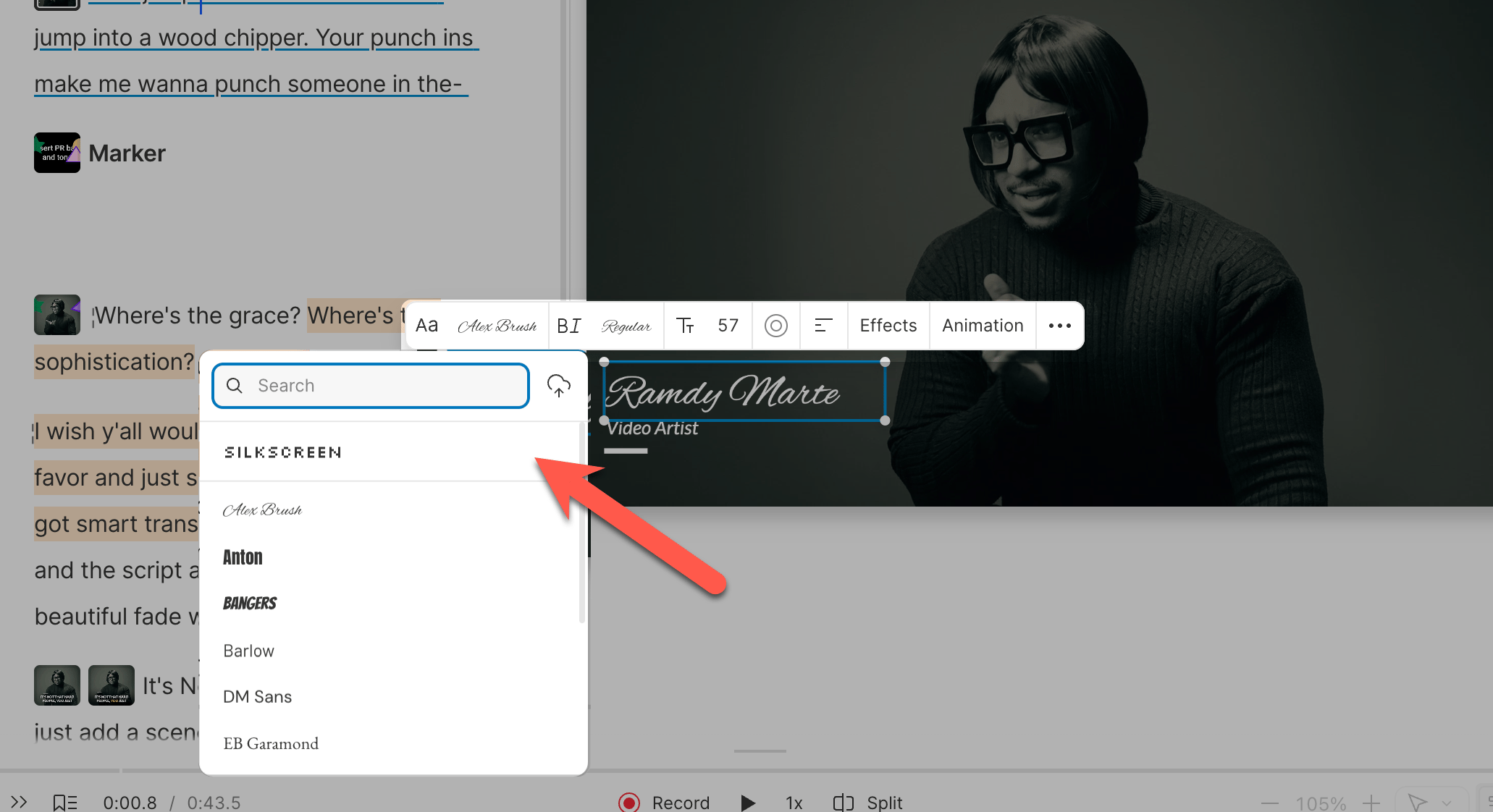
How to use Brand Studio colors
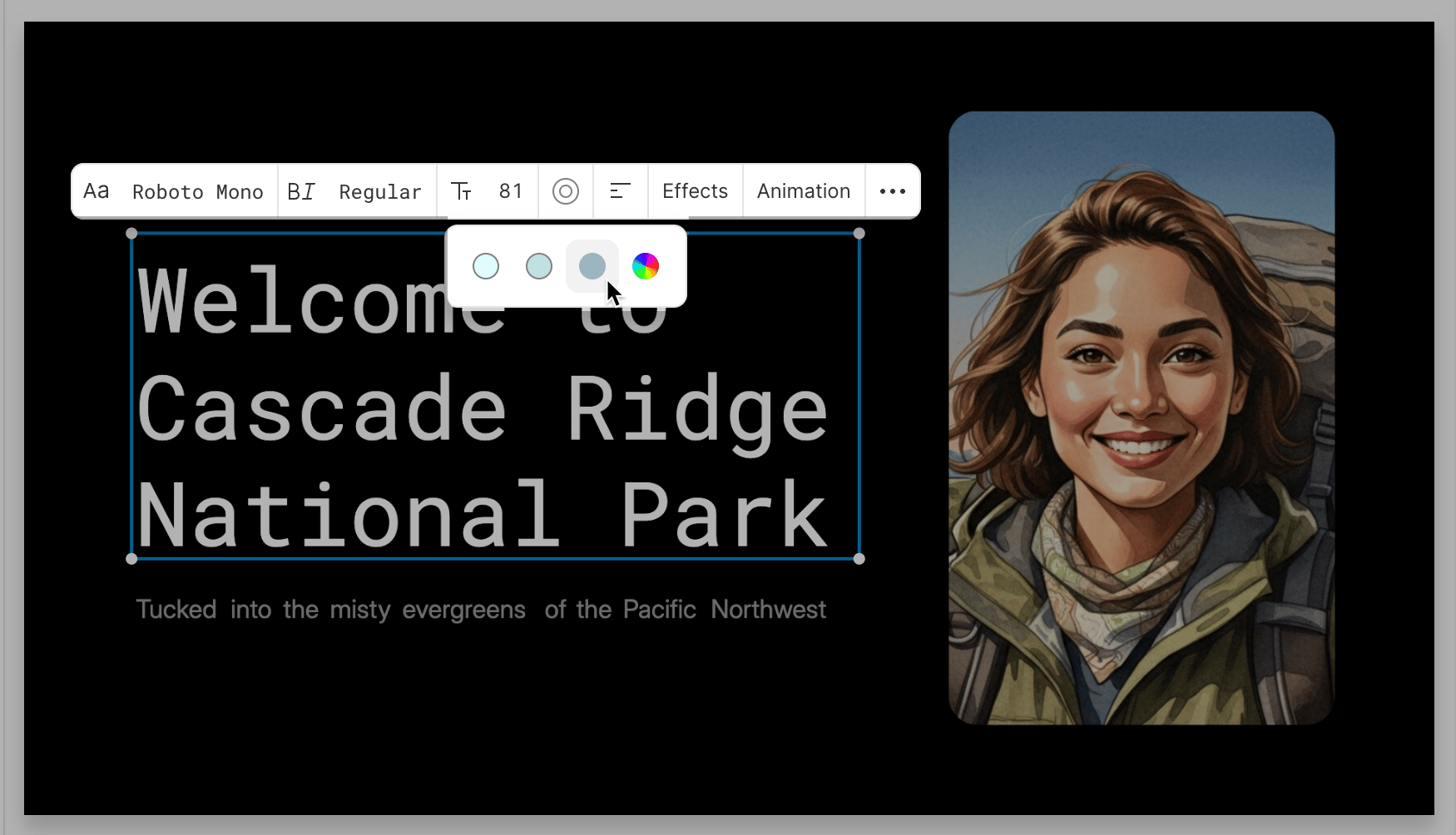
If your Drive admin has added brand colors to Brand Studio, those colors will automatically appear at the top of the color picker when you’re styling text, shapes, or other elements in your project.