

How to import your Restream recordings
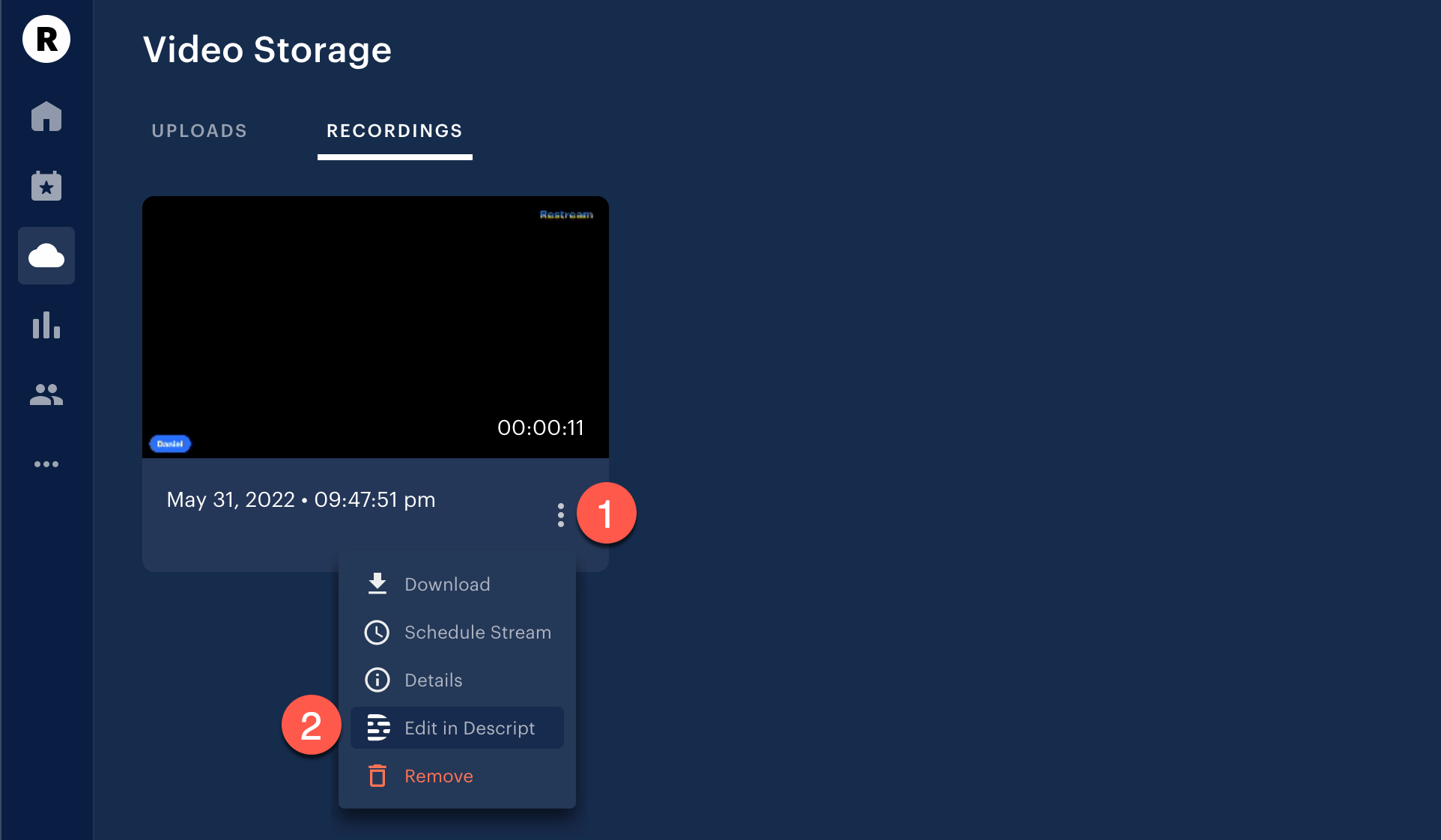
- Navigate to your Restream Video Storage and select the Recordings tab.
-
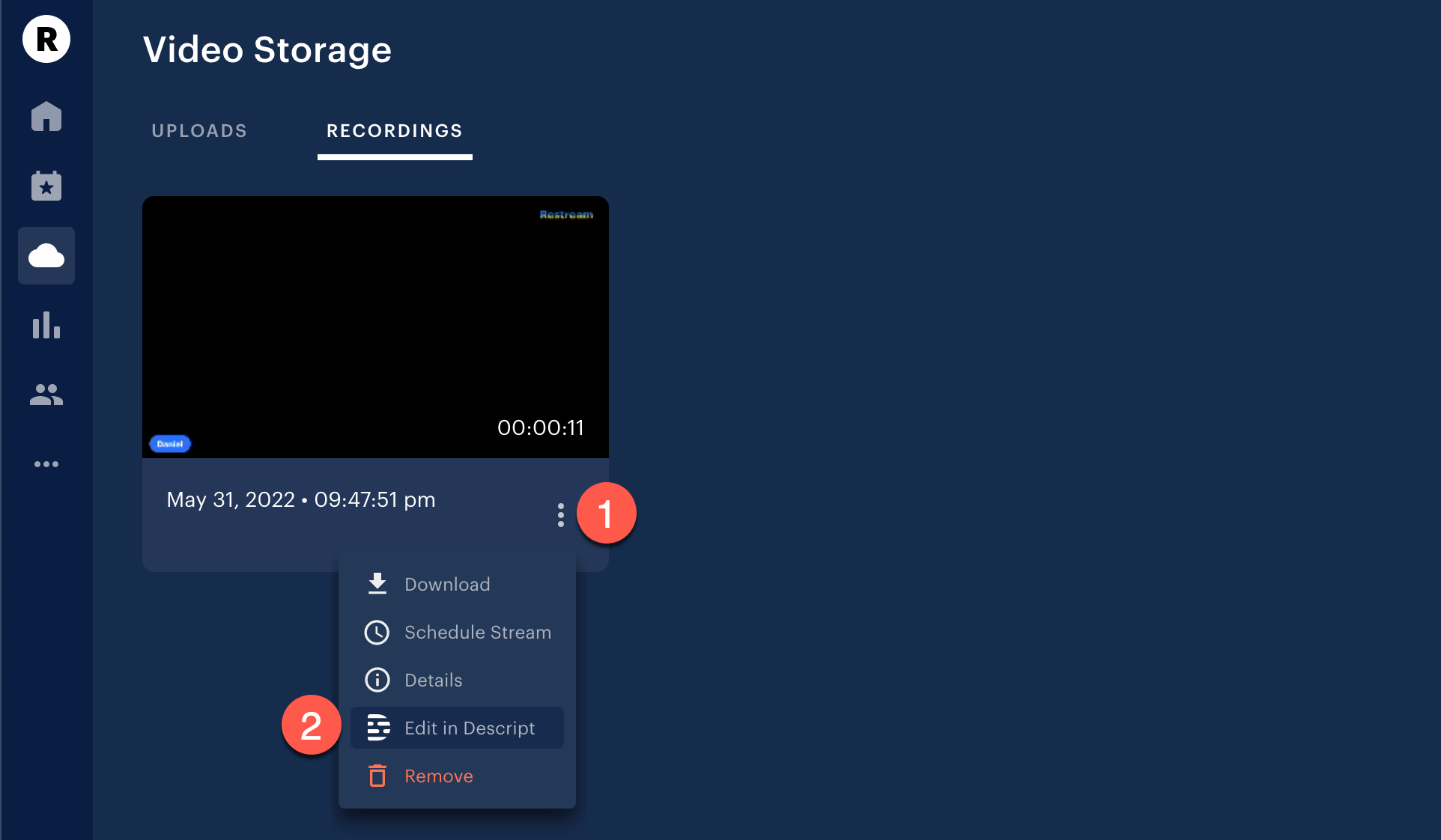
Click the vertical ellipsis under the recording you wish to export to Descprit and select Edit in Descript.
- Sign in to your Descript account or sign up for a Descript account to continue.
-
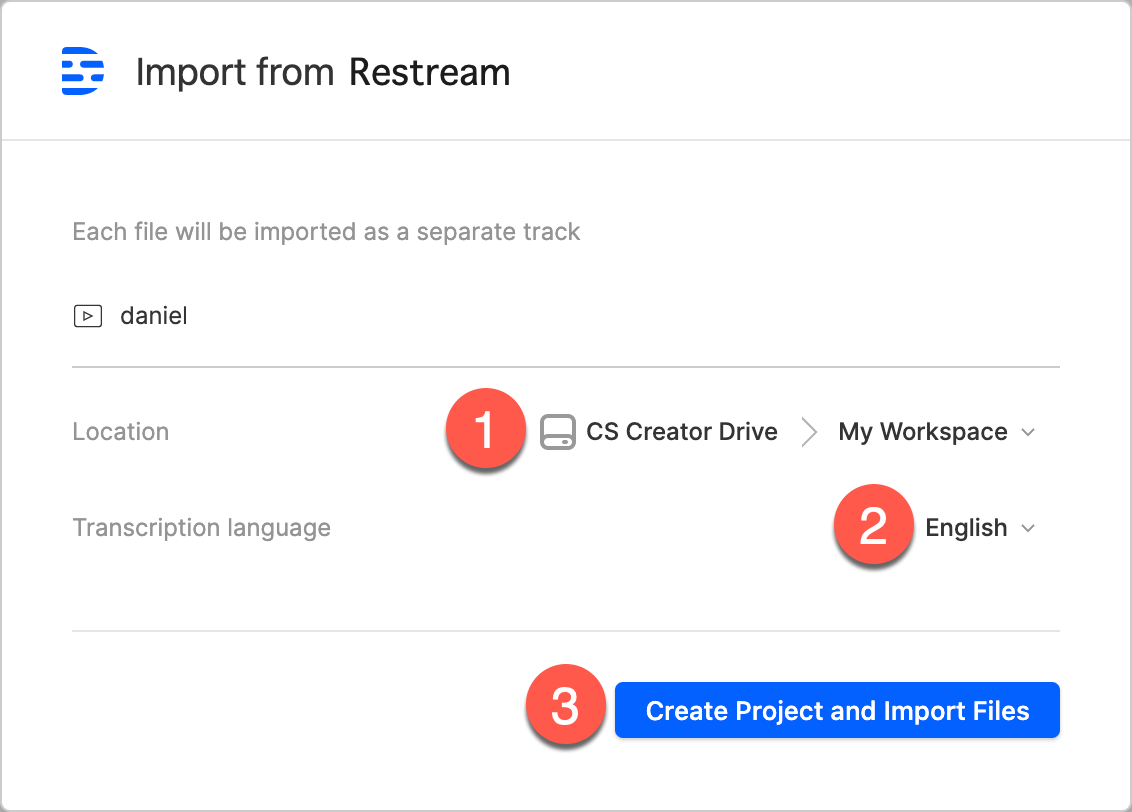
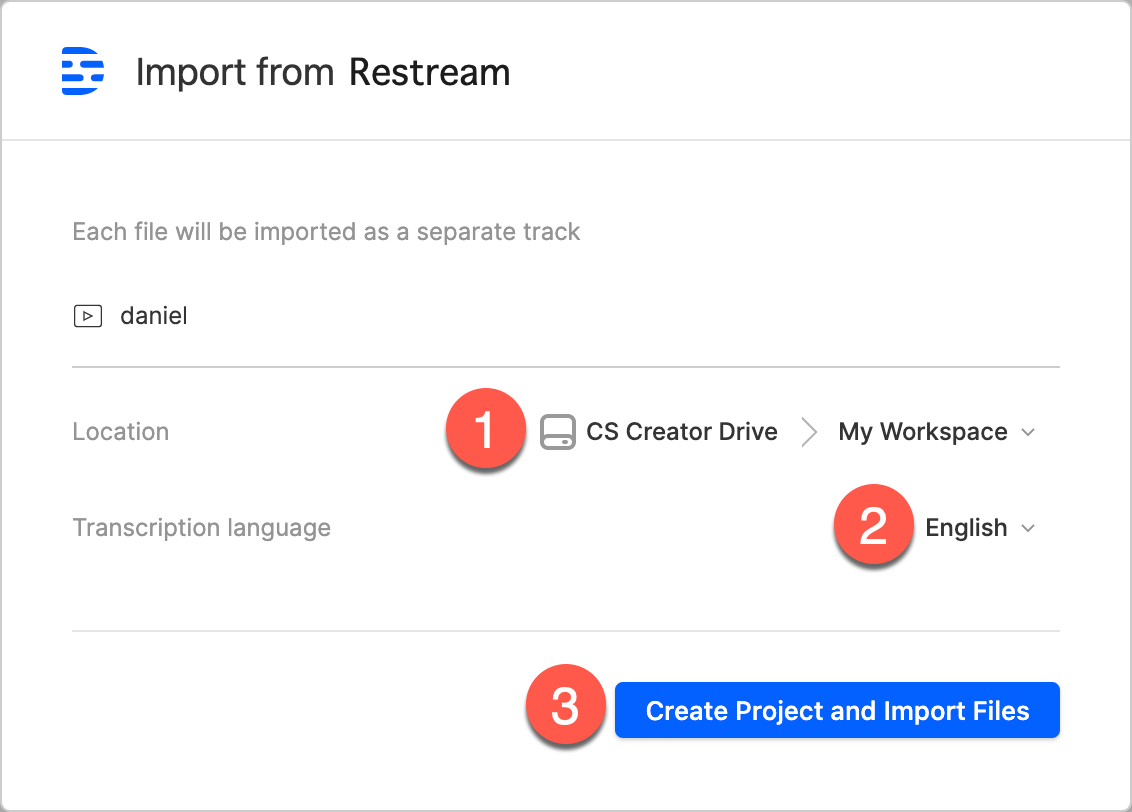
Type in your project’s name, set the storage location on your Drive, select the transcription language if desired and click Create project and import files. A prompt will appear to open Descript or download the application.
- Click Open Descript or Download the Descript app to open your Descript project.
Re-opening the import linkNow that you’ve created the Descript project, if you try re-opening the import web page via the corresponding link, you will be prompted to open your newly created project.