

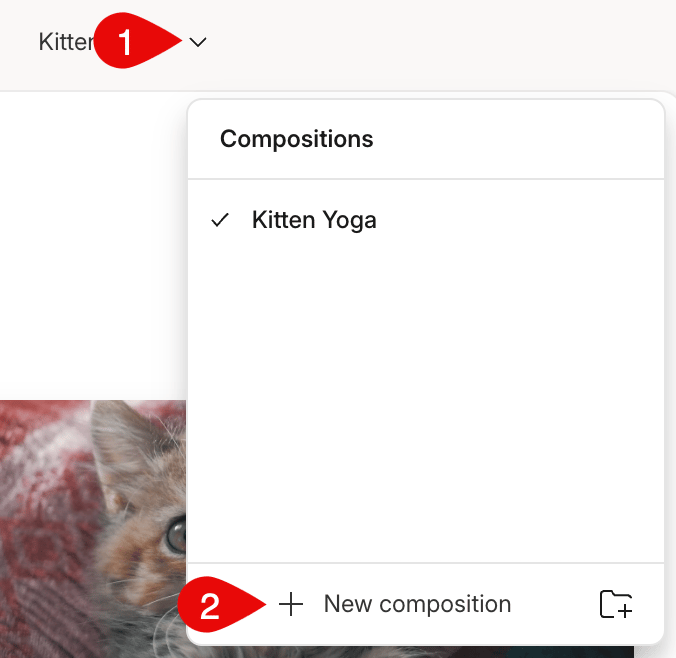
- Click the down arrow icon next to your composition’s name.
- Select New composition at the bottom.\
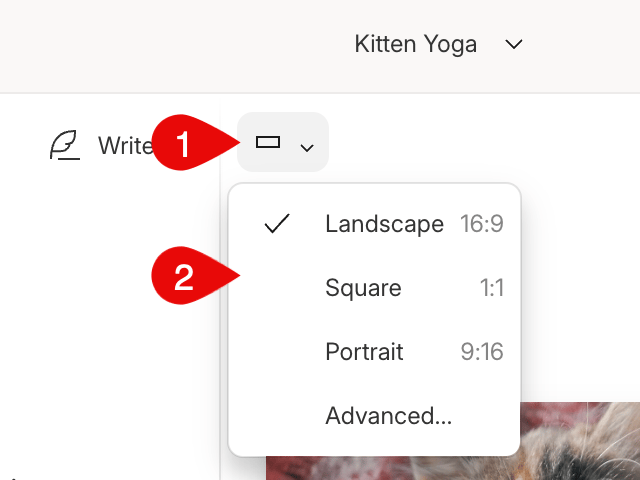
- Select the rectangle in the top left of the scene editor.
- Choose one of the aspect ratio option from the list.\
A single layout pack project can hold multiple layouts to accommodate different aspect ratios.