

- In the Drive view, open the Layout packs tab and locate the layout pack you want to share. You may need to toggle the view to see private packs.
- Click Publish changes, then click the link icon
 in the bottom corner of the publish window. Clicking the button will copy a shareable link.
 - Share the link. The recipient can save the layout pack to their own Drive by clicking the + copy to my layout packs button.
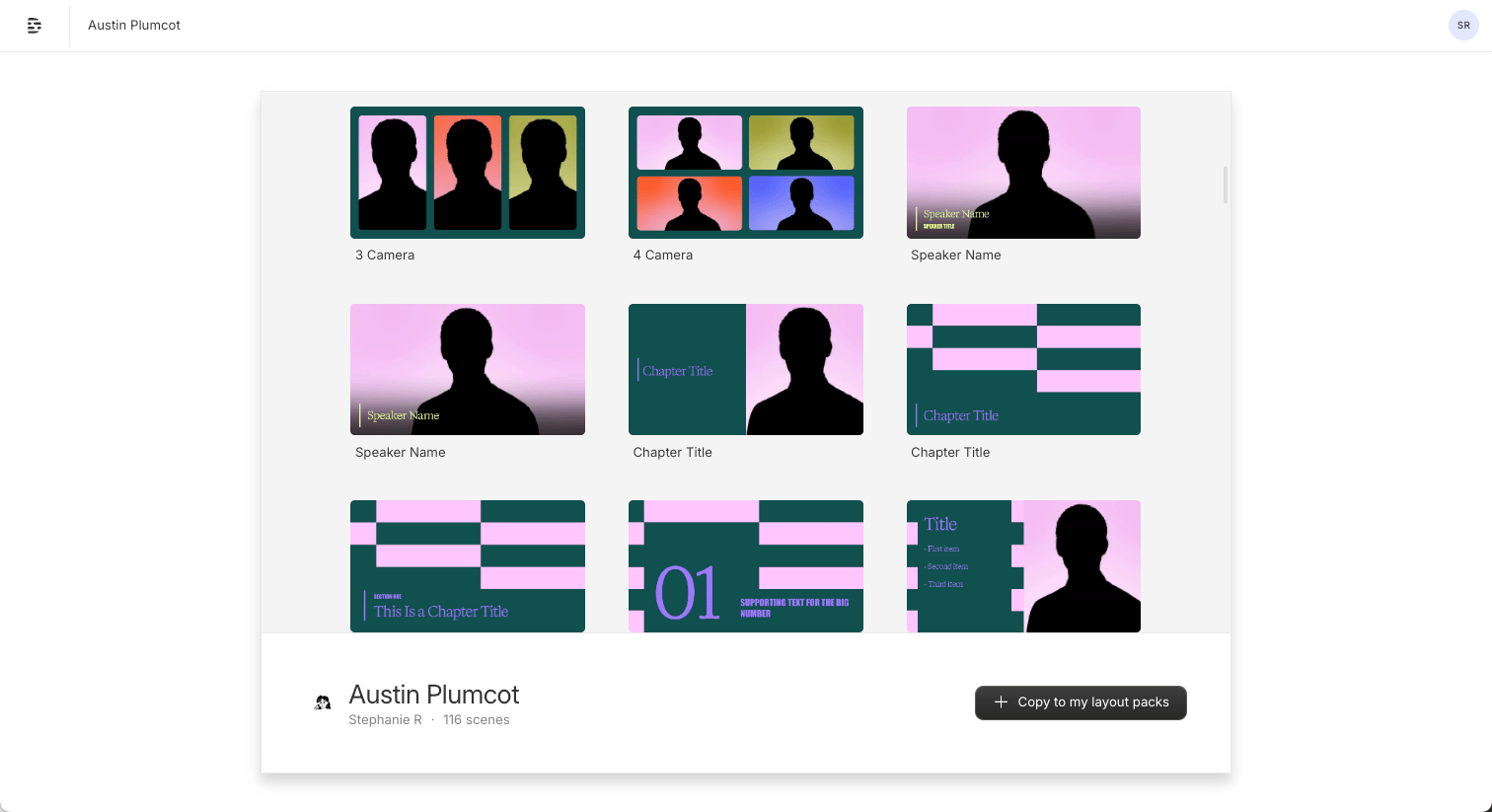
Save a shared layout pack with the + Copy to my layout packs button
Need to export a layout pack?You can’t export a layout pack as a video file from the layout pack project. To export, copy the contents to a new Descript project first.