

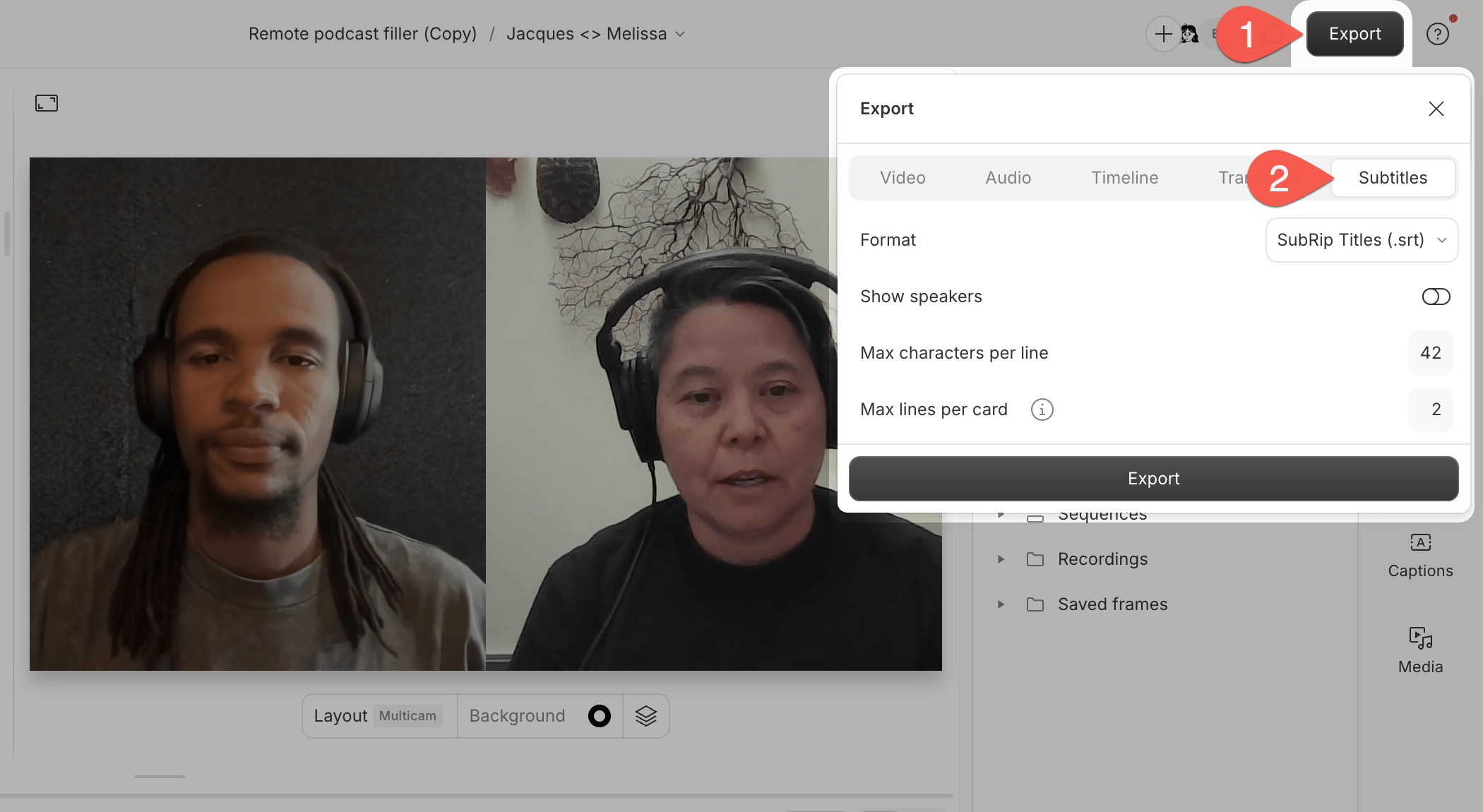
Export subtitles
Export your subtitles from Descript as an SRT or VTT file.
Subtitles export as a separate file you upload alongside your video.
Looking for Captions Instead? Subtitles and captions work differently in Descript. If you’re looking for captions that always stay on the video (even when shared or uploaded), check out: Creating captions for your videos.