- An air conditioner in the background.
- Line-level fuzz from your recording interface.
- Your neighbor’s baby is screaming (again).
Preparing your file
Room tone analyzes the first 30 seconds of a media file for non-speech audio to create a sound profile. To ensure the best results, we recommend the following:- Recording at least 15 seconds of silence before speaking so that room tone can create an accurate profile.
- If you’re importing a pre-recorded file, make sure your recording does not contain music during the first 30 seconds of the track.
Applying and adjusting room tone to a clip
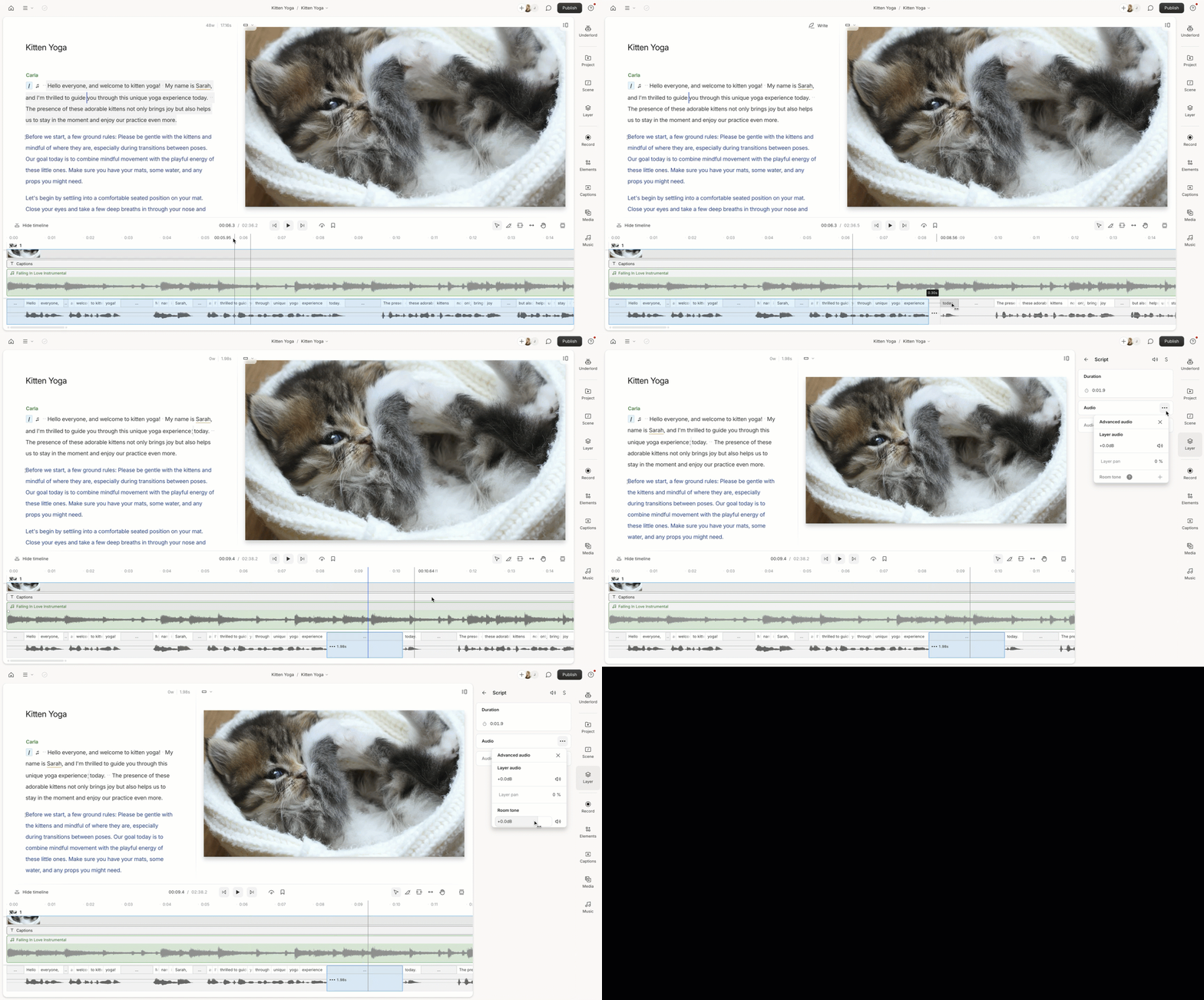
- Add a gap clip - click and drag a word in the wordbar wherever you want to create some space.
- Select the gap clip in the Timeline.
- Click on the Properties panel.
- Click the three dots in the Audio section of the Properties panel.
- In the Advanced audio window, you can add or delete the room tone, mute the tone, or change its volume.\