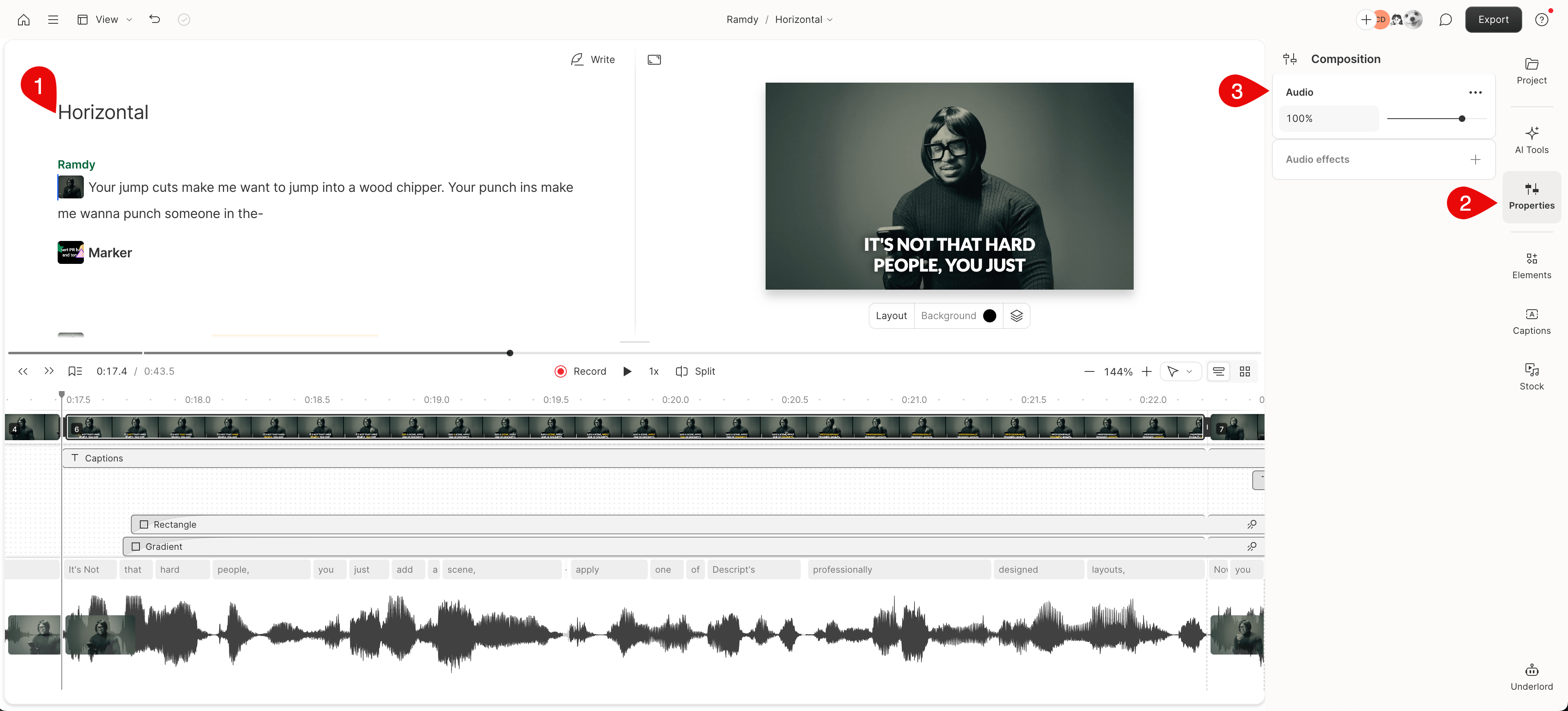
Access your composition’s audio properties
Click on your composition’s title at the top of the Script editor, and then the Layer section on the right-hand side. This will allow you to access the composition’s audio properties. You can then make volume adjustments or add effects from the Properties panel.