

How to resolve this issue
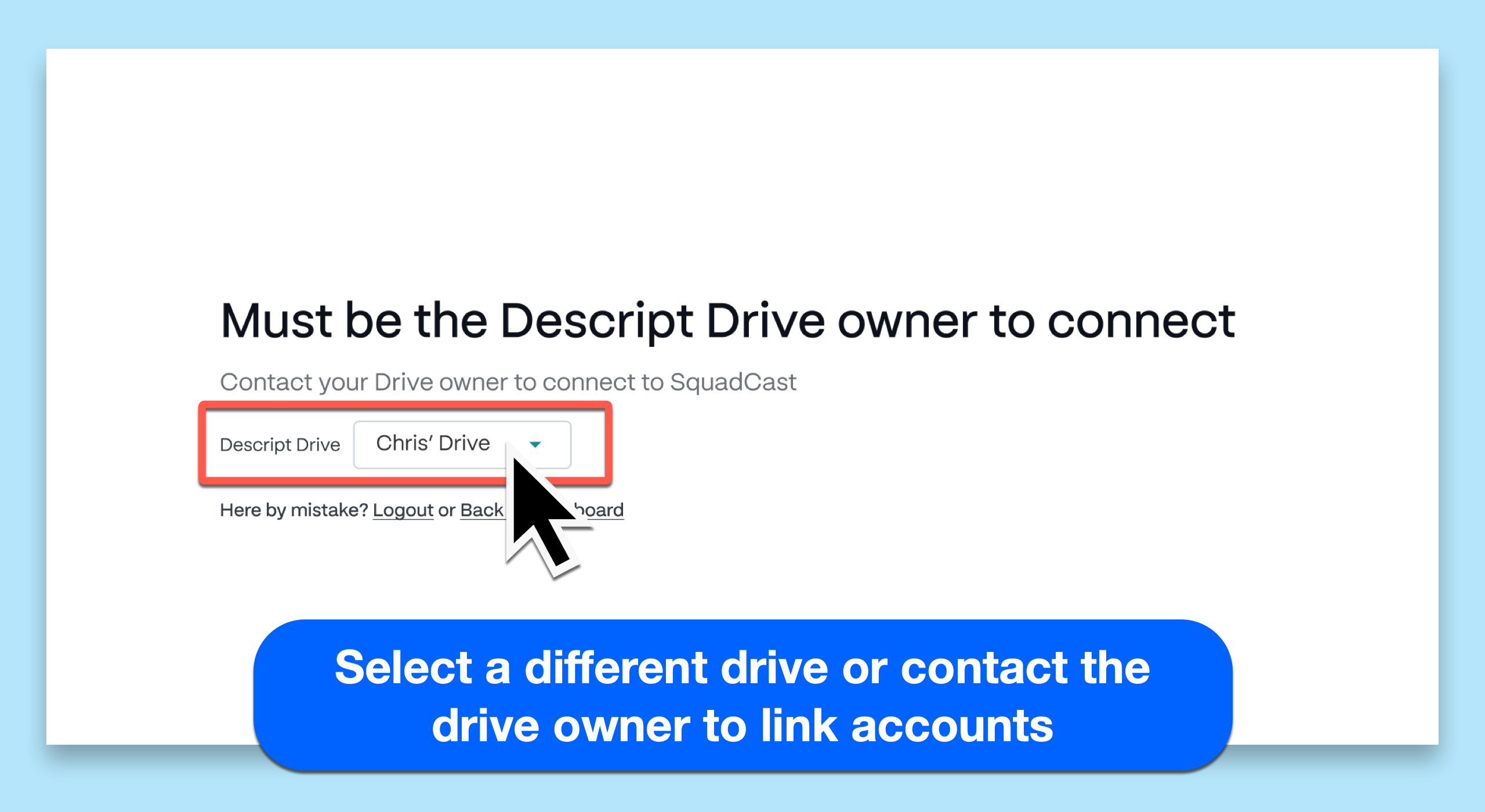
- Switch to a drive you own: Use the Descript drive dropdown to select a drive where you are the owner.
- Ask the drive owner to connect: If you’re using the correct drive but aren’t the owner, ask the drive owner to complete the connection. They can follow the steps in this guide to linking Descript and SquadCast.
Looking for an easier way to record with guests?Rooms is our fully integrated recording and collaboration experience inside Descript — no linking or extra setup required. It’s a great alternative to SquadCast for quick, collaborative recordings with guests, editors, or producers.