

- Select the

- Select Edit Session.\
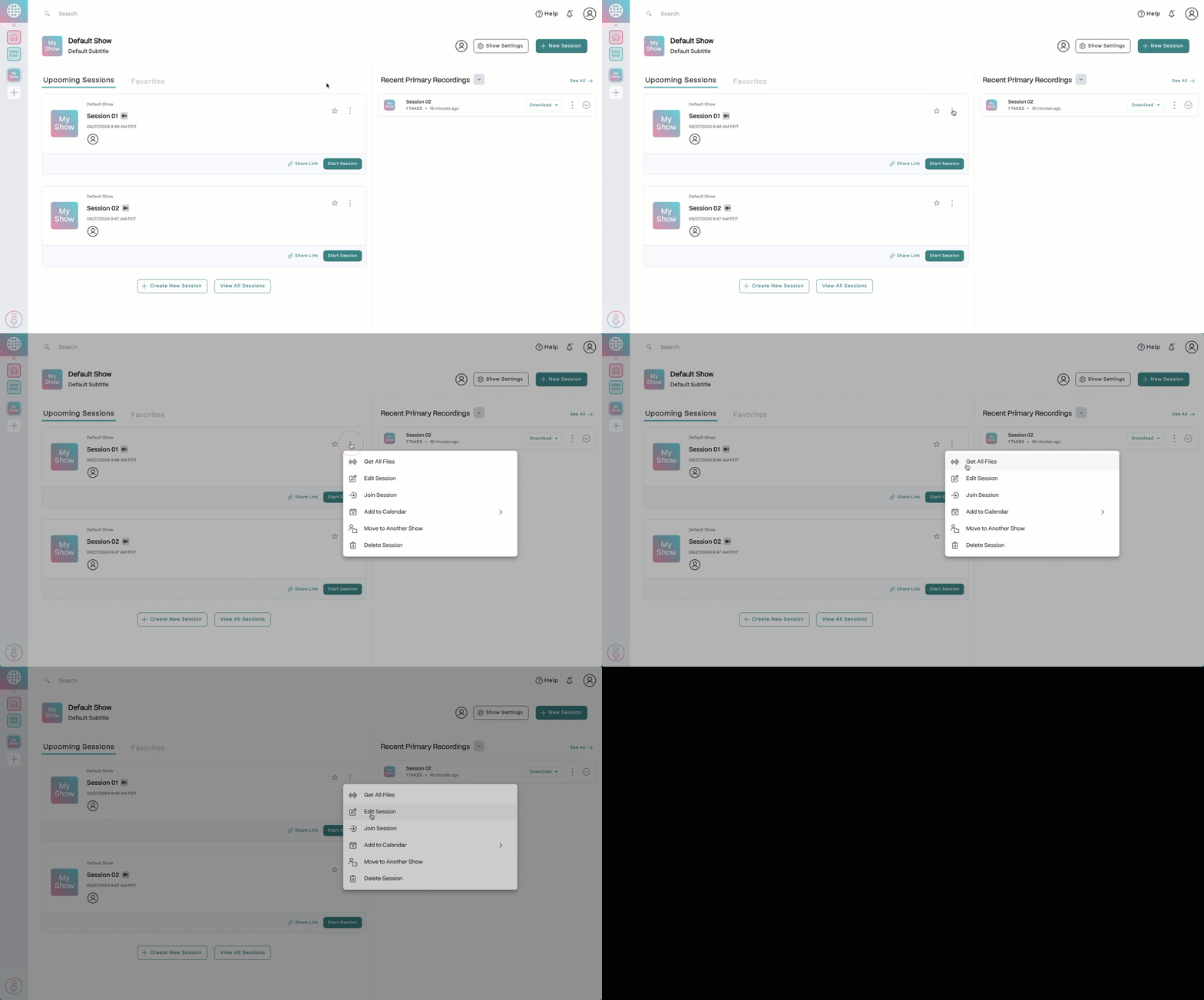
- Make any necessary adjustments to the session settings or add participants to the session.
- Once the session has been set up to your liking, you can click the Send Emails button in the top right corner to invite your participants if necessary, then click Done.
Edit a SquadCast recording session
Edit an upcoming SquadCast session from the Dashboard.
Change the details of an upcoming recording session right from the SquadCast Dashboard before it starts.