

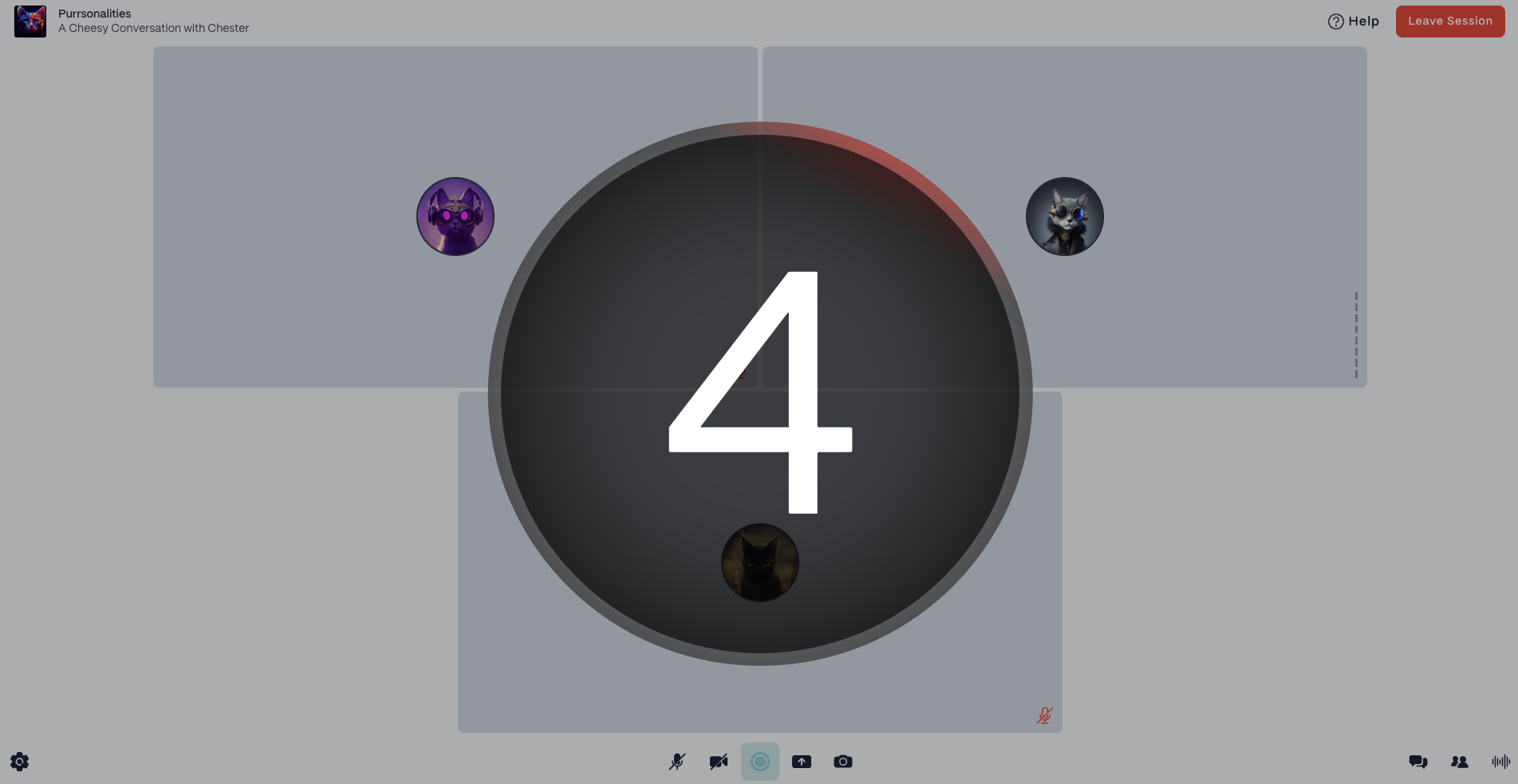
How to enable a recording countdown for a Show
- Select the Show on the left side of the Dashboard.
- In the top right corner, select the Show Settings button.
- Under the Advanced Show Settings section, adjust the Recording Start Countdownslider to the desired duration.
- Select the Save Changesbutton in the top right corner.