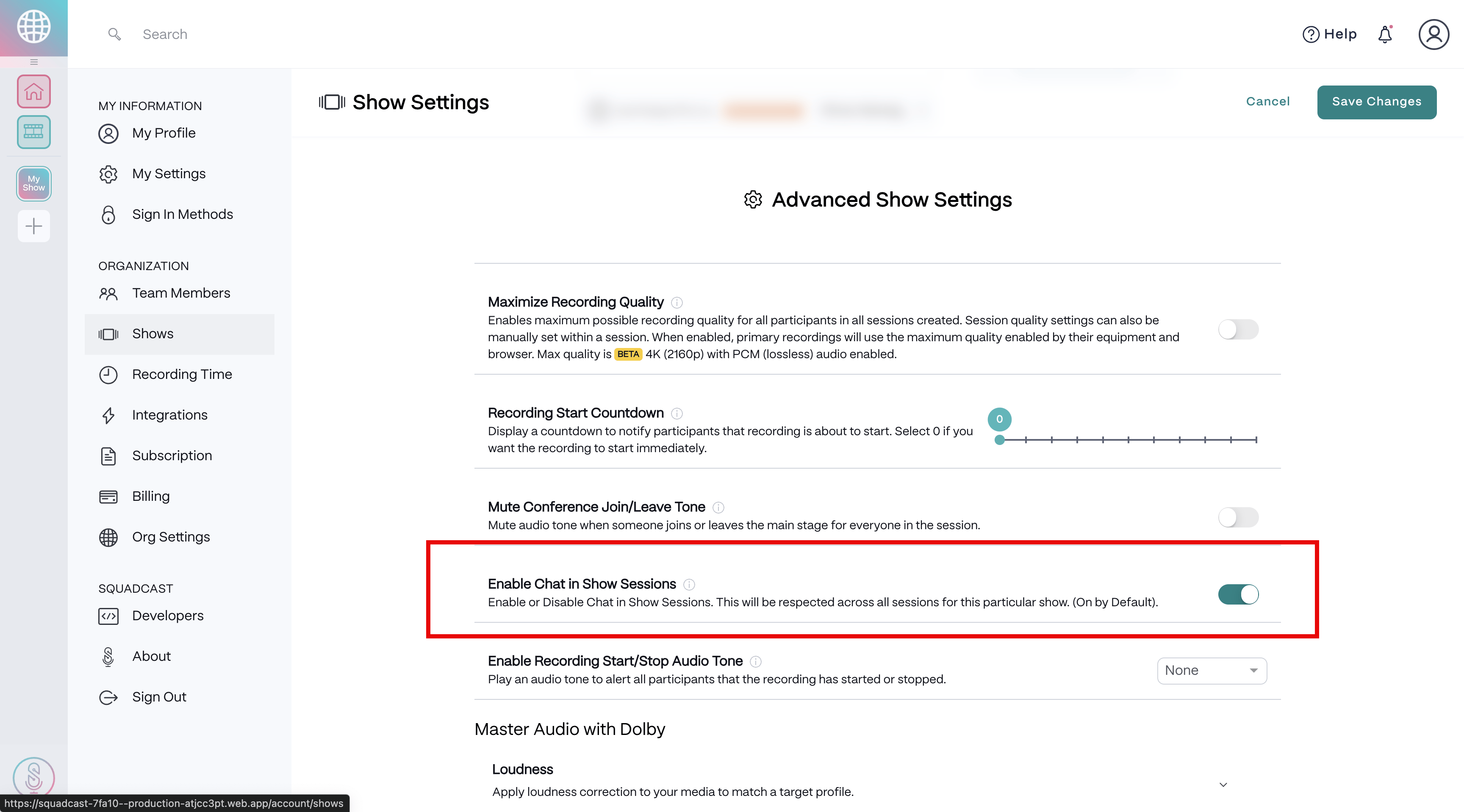
How to enable or disable chat groups for a Show
- Select the Show on the left side of the Dashboard.
- In the top right corner, select the Show Settings button.
- Under the Advanced Show Settings section, select the toggle to the right of Enable Chat in Show Sessionsto enable or disable this feature. This feature is enabled by default.
- Select the Save Changesbutton in the top right corner. \