

How to create a new Webhook
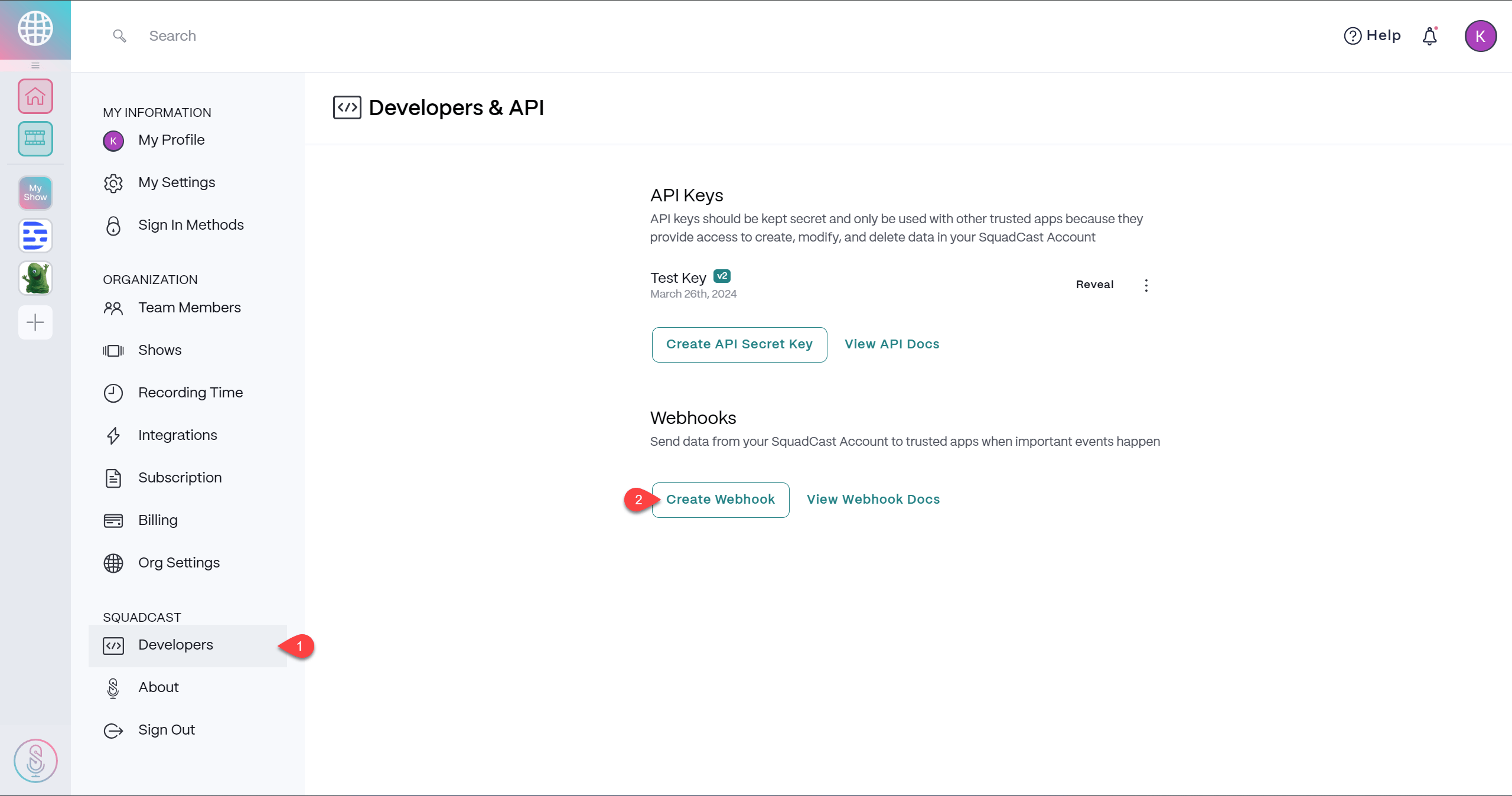
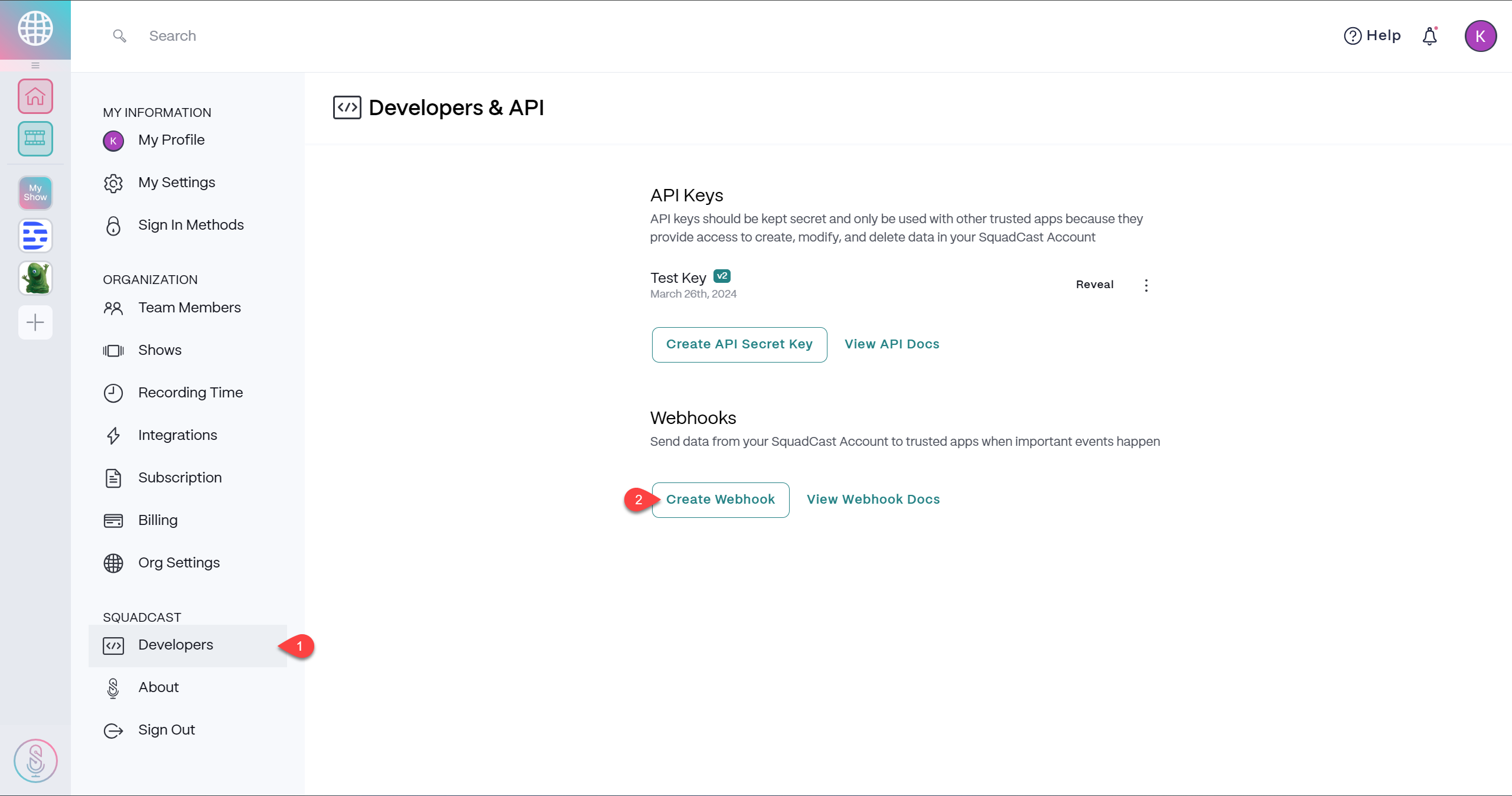
- Navigate to your account settings and select the Developers tab within the left side navigation.
-
Click the Create Webhook button.
-
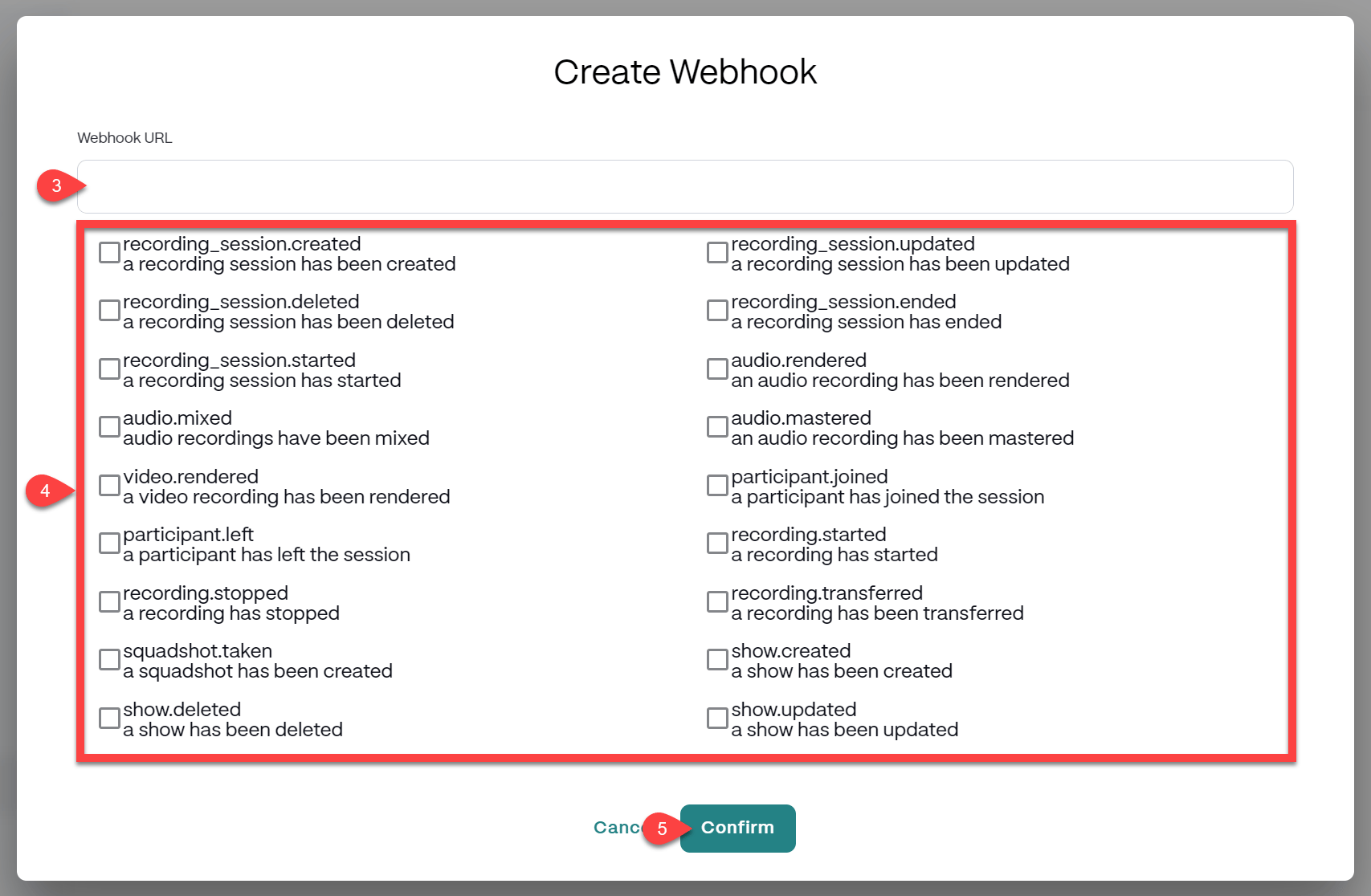
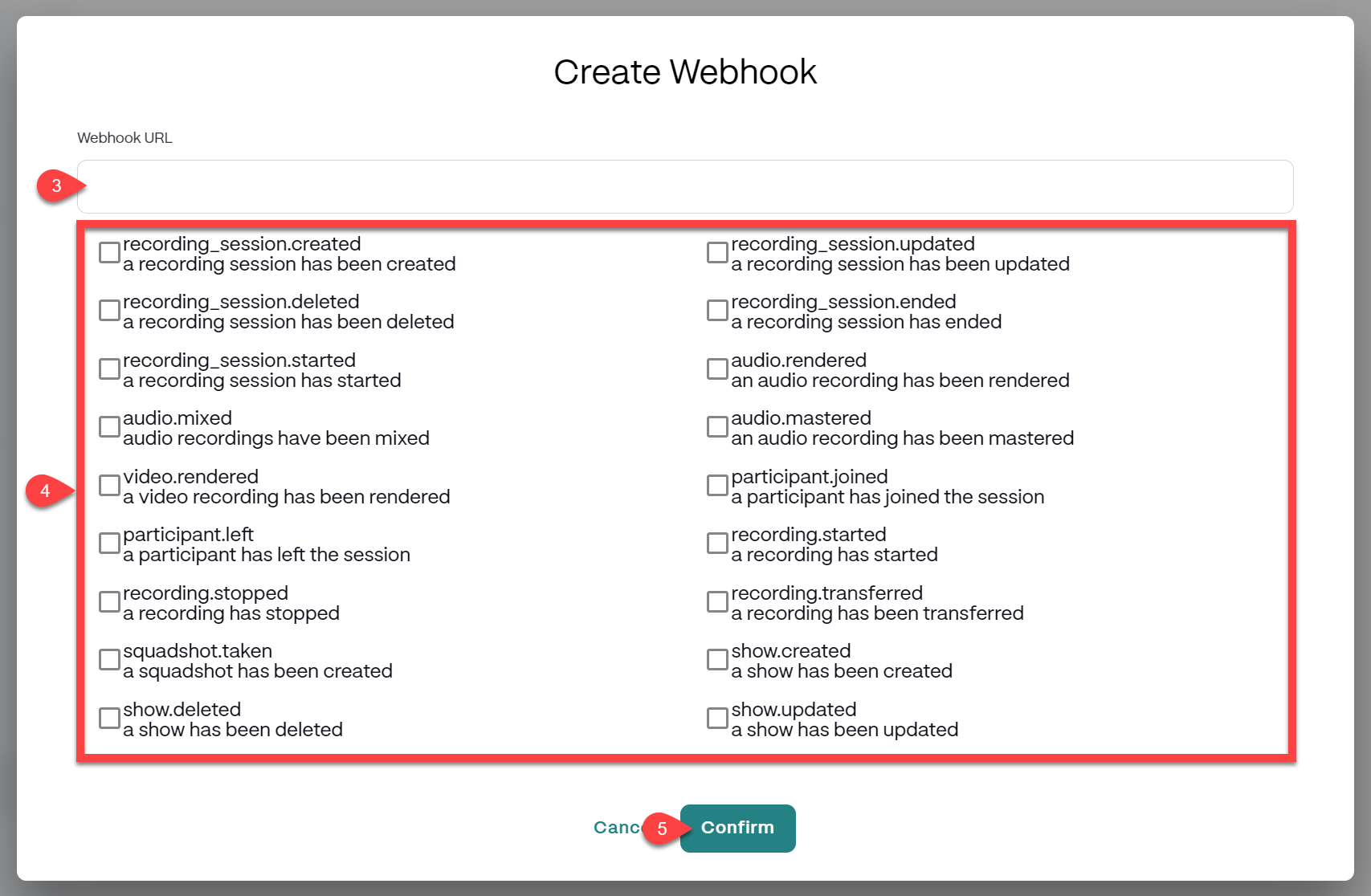
Input the Webhook URL that you would like to send your data to, keeping the following in mind:
- The URL must be accessible over HTTPS.
- The URL cannot be served from localhost. We recommend Localtunnel for testing purposes.
- Check the box to the left of one or more Webhook Events that you would like to send your data.
-
Click the Confirm button to save your Webhook.
Webhook options
Here are the options available to you within the Webhooks section of your account settings:- Click the

- Edit Webhookto make changes to any existing Webhook.
- Delete Webhookto permanently remove any existing Webhook from your account.