

Grant browser permissions
- Join a recording session as the host or a guest.
- Click Get Started.
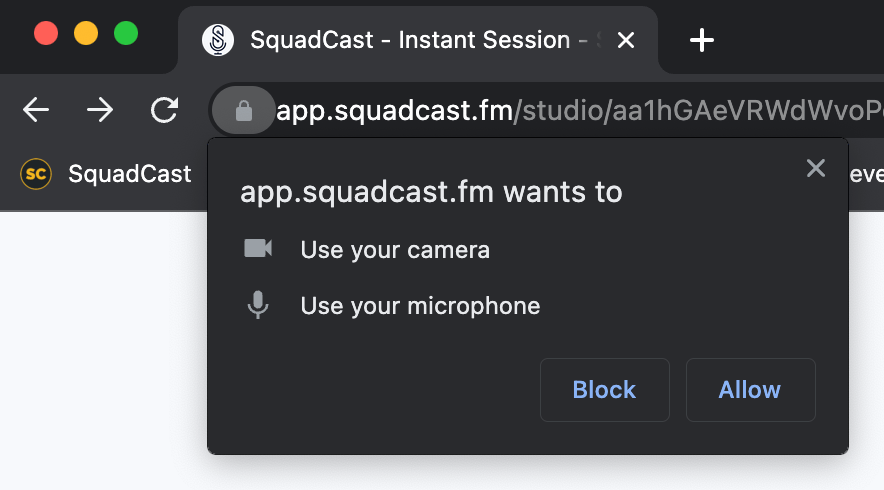
- When prompted, click Allow to give SquadCast access to your microphone and camera.
Reset microphone and camera permissions
- Go to https://app.squadcast.fm.
- Click the lock or settings icon to the left of the URL in your browser’s address bar.
- Adjust permissions by toggling on microphone and camera access, resetting permissions, or opening site settings. The steps may vary depending on your browser.
- Refresh the page.
Operating system permissionsIf you’re still having issues, your browser may also need permission at the system level. Learn how to allow OS-level permissions for microphone and camera access.