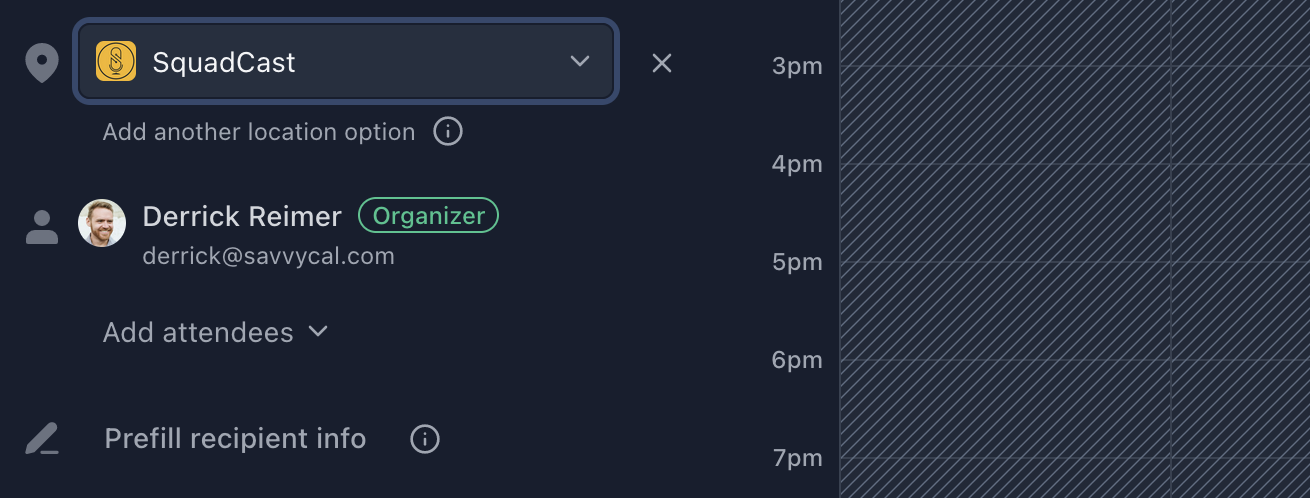
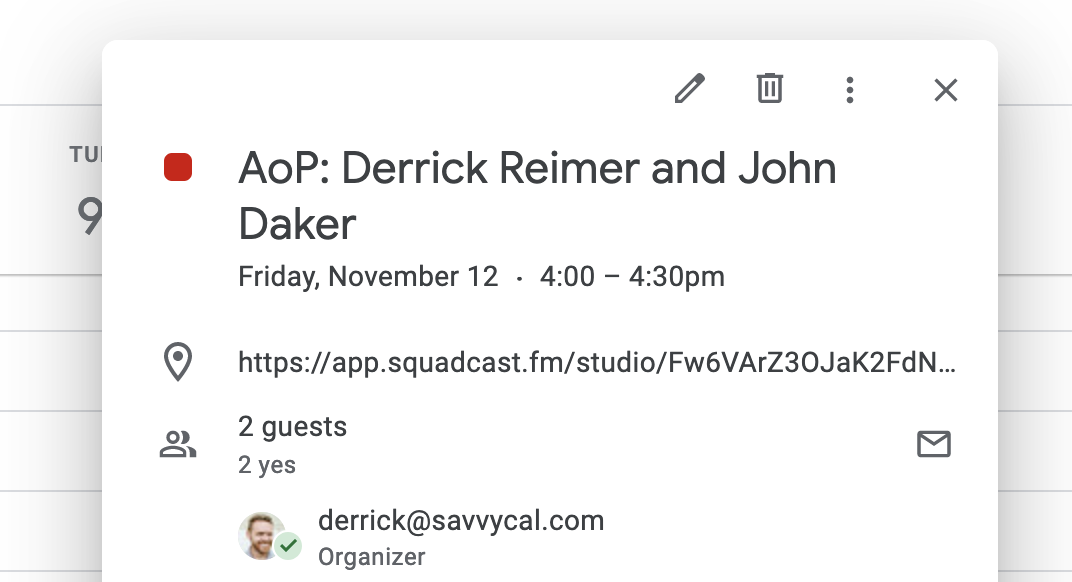
Connecting your SavvyCal to SquadCast
Before you start, you will need both a SquadCast account and a SavvyCal account to complete this integration.- Create a new API Secret Key within your SquadCast account page. We recommend the name “SavvyCal Scheduling.”
- Copy the new API Key to your clipboard.
- Navigate to your SavvyCal Dashboard.
- Select Settings then Integrations.
- Click the **+**button next to the SquadCast section and paste in your SquadCast API Key.
- Click Save.