How to rename a Take
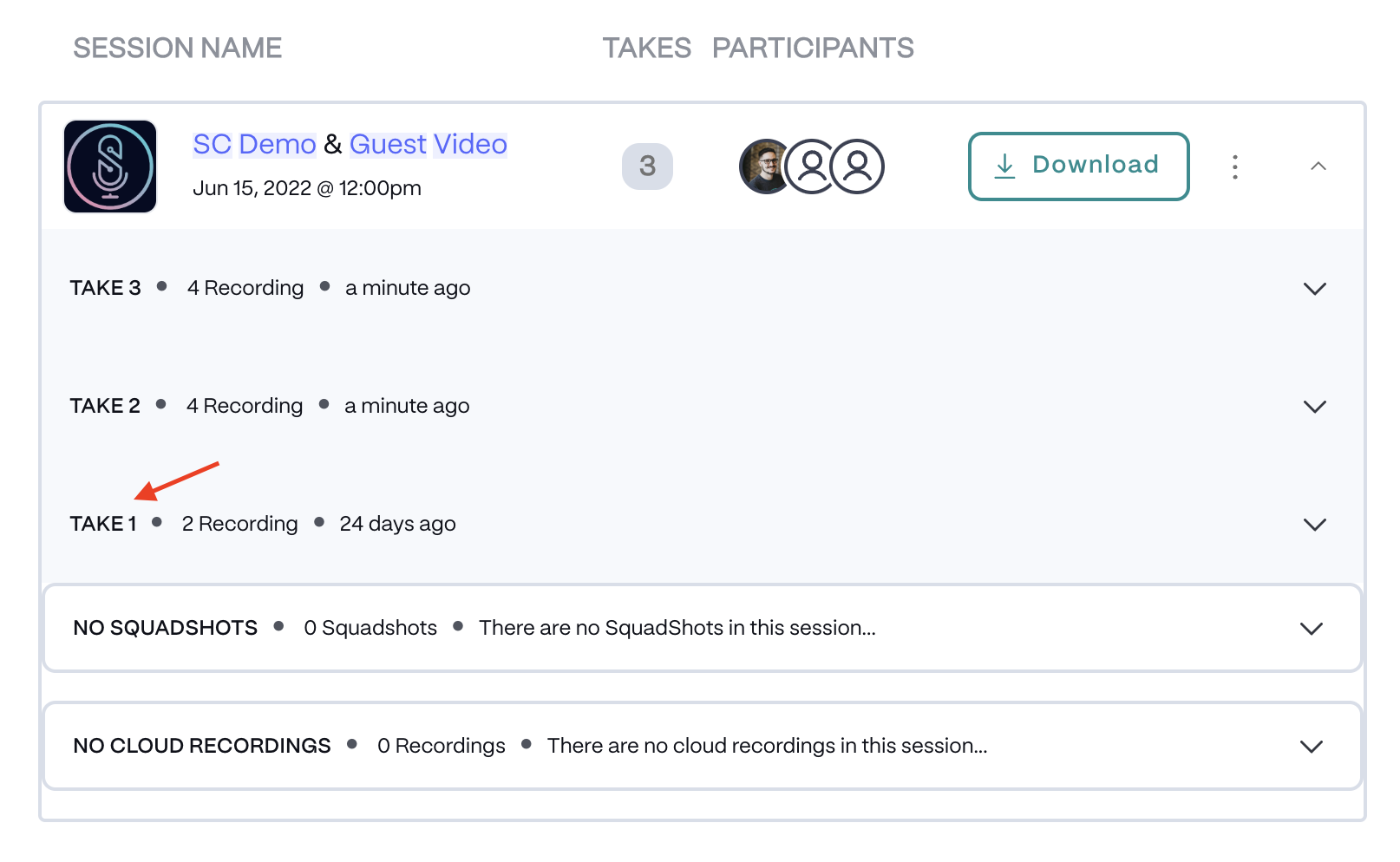
Rename Takes before leaving the sessionAt this time, Takes can only be renamed within a recording session, so please make sure to rename your Takes as needed before leaving the session.
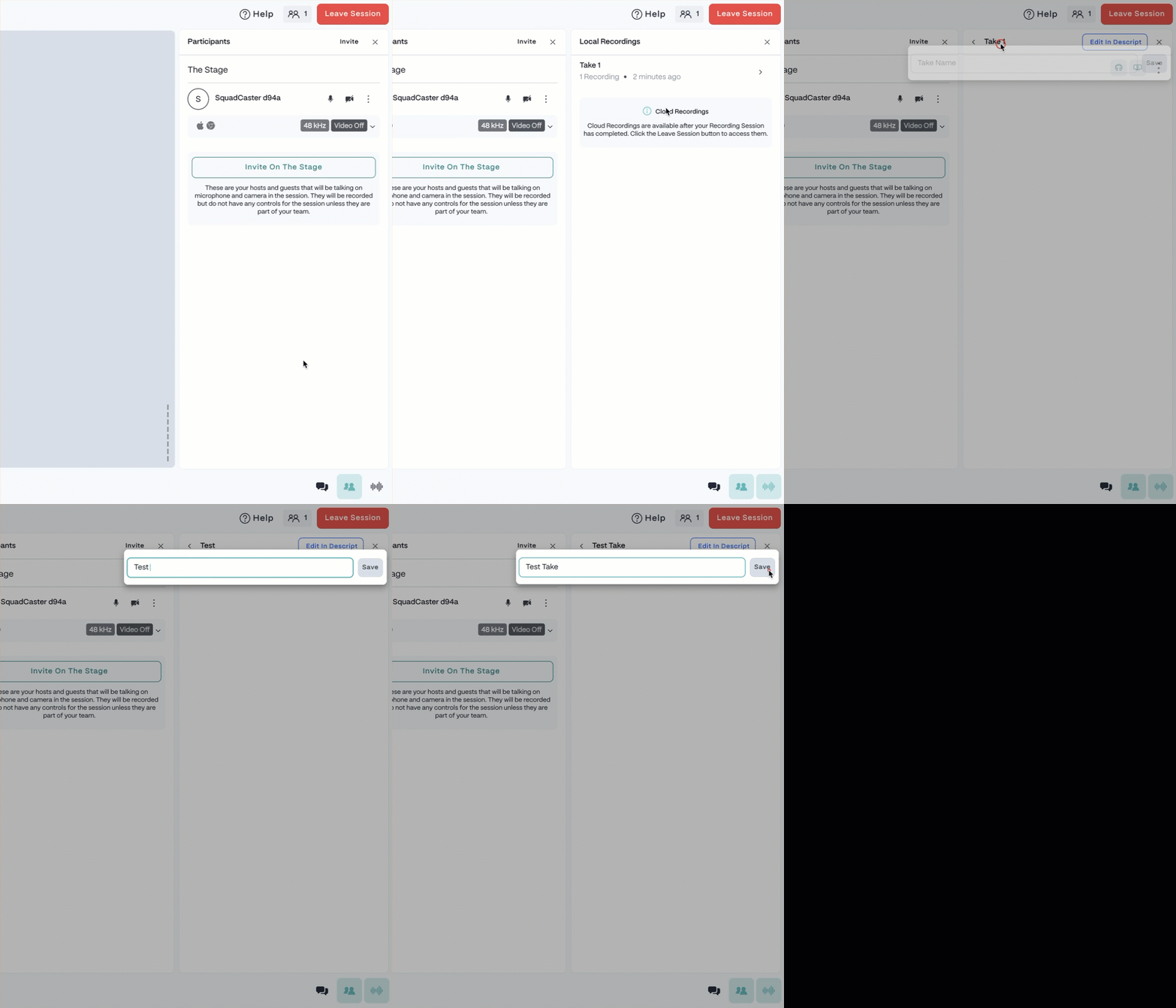
- From within a session, click the recordings button in the lower right corner or press
Command + 8(macOS) orControl + 8(Windows). - Click on the Take you want to rename.
- Click on the name of the Take. This will open a text box to rename the take.
- Edit the name of the Take and then click Save. \