

How to access Descript for Web
Open a browser window and sign in to your account at web.descript.com. That’s it!Browser and platform support
Descript for Web works best on Chromium-based browsers such as Google Chrome, Microsoft Edge, and Opera. Descript also supports Firefox for web editing. Keep your browser updated and check the system requirements. You may encounter issues in Safari. We do not support Internet Explorer. Descript is not designed for small mobile screens or tablets.Recording permissions
Recording in the web editor is not available in Firefox. To record, use Chrome or the desktop app. Rooms has separate browser support. When you record in Descript for Web for the first time, grant browser access to your camera and microphone.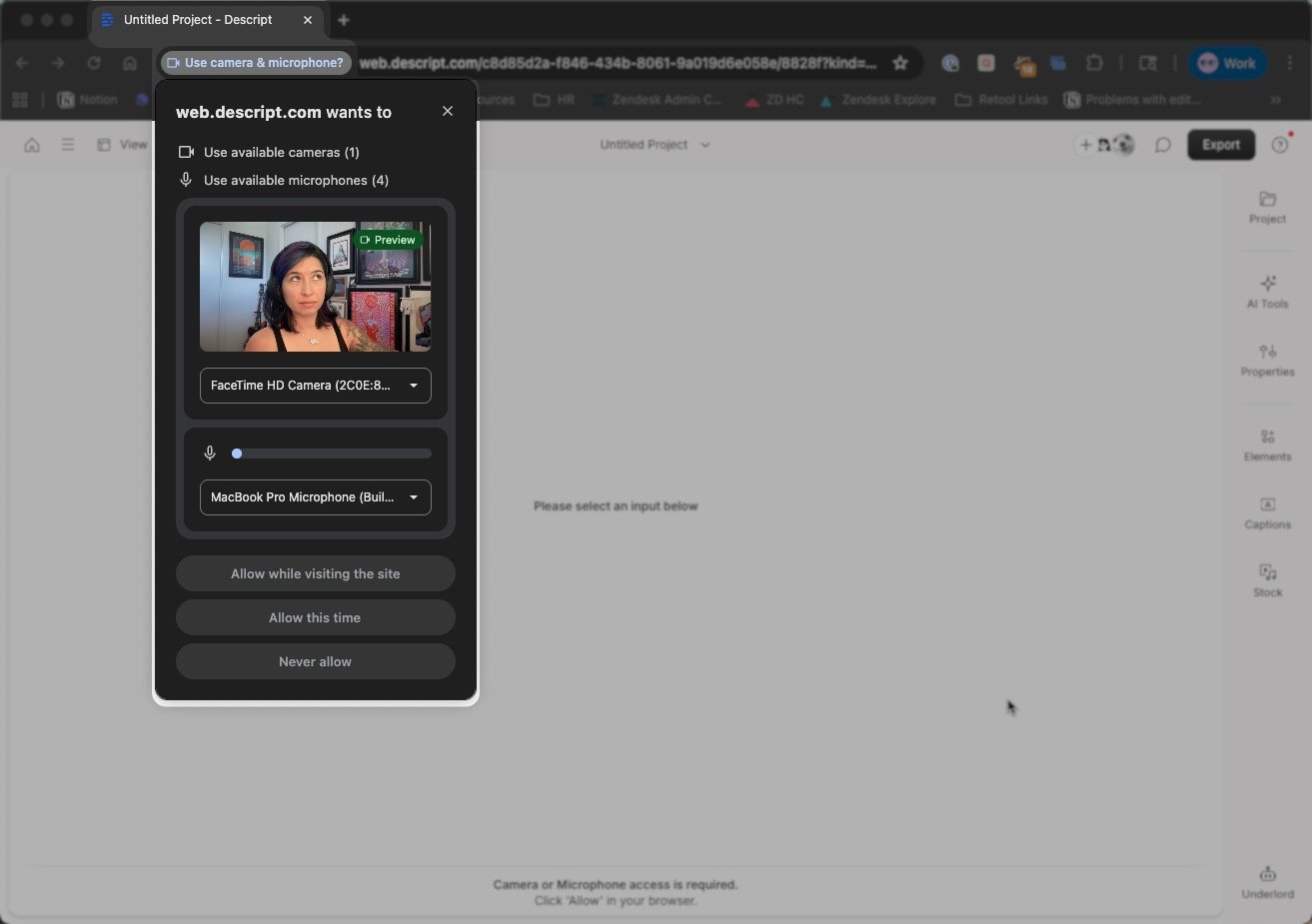
Keep learning and exploringNow that you’re set up in Descript for Web, explore our getting started videos and tutorials to learn how to record, edit, and publish right in your browser — all in Learn Descript.