

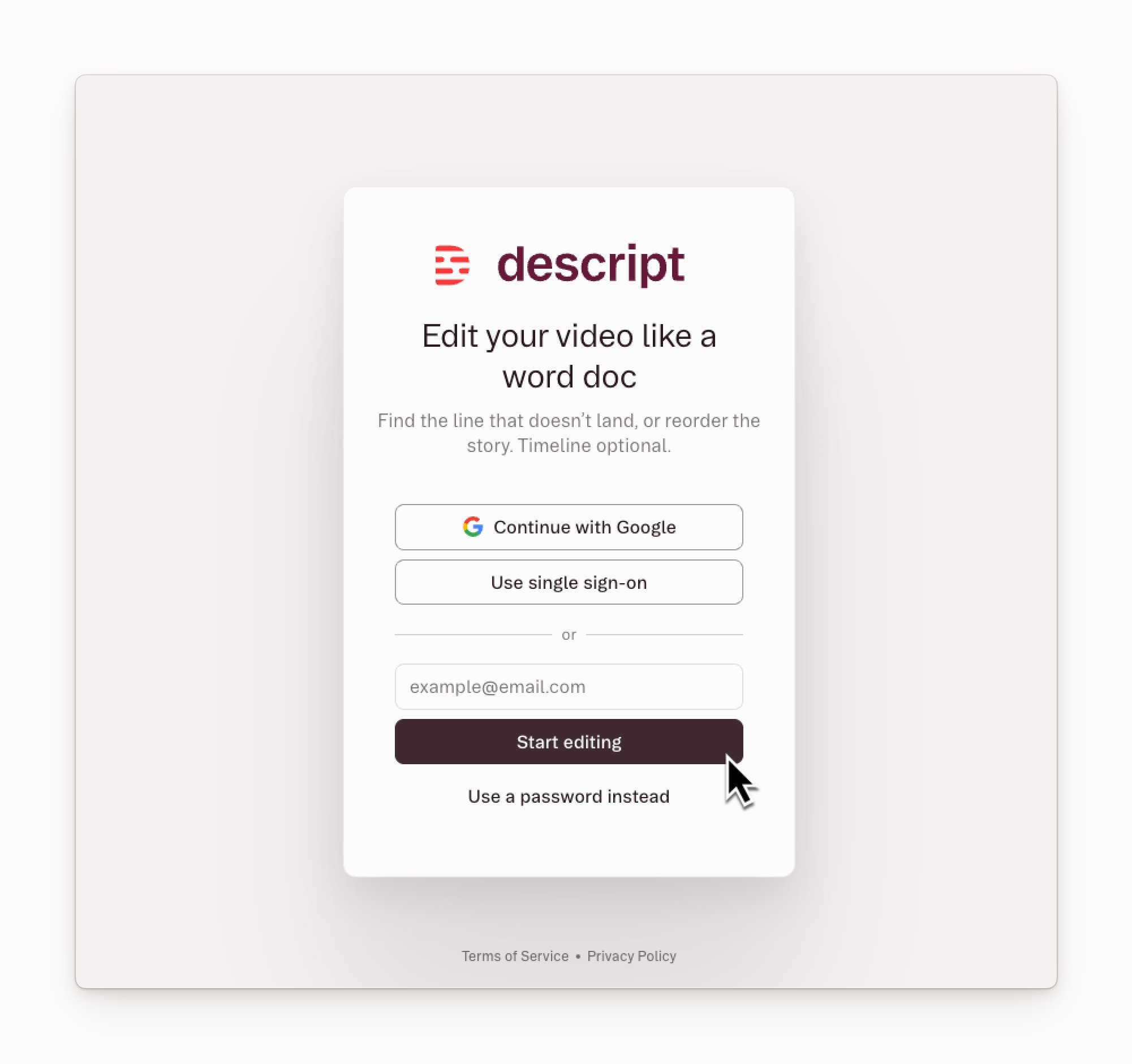
Signon Stytch

Log in to your account

Choose your sign-in method:
Use this method if you already use Google and want to sign in with a single click.
  1. Navigate to web.descript.com.
  2. Click the Continue with Google button.
    • Select a Google account to connect to Descript. If you aren’t signed in, enter the email and password for the Google account you want to use.
Moving forward, you’ll sign in to Descript by clicking Continue with Google.

Download the Descript desktop app

After creating your account, continue working in your browser at web.descript.com or download the desktop application.

Marketing emails

When you create an account, you agree to Descript’s Terms of Service and Privacy Policy. You’ll occasionally get emails about product updates or helpful tips. Unsubscribe from these messages anytime by clicking the Unsubscribe link at the bottom of our emails. We’ll still send essential account or billing notifications, which can’t be turned off.