Usage noteOn current plans, this feature uses AI Credits. Learn more about tracking your Media Minutes and AI Credits.Legacy and Sunset plans track usage differently. See our Understanding your Legacy and Sunset plan guide for details.
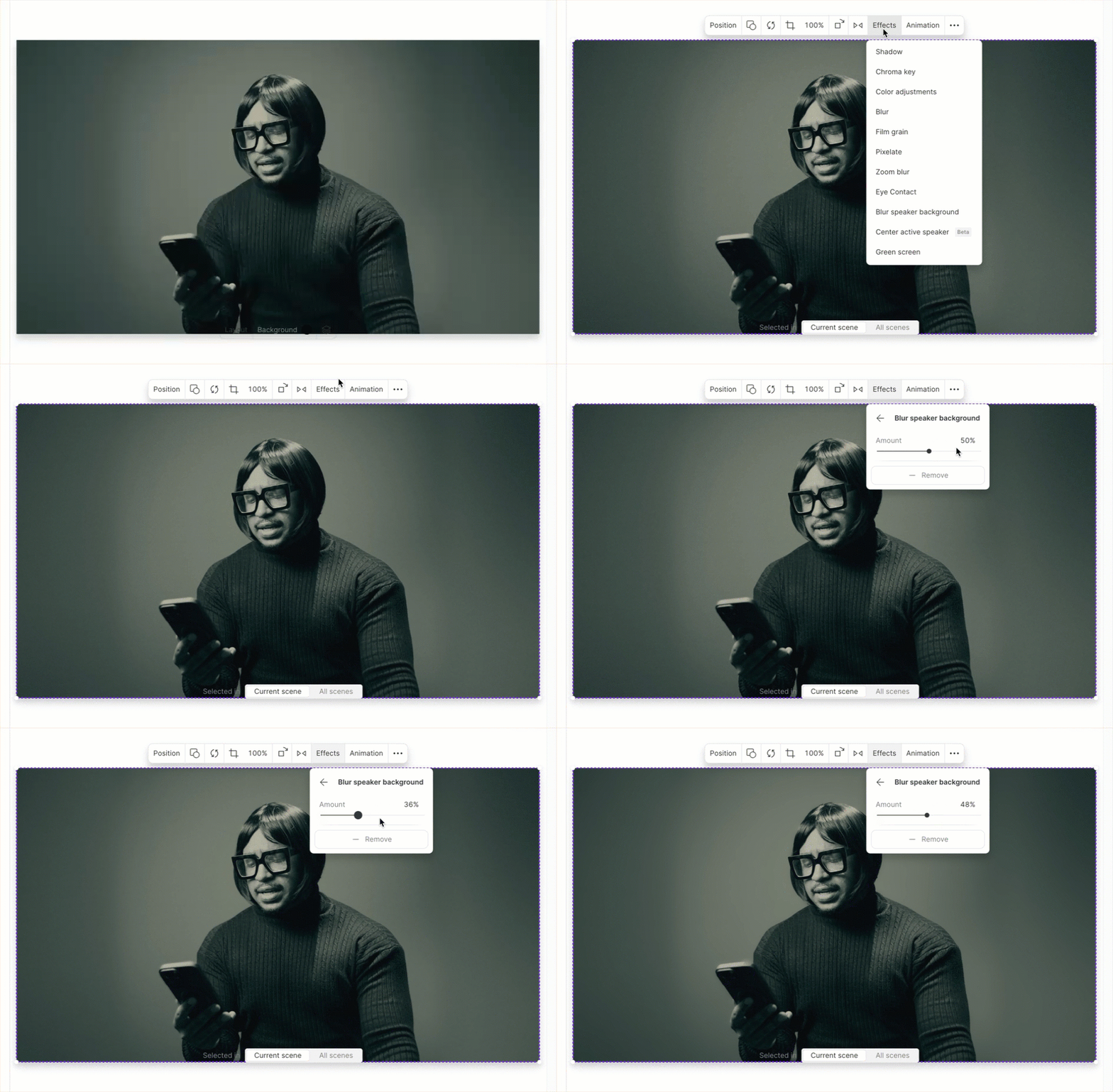
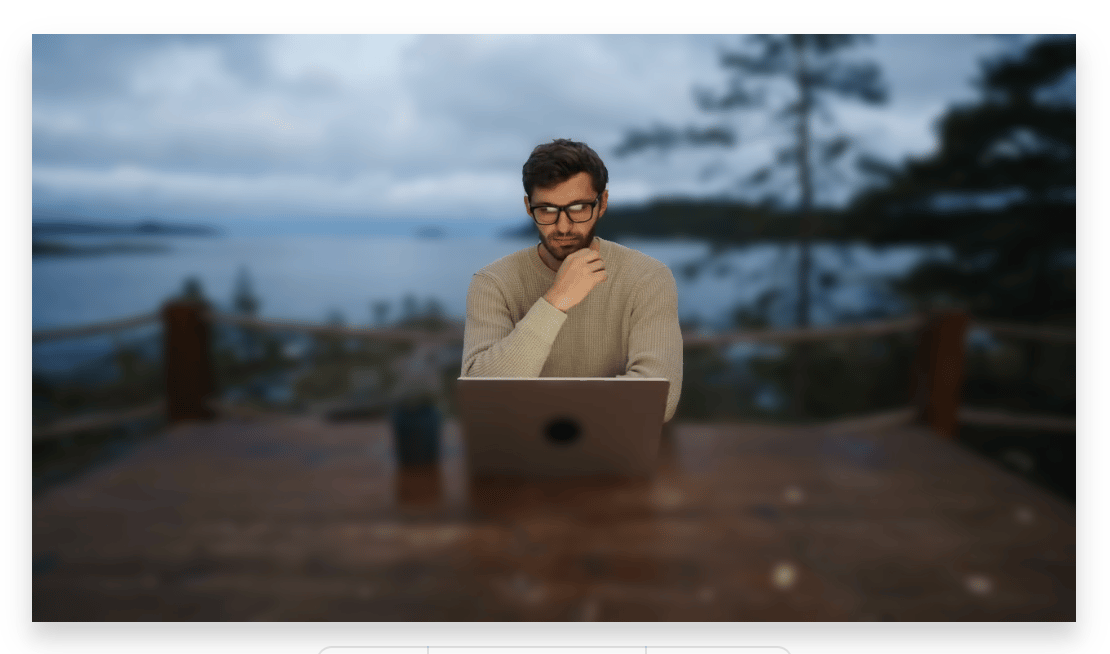
Add the Blur speaker background effect
- Select the media you want to apply the effect to in the scene editor or the timeline.
- Open the Properties panel from the right-hand toolbar.
- Under Visual effects, click the + button.
- Choose Blur speaker background (beta).\