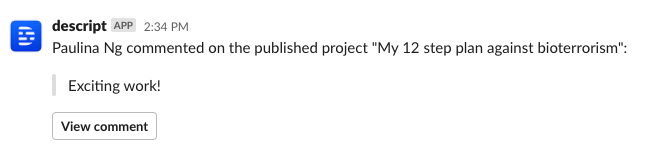
- Comments on projects
- Comments on share pages
- The first time a share page is viewed
Installing in your Workspace
Installing the Descript bot in your workplace is as easy as clicking the button below:
Connect your Descript account to Slack
After the Descript integration is installed on your workspace, users in the workspace can add the Descript app.-
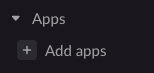
Click the + Add apps button in the lower-left corner of the Slack sidebar.
-
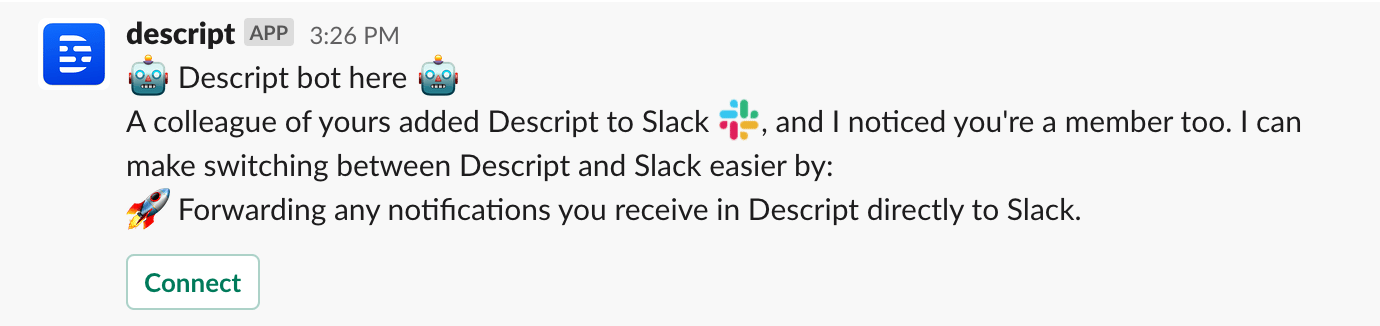
The Descript bot will then prompt you to connect your Descript account. Click Connect; this will open a browser page, and you’ll be prompted to log in to web.descript.com.
-
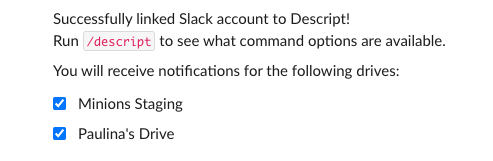
Once connected, you’ll be redirected back to Slack, where you can configure which drive(s) to receive notifications for. By default, all drives will be selected, so if you wish to remove any, simply uncheck the box.