

Verified Skills is now CapabilitiesThis feature was previously called Verified Skills.
How it works
Descript automatically tracks your use of editing features across your projects. When you meet the requirements for a capability level, you’ll see an in-app notification with the option to add the capability to your LinkedIn profile.Capability levels
Descript assigns the highest level you qualify for:Connect your LinkedIn account
When you qualify for a capability, you’ll see a notification in Descript the next time you log in.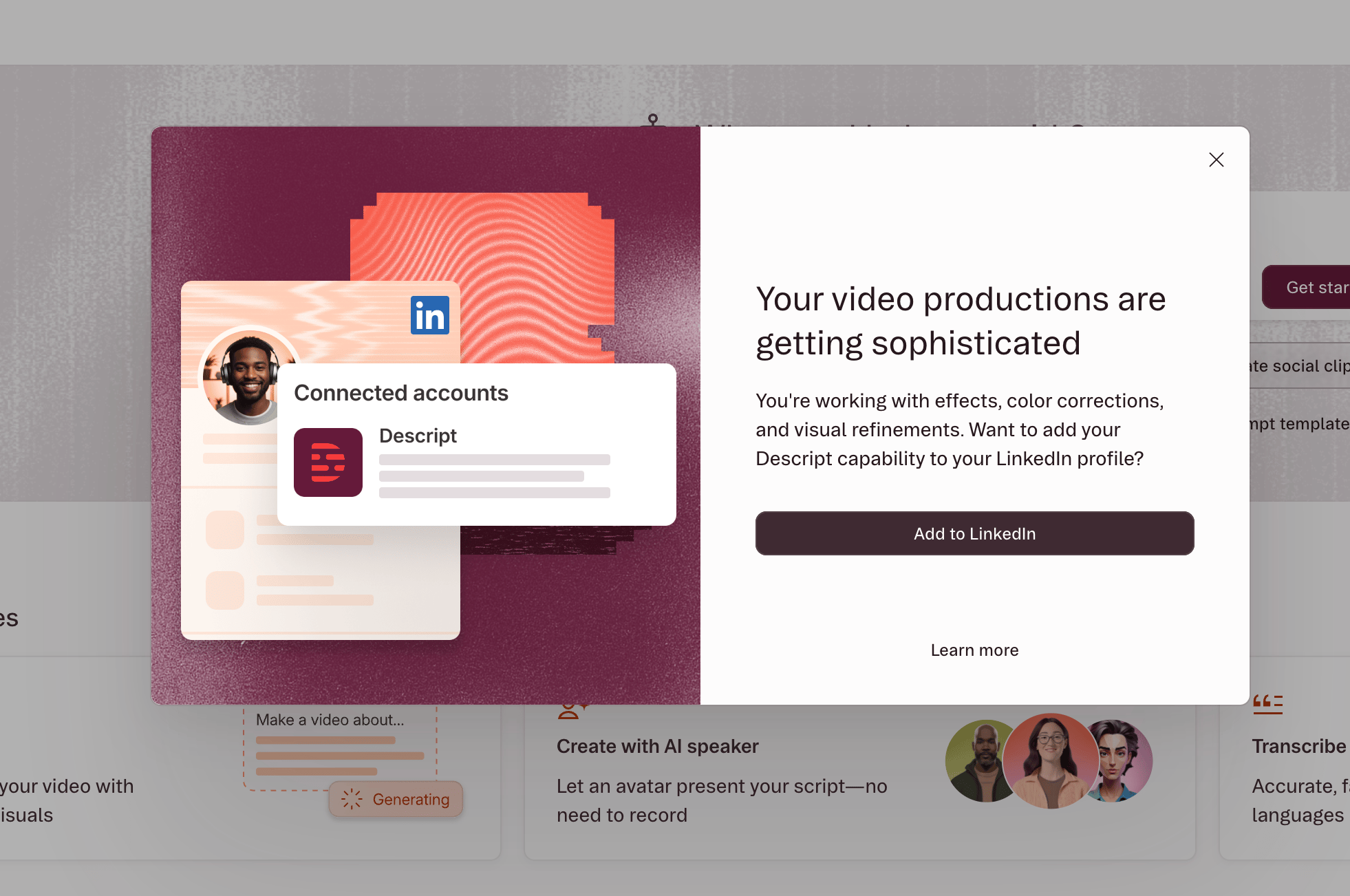
Manage your connection
Manage your LinkedIn connection from Settings → Connected Apps → LinkedIn:- View your current capabilities to see which levels you’ve earned.
- Connect or disconnect your LinkedIn account. Disconnecting removes the capability from your LinkedIn profile.
Privacy and your data
What we share with LinkedIn We only share the capability name and level you’ve earned. We don’t share your projects, workspace activity, usage data, or any other information about your work in Descript. Someone viewing your LinkedIn profile can see your capability level, but they can’t see which videos you edited, what features you used, or any details about your work. Your LinkedIn privacy settings Connecting Descript to your profile doesn’t change any of your existing LinkedIn privacy settings. You control who sees your profile via your LinkedIn settings. Account security We use LinkedIn’s secure OAuth authentication system to connect your accounts. Descript can only add capabilities to your profile — we can’t post on your behalf, access your connections, or view any other LinkedIn data.Frequently asked questions
How long does it take to qualify for a capability level?
How long does it take to qualify for a capability level?
It depends on your editing activity. If you’re already using a variety of Descript’s editing features, you might qualify for Level 1 or higher right away. For newer users, it may take completing several projects.
Will my level upgrade automatically?
Will my level upgrade automatically?
Descript checks your editing activity daily. When you qualify for a higher level, you’ll see a notification in Descript. Accept it to update your LinkedIn profile.
Can I disconnect my account?
Can I disconnect my account?
Yes. Disconnect at any time from Settings → Connected Apps → LinkedIn. This removes your capability statement from LinkedIn.If you dismiss the connection prompt without connecting, you can always connect later from the same settings page.
Is there a cost?
Is there a cost?
No, capabilities are included with your Descript subscription. There’s no additional fee to earn or display them.