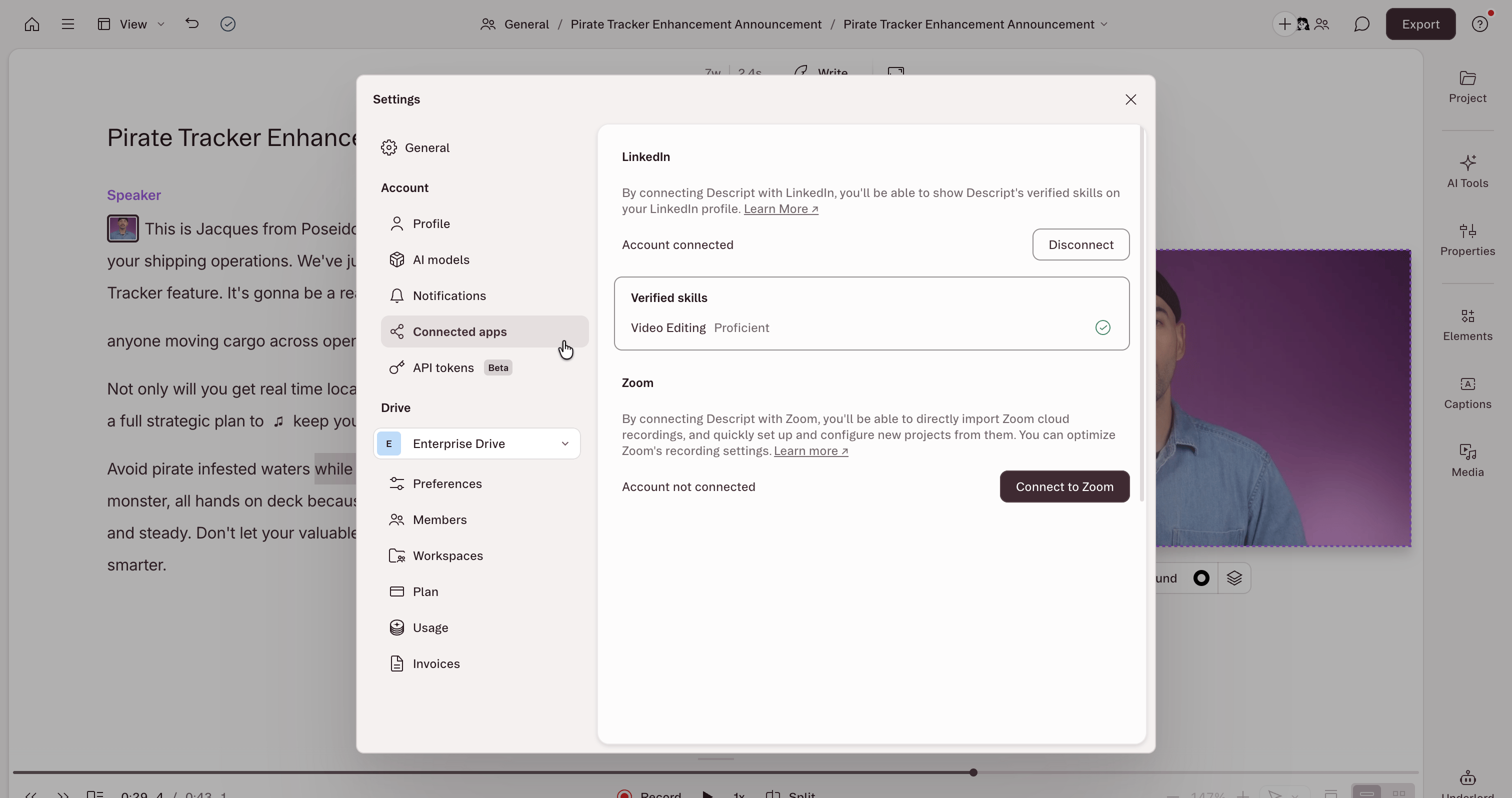
- Open App Settings with
Command/Control + , (comma) - In the settings menu that opens, select the Profiletab from the left sidebar.
- Under the Manage apps connected to your account section, select Cancel access to remove an application from the list of authorized apps.