Projects and compositionsA project is the top-level container for your work in Descript. Each project can contain multiple compositions — for example, a rough cut and a final version. Learn more about projects and compositions.
From the drive view
Click New project in the top-right corner, then choose the type of project to create. New projects save to your personal private workspace by default. On Enterprise plans, the New project button includes a workspace picker — choose a destination before creating the project. Drive admins can also change the default save location so new projects save to a different workspace. Learn more about workspaces.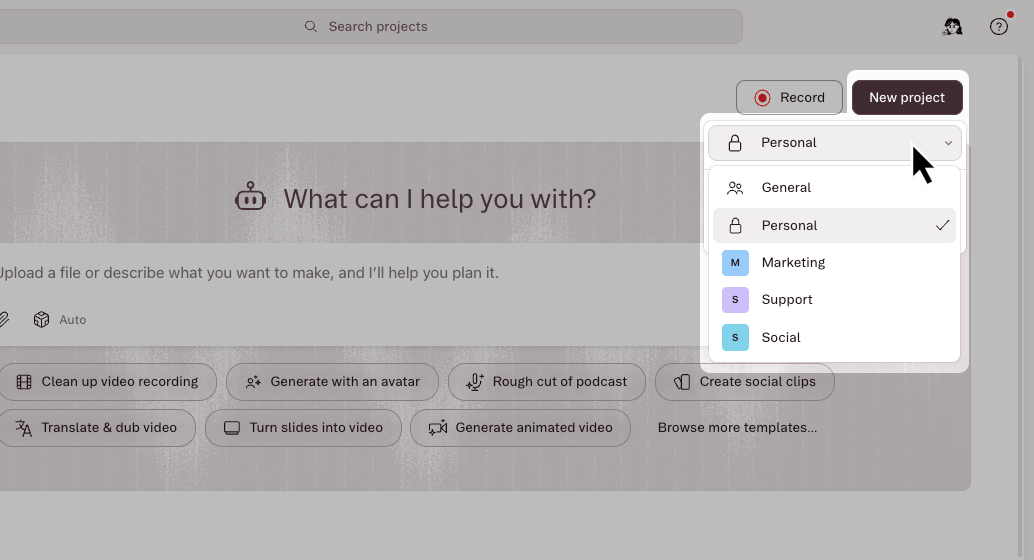
From inside a project
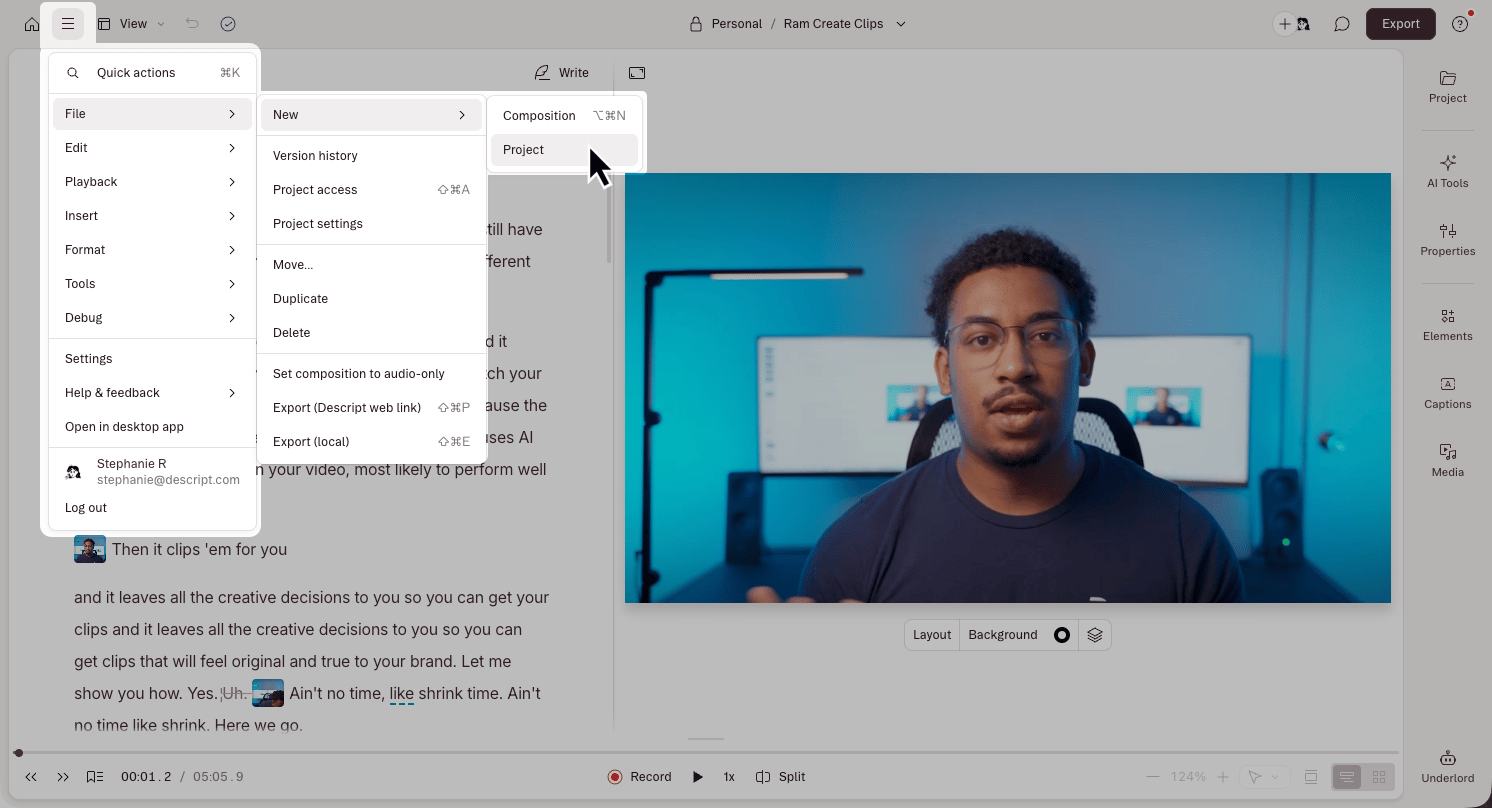
- Click the menu icon in the top-left corner.
- Select File > New > Project.