

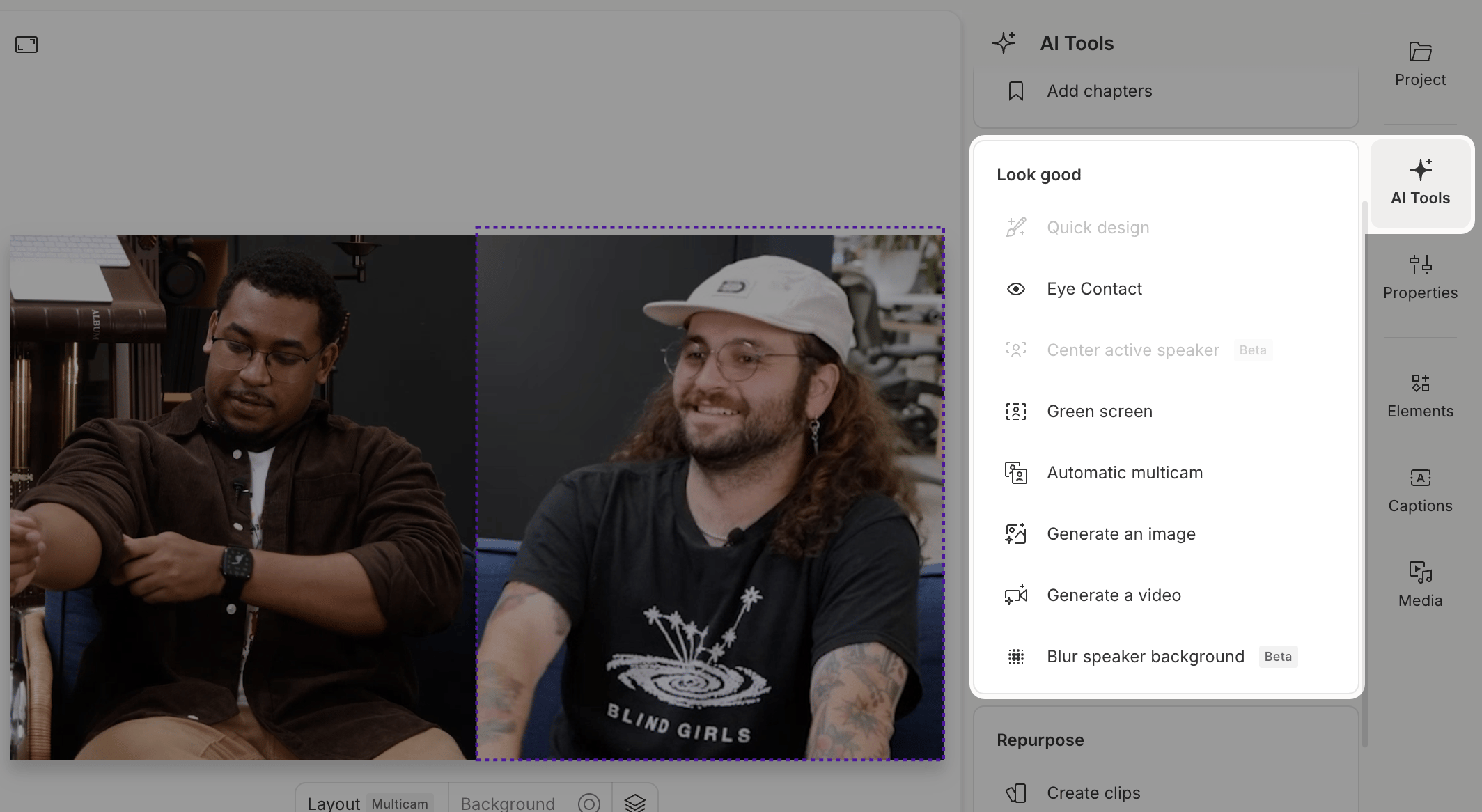
The Look Good tools are about on-camera presence: framing your subject, sharpening your delivery, and adding polish before you publish.
The Look Good panel inside the AI Actions panel
Usage noteOn current plans, this feature uses AI Credits. Learn more about tracking your Media Minutes and AI Credits.Legacy and Sunset plans track usage differently. See our Understanding your Legacy and Sunset plan guide for details.

Quick Design

Quick Design creates a polished first draft of your video. It automatically adds layouts, formatting, and B-roll to your script using your choice of AI-generated visuals or stock media. Best for single speaker, single track, single scene compositions. Learn more about Quick Design

Eye Contact

Correct your gaze with the Eye Contact effect. It adjusts your eyes to make it appear as if you’re looking directly at the camera — useful if you’re reading offscreen or getting distracted. Learn more about Eye Contact

Center Active Speaker (beta)

Keep the active speaker centered in the frame automatically. This feature reframes your video in real time based on who’s talking — a great fit for vertical formats and short-form content. Note: Works best when video and audio are combined on the same track. Learn more about Center Active Speaker

Green Screen

Remove or replace your background with Green Screen. Descript uses AI to detect and remove your background — no actual green screen setup required. Learn more about Green Screen

Automatic Multicam

Speed up multi-camera edits. Descript detects speaker changes in multi-track sequences, creates individual scenes, and switches focus based on who’s speaking. Learn more about Automatic Multicam

Generate media

Use AI to create original visuals by describing what you want, and Descript generates multiple options to choose from. Learn how to generate AI images or videos