

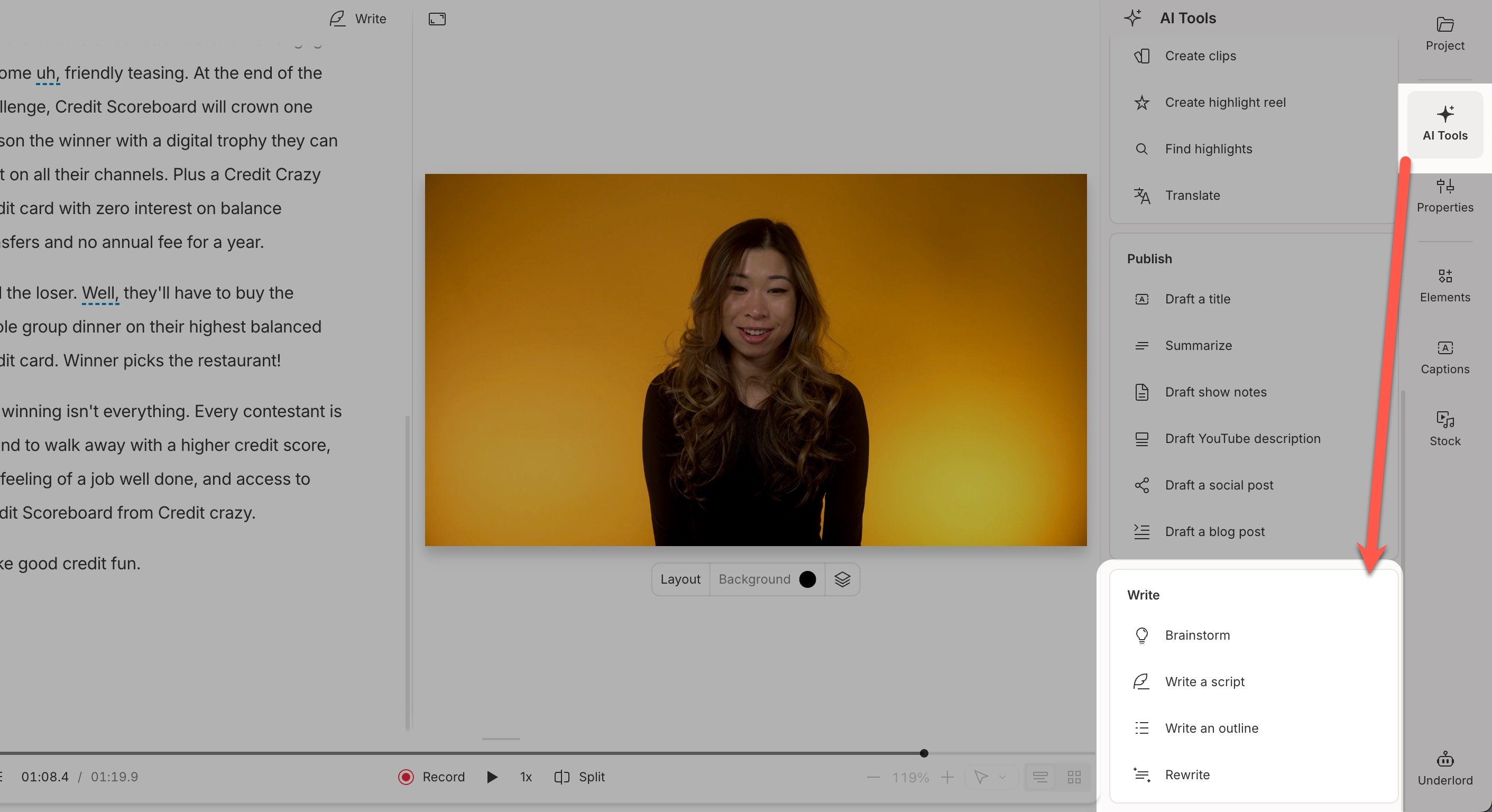
The Write category in the AI Tools panel
Usage noteOn current plans, this feature uses AI Credits. Learn more about tracking your Media Minutes and AI Credits.Legacy and Sunset plans track usage differently. See our Understanding your Legacy and Sunset plan guide for details.
Brainstorm
Explore ideas, test hooks, or get unstuck. Prompt it with a phrase or angle (e.g. pitch a video on this topic, find angles for a product launch, start with a rhetorical question).Write a script
Draft a script with structure and tone. Set the length and audience, then guide the output (e.g. 500 words for a webinar, sound like a YouTube Shorts hook, aim for first-time viewers).Write an outline
Create a structured flow for your script or blog. Steer the format or intent (e.g. TED-style talk, 5-point social explainer, how-to format with timestamps).Rewrite
Improve clarity, tone, or structure. Choose an editing style, then shape the result (e.g. make it more persuasive, sound like a TED Talk, tighten for younger viewers).Write tools also work on selected snippets of the scriptHighlight part of your script to rewrite only that section. If no text is selected, the action will use the entire composition.