Downgrade or cancel your subscription
Canceling your subscription is the same as downgrading to the Free plan. To switch to another paid plan, just choose a different option in the plan picker.- Log in at web.descript.com or open the desktop app.
- Open App Settings with
Command/Control + , (comma) - If you own multiple Drives, use the Drive picker in the sidebar to select the correct Drive.
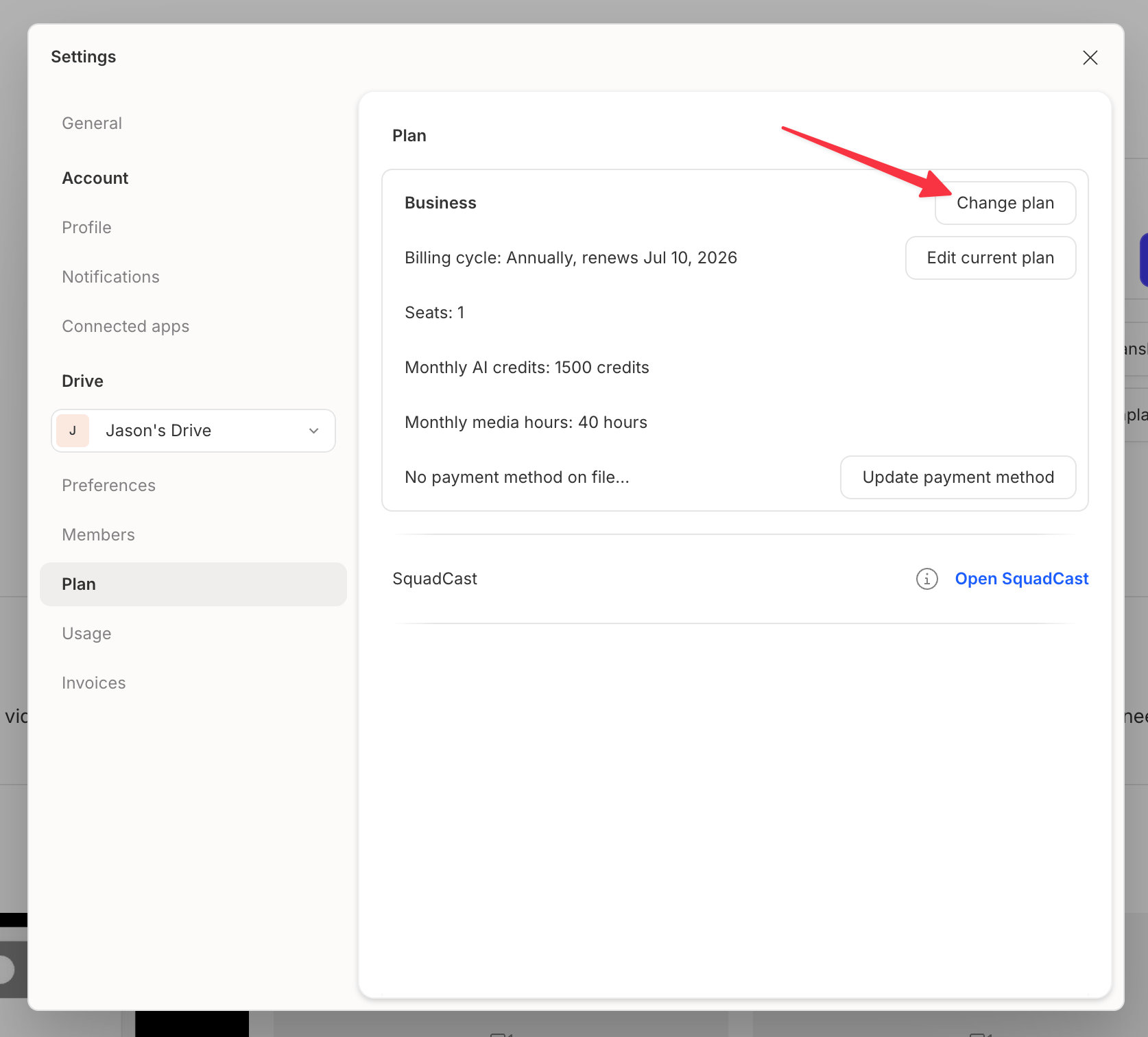
- Go to the Plan tab and click Change plan.
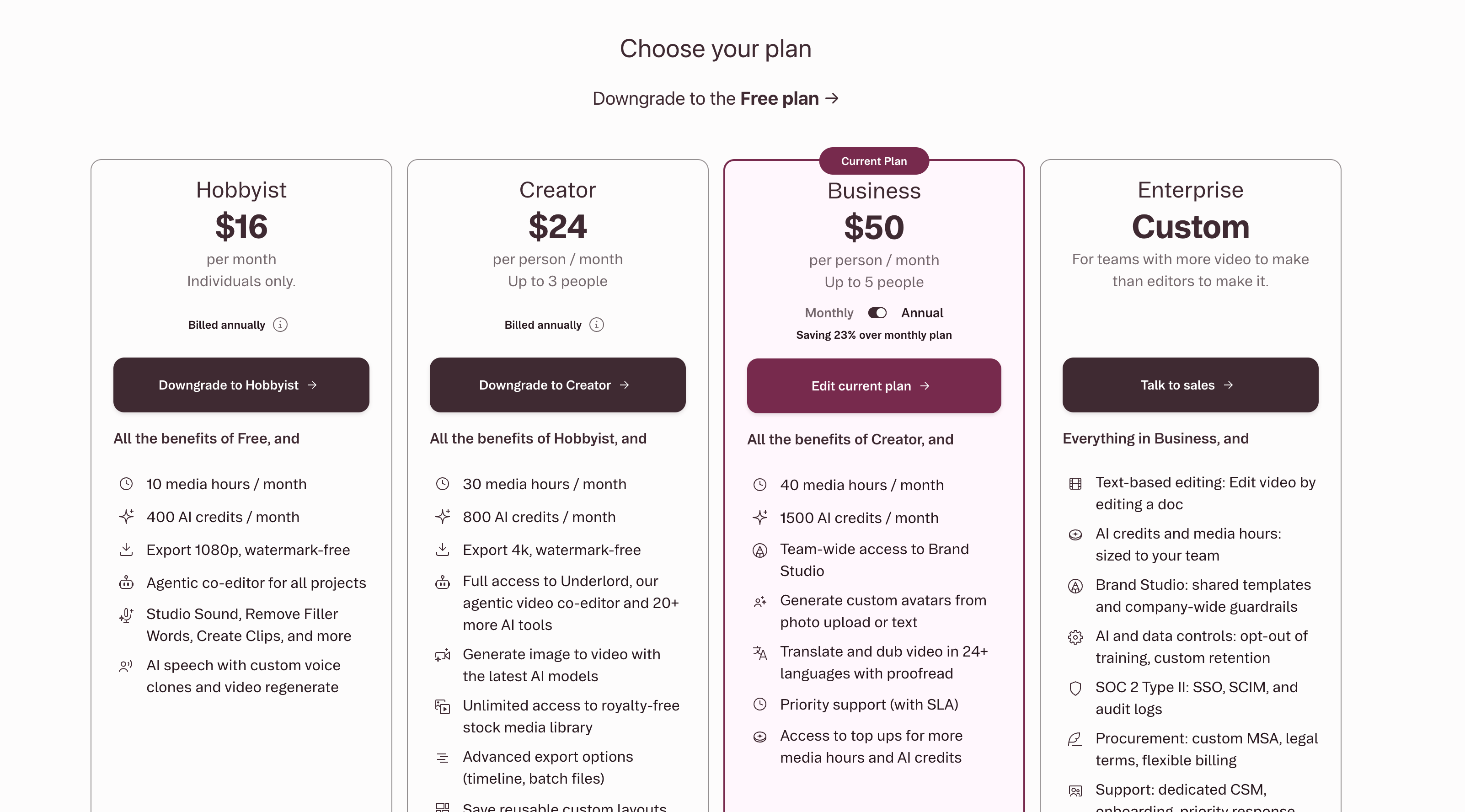
- Select the plan you want to switch to. To cancel, choose Downgrade to Free.
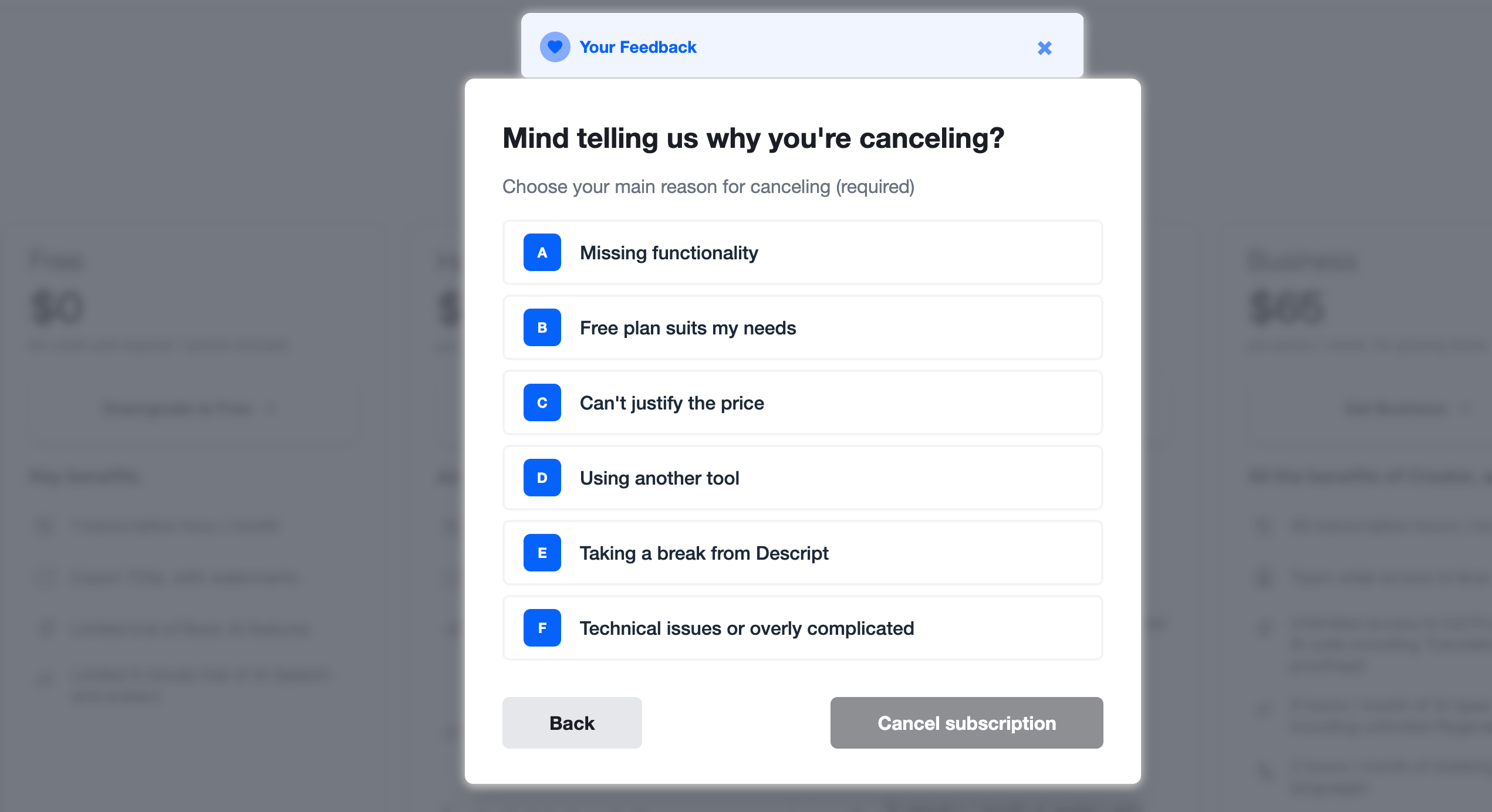
- Select a reason for canceling (required), then click Cancel subscription.
- Follow the prompts until you see the cancellation confirmation message.
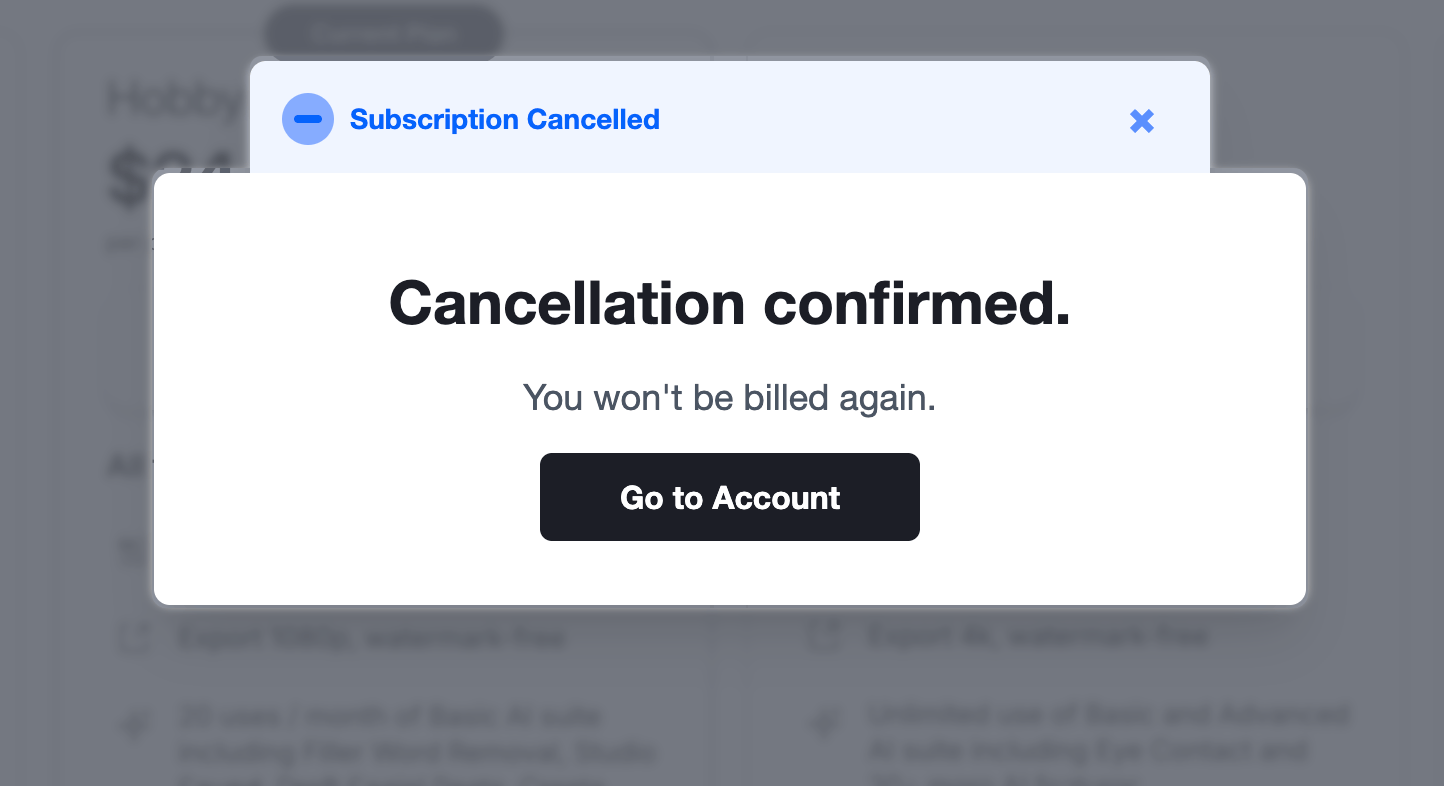
What happens after cancellation?
- You’ll stay on your current plan until the end of your billing cycle. After that, your Drive will switch to the Free plan.
- Your existing projects will remain accessible.
- You can upgrade again anytime from your subscription settings.
- Descript preserves your remaining top up balance, but you won’t be able to use it while on a Free plan. Upgrade back to a paid plan to use your available balance. The original 12-month expiration period continues to apply. Learn more about top ups
Resume a canceled or downgraded subscription
If you change your mind before the billing cycle ends, you can cancel the pending downgrade or cancellation.- Log in at web.descript.com or open the app.
- Open App Settings with
Command/Control + , (comma) - Select the correct Drive from the left sidebar.
- In the Plan tab, click to cancel the pending change.
Decrease editor seats or transcription hours
If your account is past due or your last payment failed, you won’t be able to adjust your plan until the issue is resolved. Contact support if you need help.
- Log in at web.descript.com or open the app.
- Open App Settings with
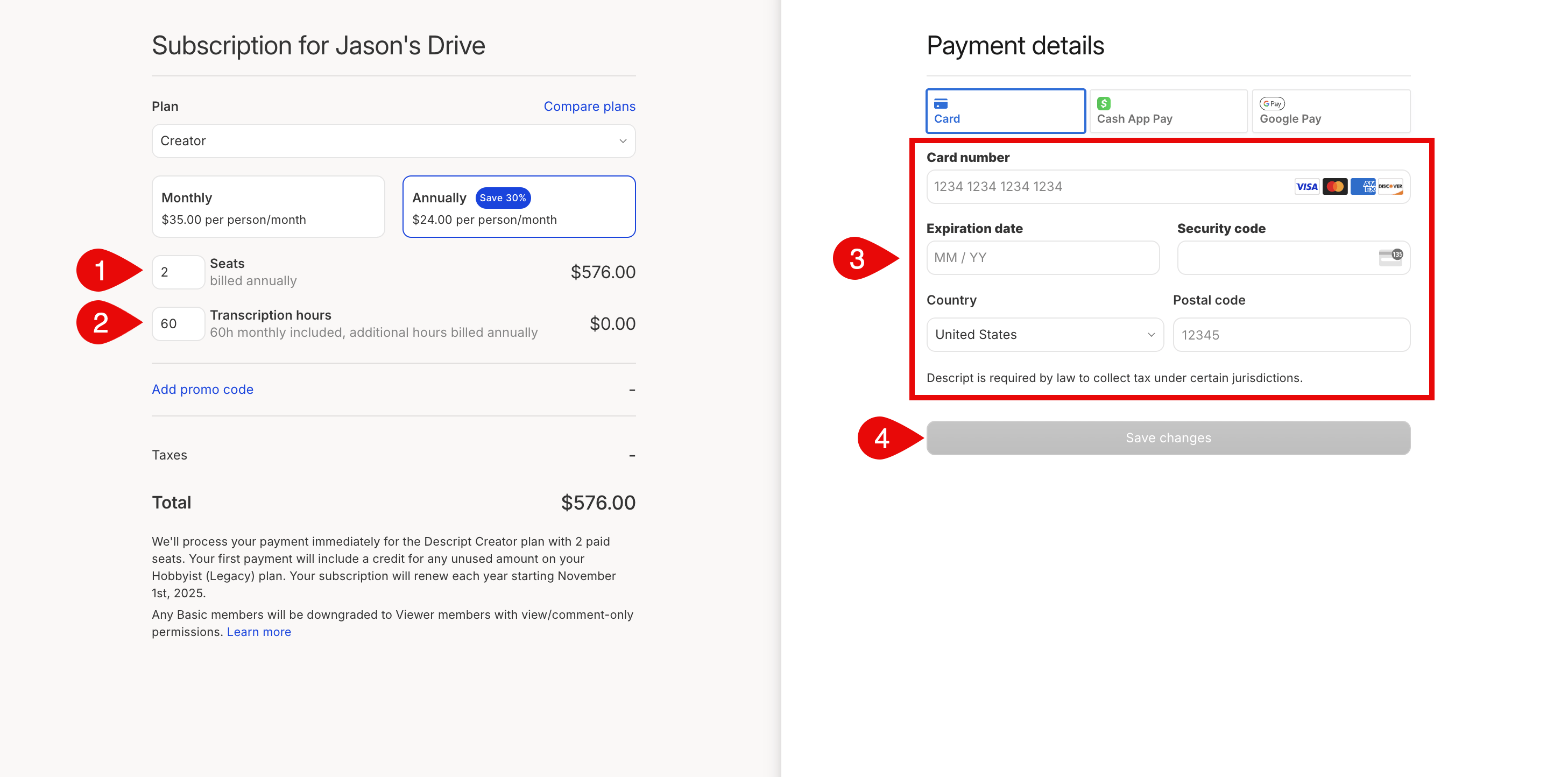
Command/Control + , (comma) - Select Edit current plan.
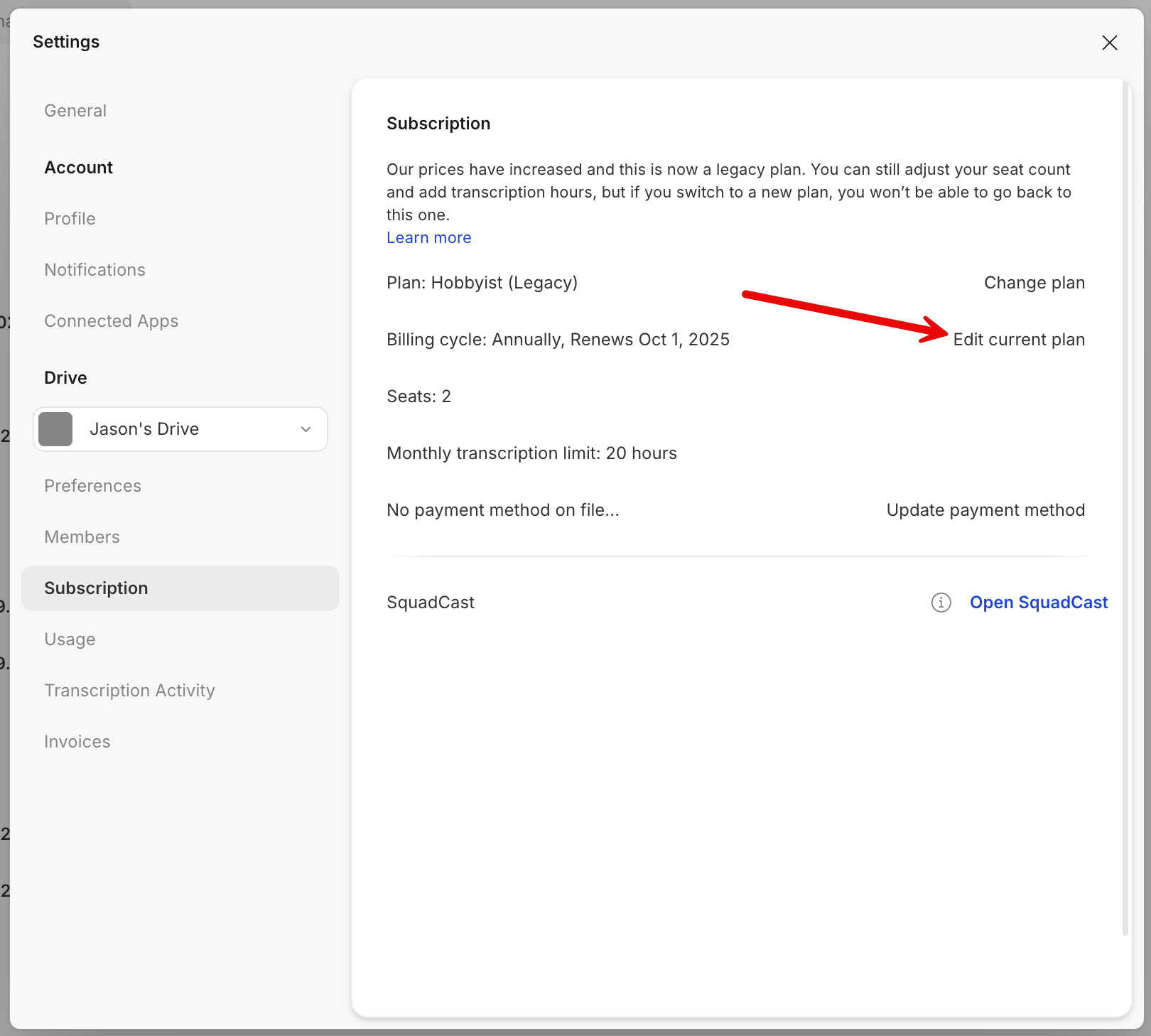
- Update the number of seats or transcription hours. To limit editing to just the Drive owner, set seats to one.
- You can also update your payment method if needed.
- Click Save changes to apply updates.