

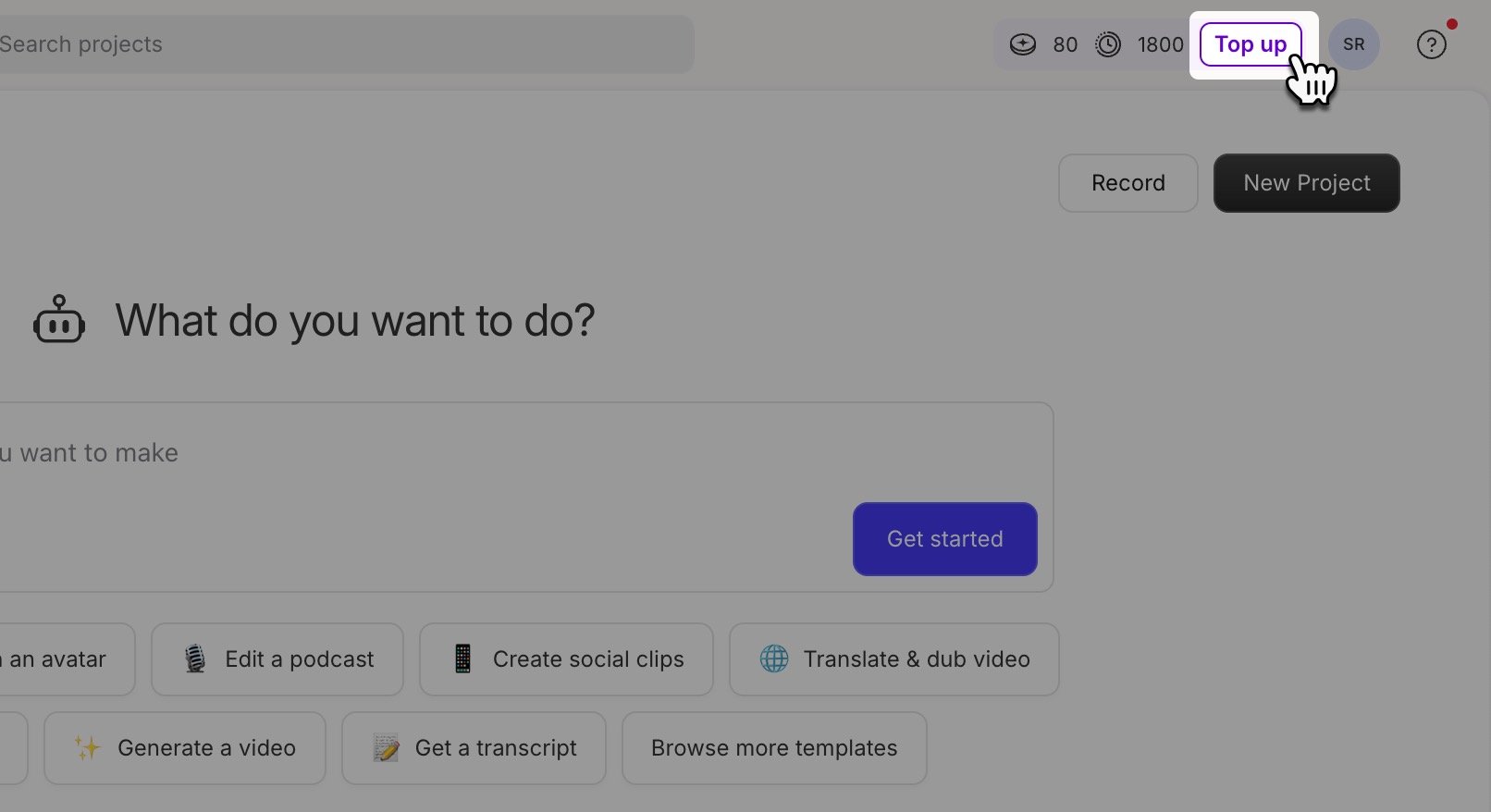
Before getting started
- Top ups allow you to purchase additional usage beyond your plan’s monthly allowance. To understand how usage is measured, see Understanding Media Minutes and AI Credits.
- Top ups aren’t available on Legacy or Sunset plans. If you’re still using one of these plans, you can only purchase additional transcription hours. Learn more about Legacy and Sunset plans or upgrade to one of our current plans with Media Minutes and AI Credits.
Purchase a top up
When you’re close to running out of Media Minutes or AI Credits, you’ll see a message letting you know you’ve reached your limit. To purchase top ups:- Open your App Settings. Click your profile photo in the top-right corner of the window, then select Settings from the dropdown menu.
- Click the Usage tab in the left-hand pane, then click the Top up button in the banner near the top of the window.
- Select a bundle of AI Credits and/or media minutes.
- Complete the purchase.
Top up pricing
Top ups come in two types: AI Credits and Media Minutes (sold in hour bundles at checkout). Purchase AI Credits if you’re low on credits; purchase Media Minutes if you need more transcription time. Larger bundles bring the per-unit price down. Learn more about media minutes and AI credits.AI Credits
Media Minutes
Should I buy a top up or upgrade my plan?
Buy a top up if:- You’re experiencing a temporary spike in usage this month
- You’re working on a time-sensitive project with a deadline
- You want to avoid the long-term commitment of a higher monthly plan
- You consistently run out of Media Minutes or AI Credits monthly
- You need additional resources beyond usage (such as more seats or storage)
- You want to access premium features only available on higher-tier plans