Option 1: Revert a change
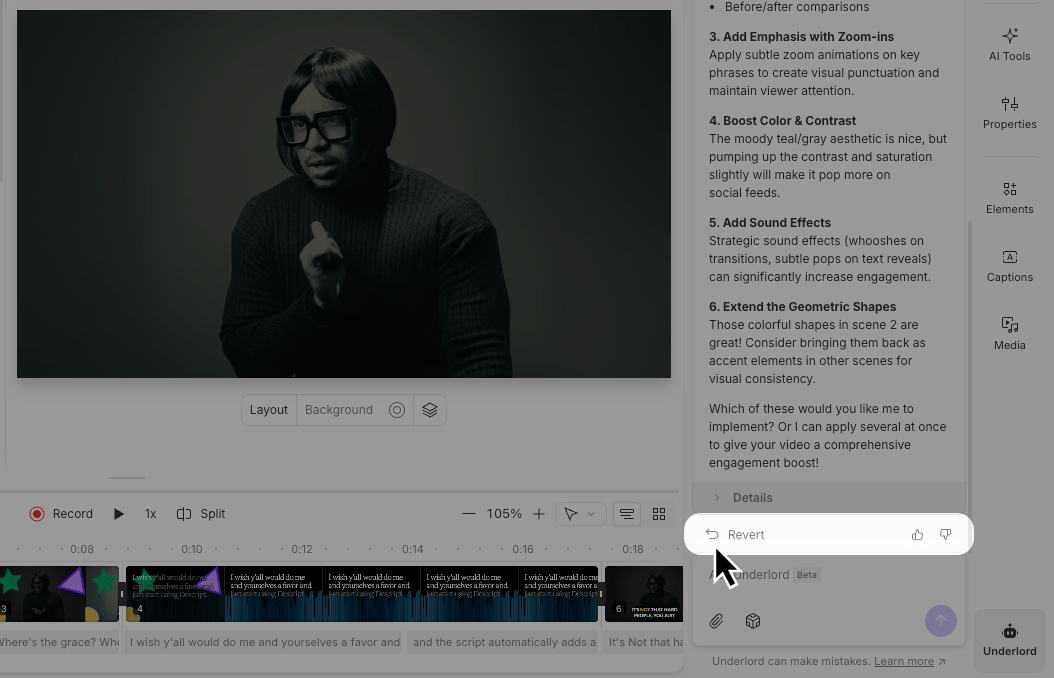
Underlord creates checkpoints before making changes. You’ll see these in the chat just before edits are applied. These checkpoints are available during your current session. If you refresh or close the project, use Version History instead.- Open the Underlord panel on the right side of your project.
- Scroll through your chat with Underlord and find the response you want to undo.
- Click the Revert button in the action bar below the response.
Option 2: Use the Undo button
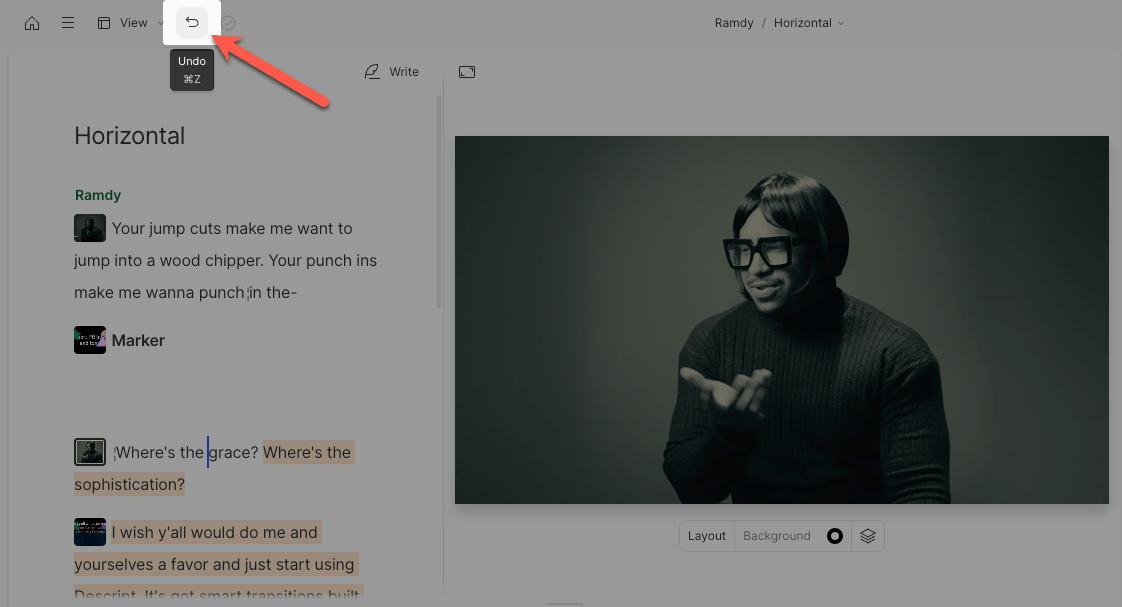
Near the top-left of the Descript editor window is an undo button. Click this or use the command/control + z keyboard shortcut to go back one step.