

Log out from the Drive View
Click your profile icon in the top-right corner and select Logout.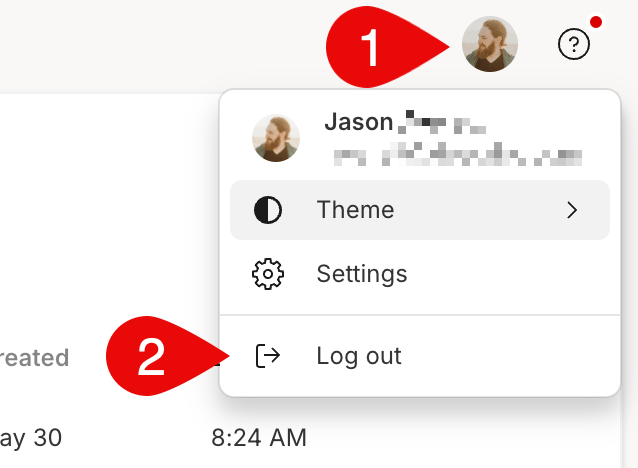
Log out from within a project
Click the menu icon in the top-left corner of the app window, then select Logout.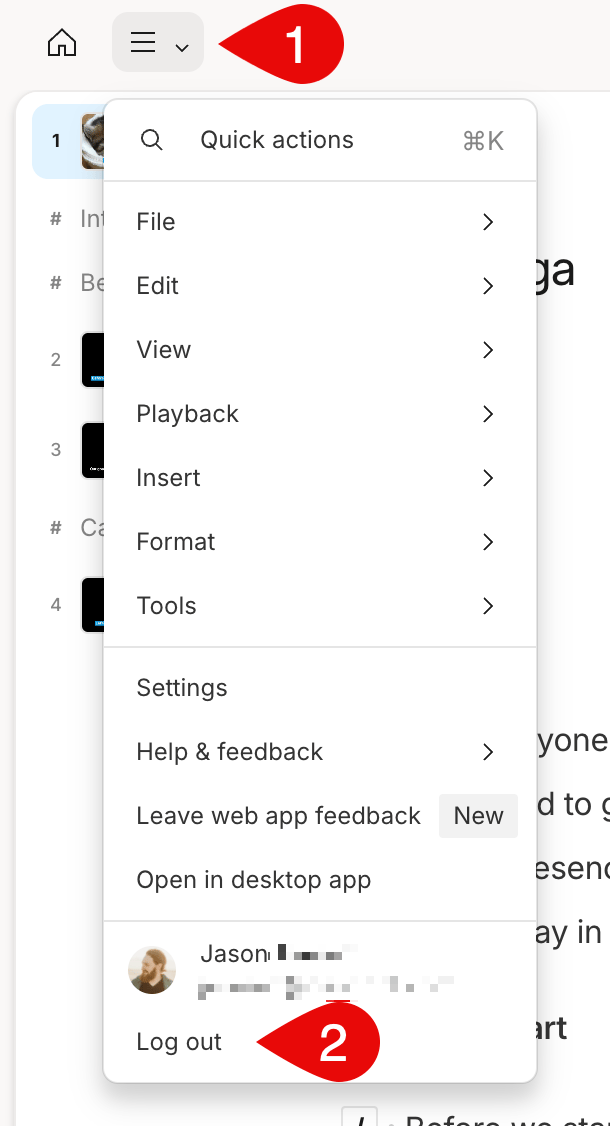
Trying to switch drives, not accounts?If you’re staying in the same account but want to move between personal or team drives, learn how to switch drives here.