

Folders group related projects inside a workspace. They’re available in the general drive workspace and custom workspaces. In personal private workspaces, only the read-only Recordings folder is available. Folders can’t be moved between workspaces or drives.

Create a folder

  1. From the drive view, select a workspace in the left sidebar.
  2. Click New folder in the top-right corner.
  3. Name your folder and click Create Folder.
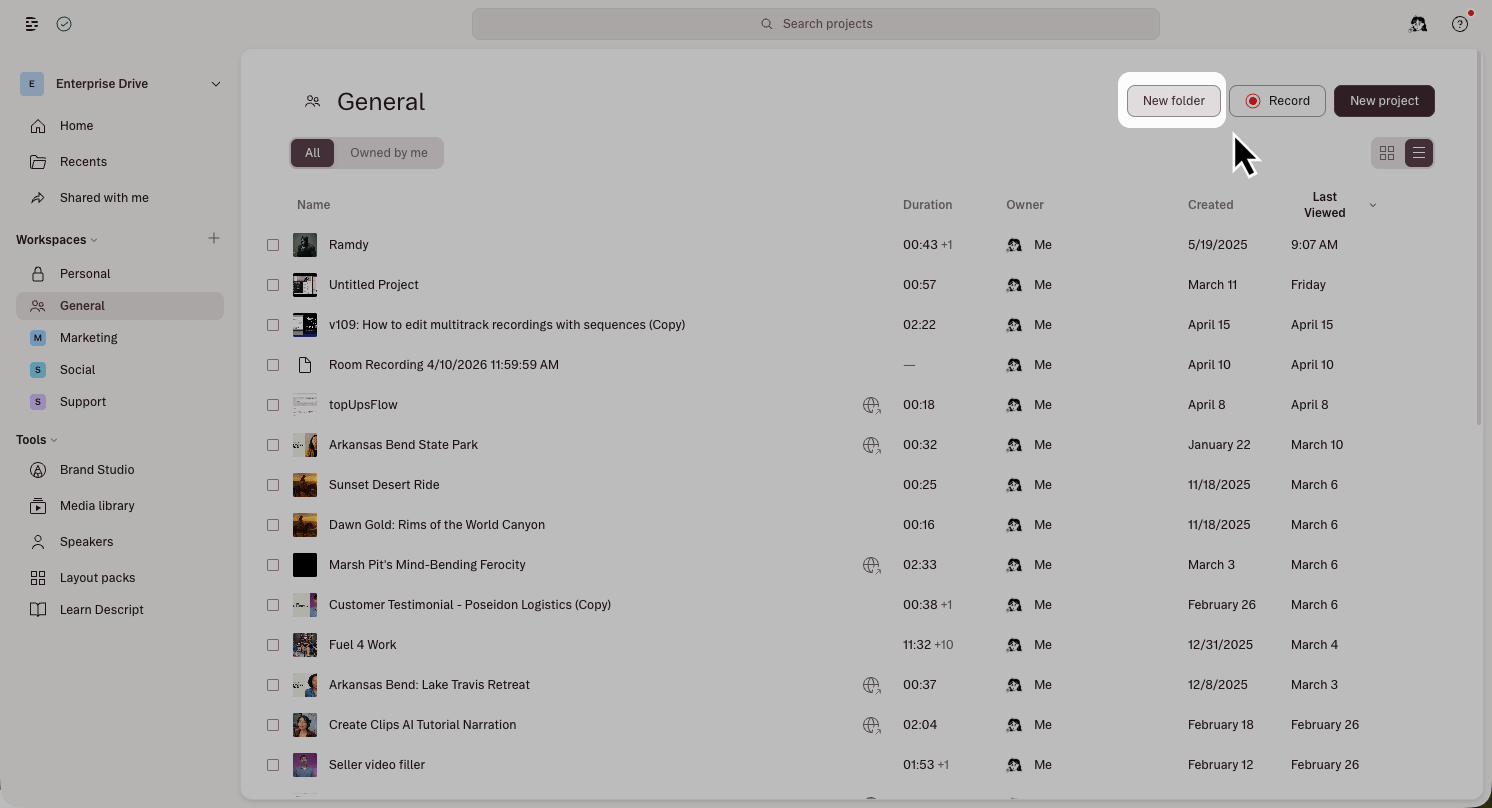
Creating a new folder in the drive view On Enterprise plans, create a folder from the menu next to a custom workspace’s name.

Move projects into a folder

  1. Click the menu next to the project.
  2. Select Move to and choose the destination folder.

Rename or delete a folder

  1. Click the menu next to the folder’s name.
  2. Select Rename or Delete.
Move or delete all projects inside a folder before deleting the folder itself.