

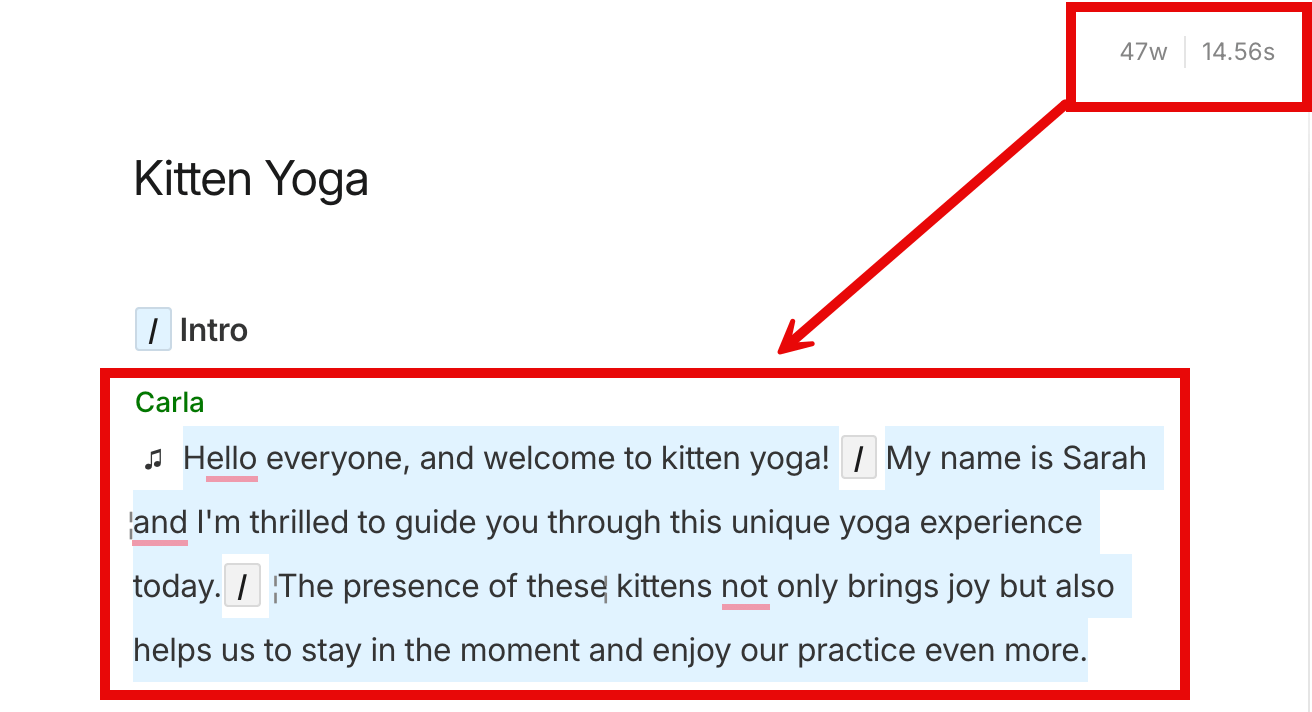
View entire composition’s duration and word count
- Click anywhere in the Script editor.
- Select your entire script; there are a couple of different ways you can do this:
- Press
Command + A(macOS) orControl + A(Windows). - Click the menu in the top left corner, then clickEdit > Select all.
- Press