

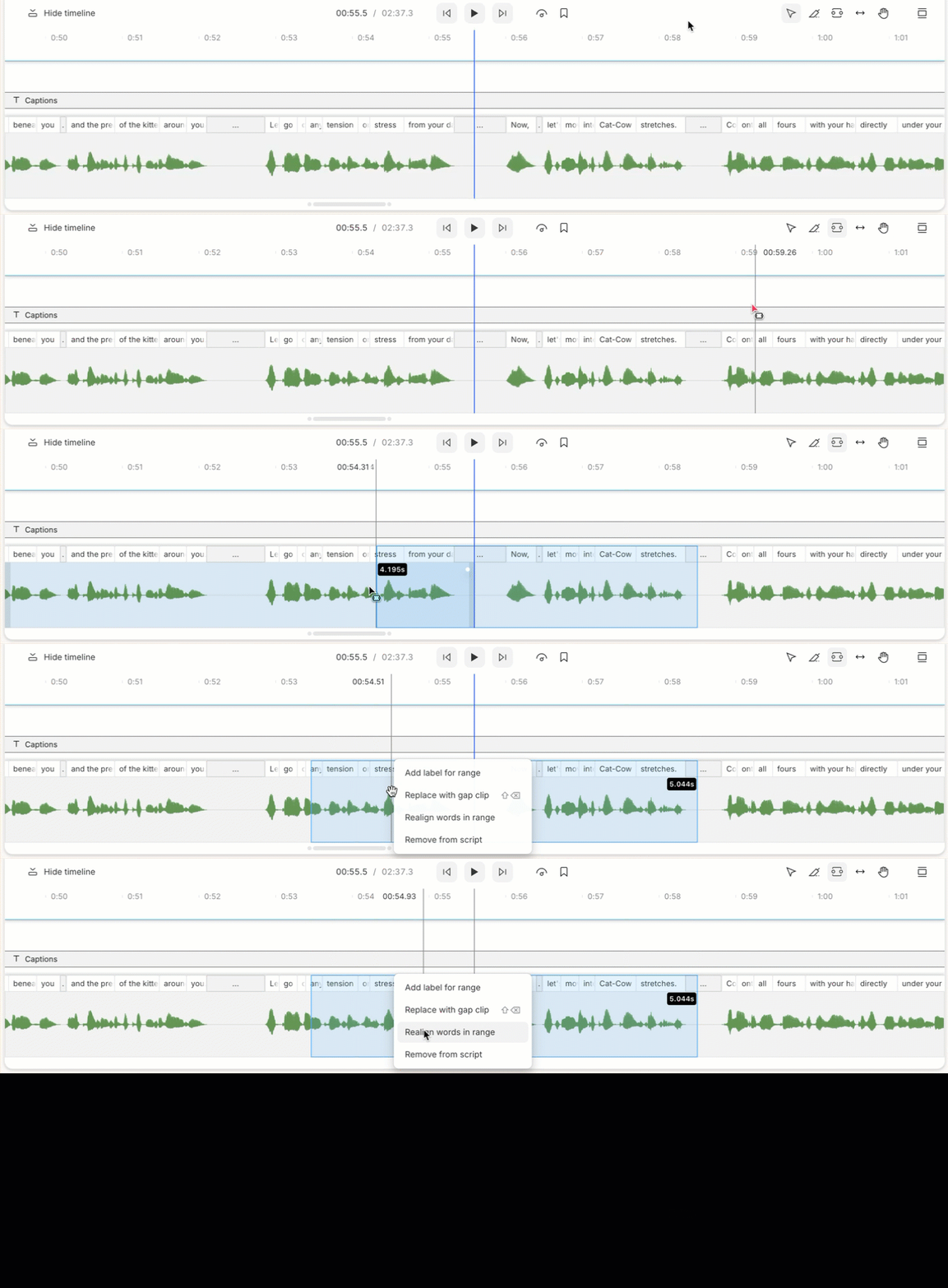
- Select a range of script — by highlighting the text in the Script editor, or by using the

- From the Timeline, right-click on the selected range.
- Select Realign words in range.\
Manually correcting alignmentIf you need to make any further corrections to the transcript alignment, you can manually adjust word boundaries with the wordbar.